Sign out (logout)
Steps to Use the Sign Out Feature
Sign in/log in to the Masjid Media application. Sign In/Login (Email/Google)
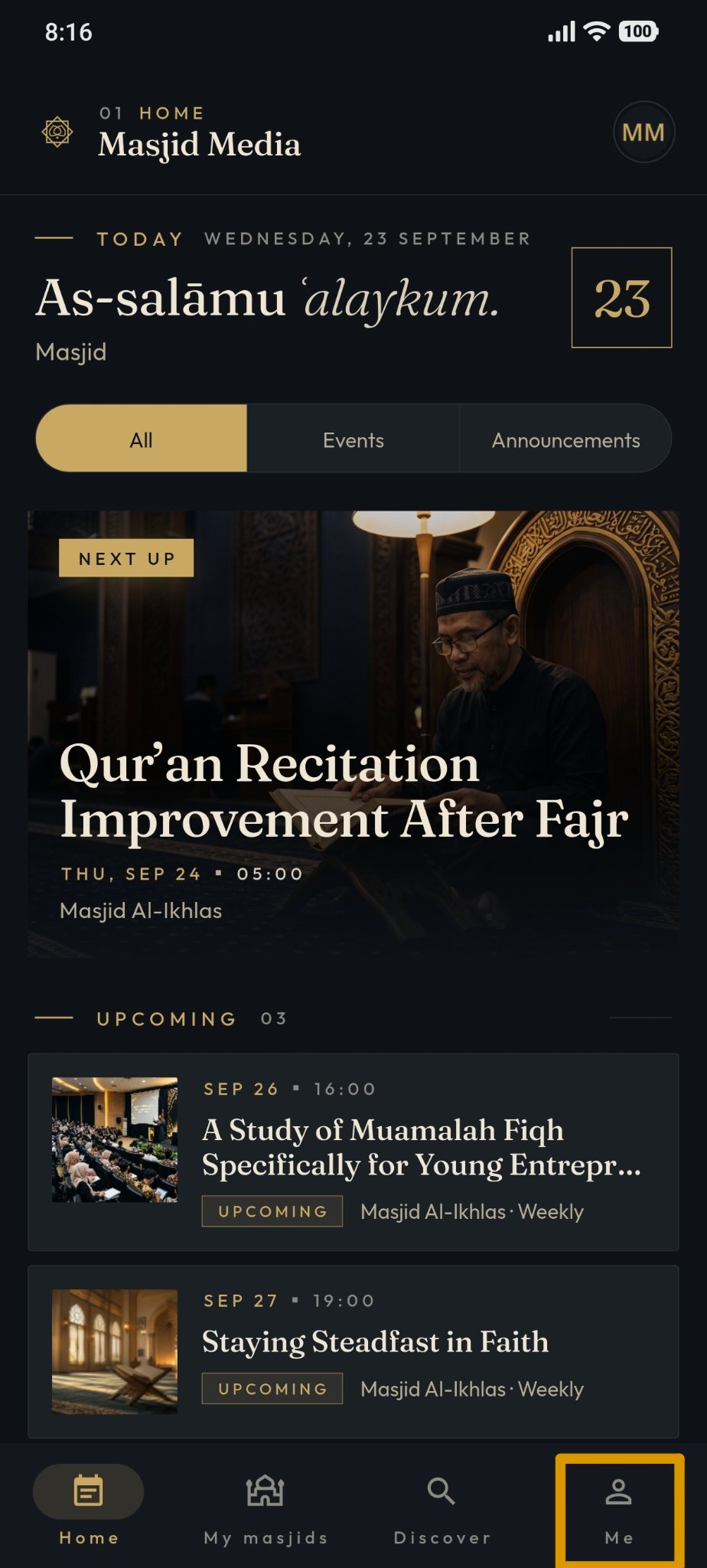
After successfully signing in, open the "Me" menu.
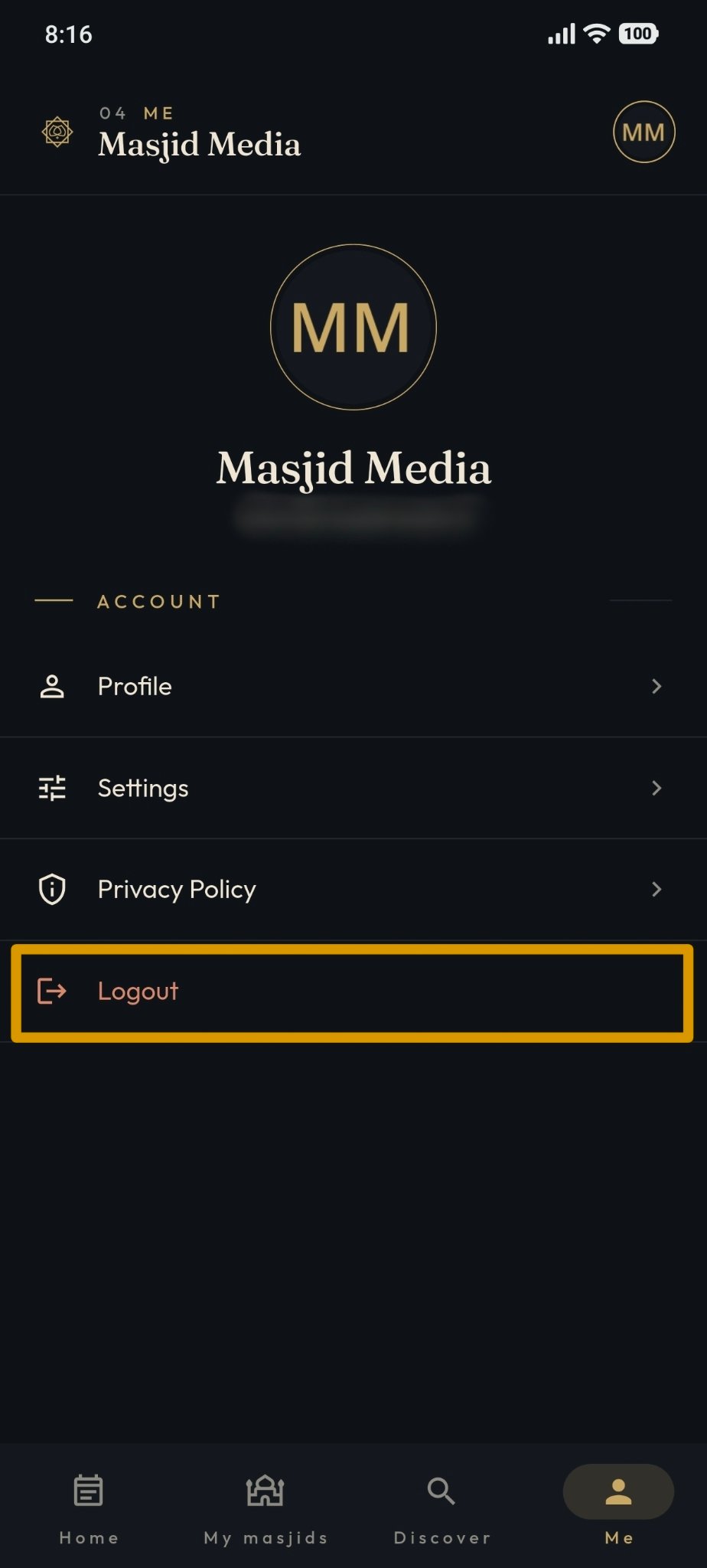
On the Me page, select "Sign Out".
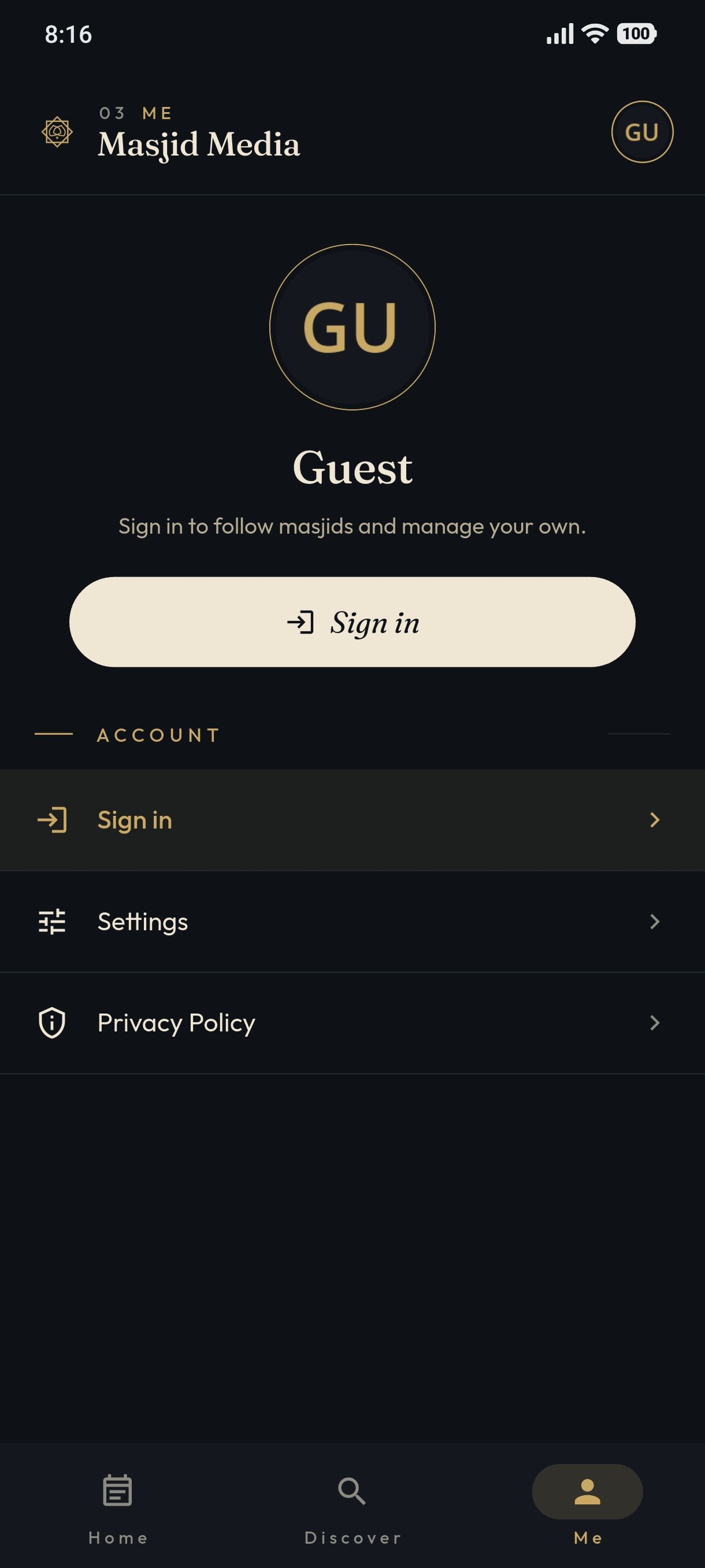
The user is no longer signed in.