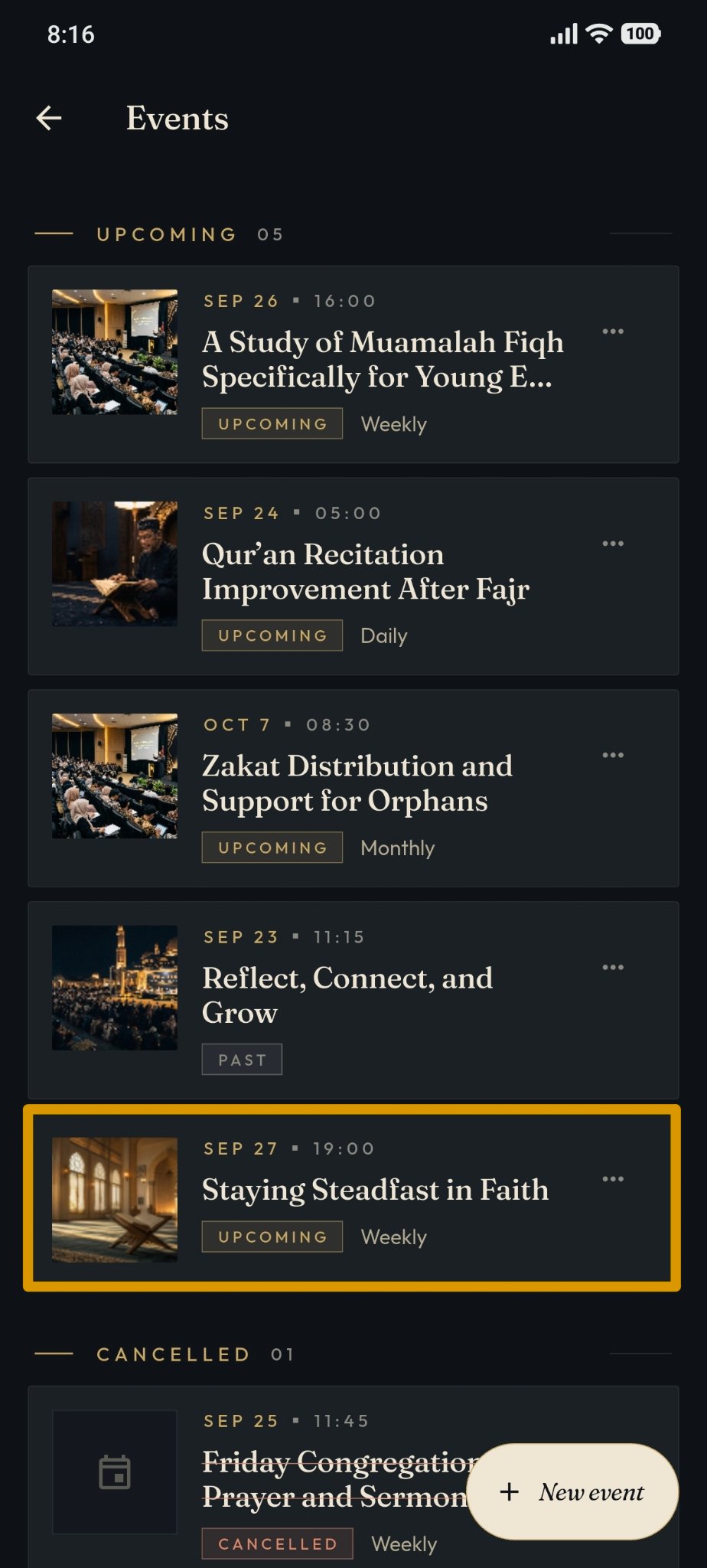
Events Management
Steps to add an event in Masjid Media:
Navigate to "My Mosque", then select your mosque under "Owner". If you haven't created a mosque profile yet, follow Create Mosque.
The mosque dashboard page will appear as shown below.
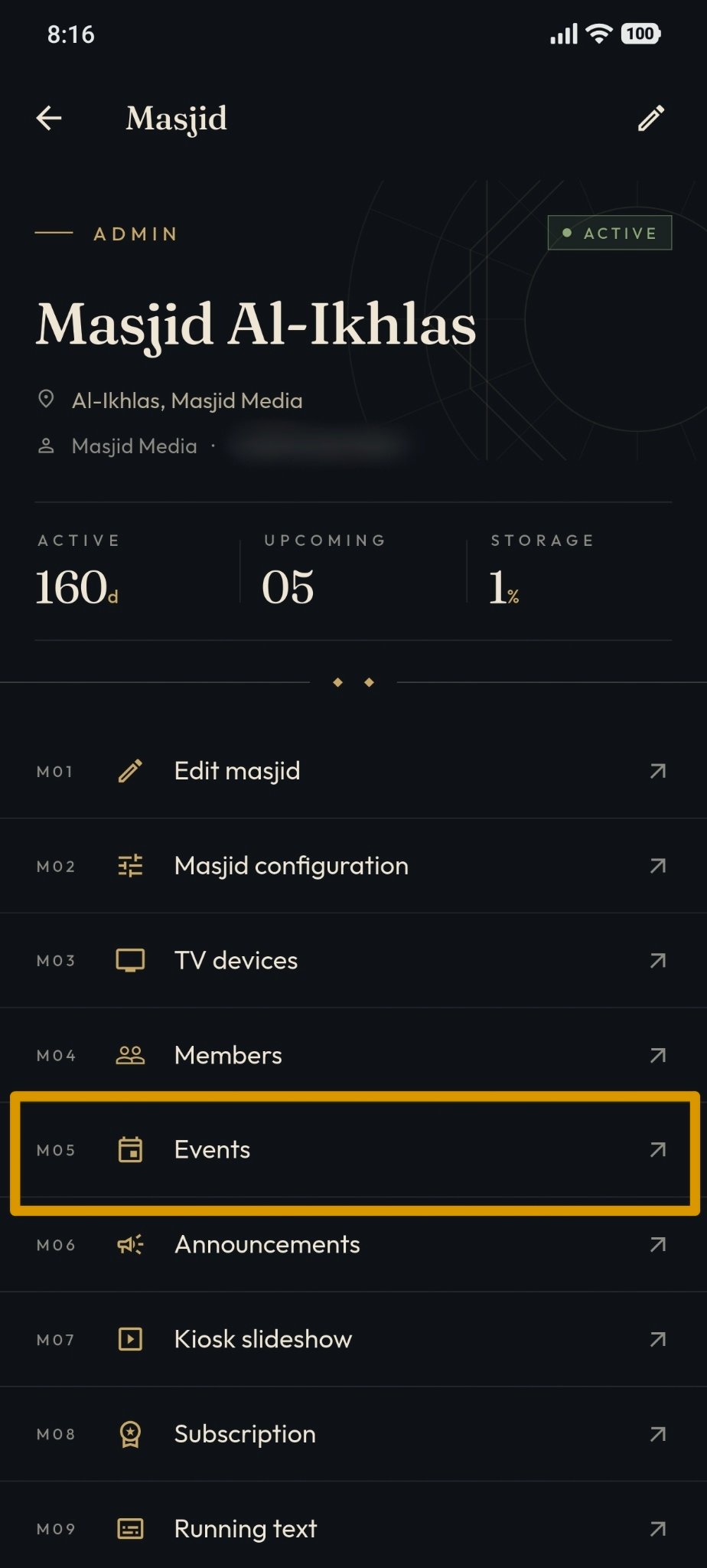
Tap "Events" from the top menu to view existing events or create a new event.
The "Events" management page will appear as shown below. Here you can edit event details, view event info, delete events, or create new events.
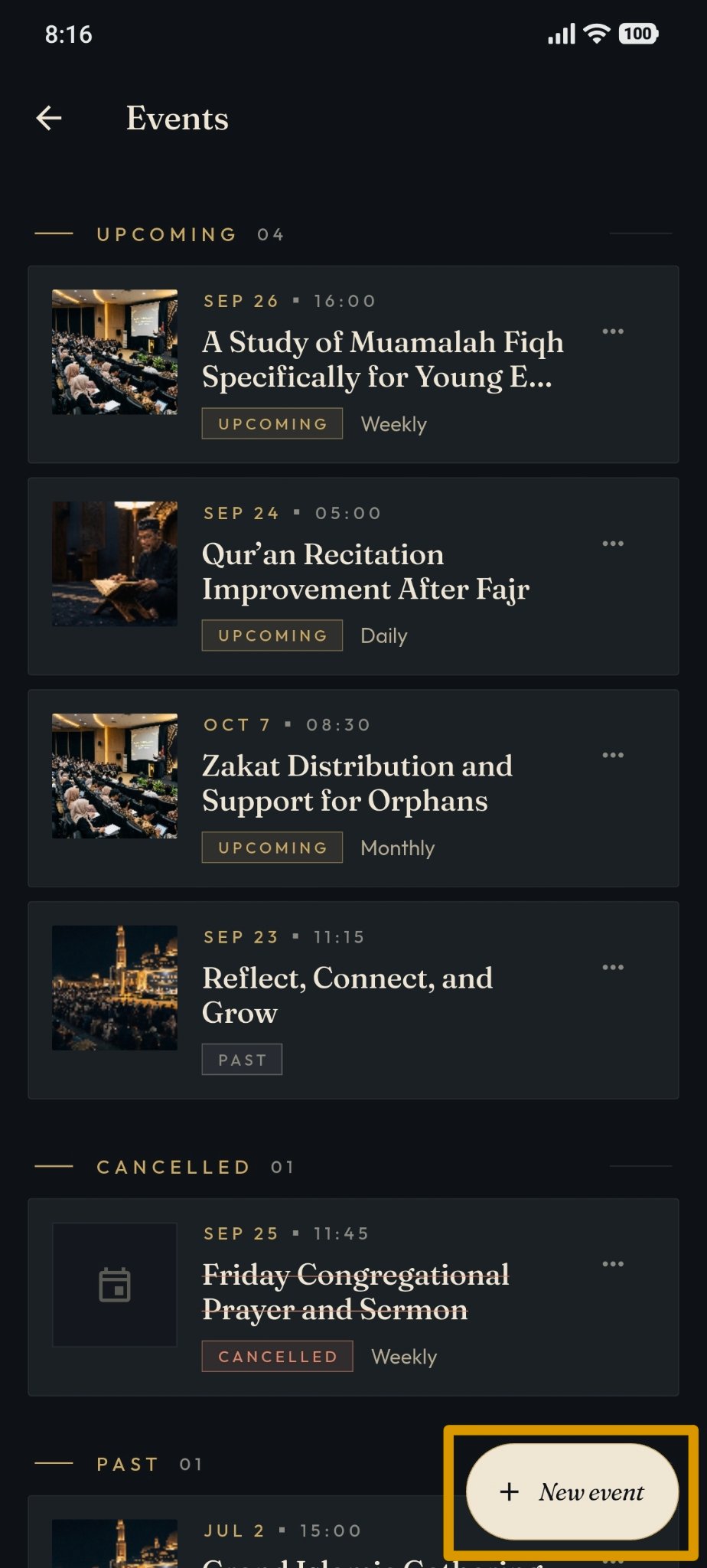
To create a new event, tap "New Event".
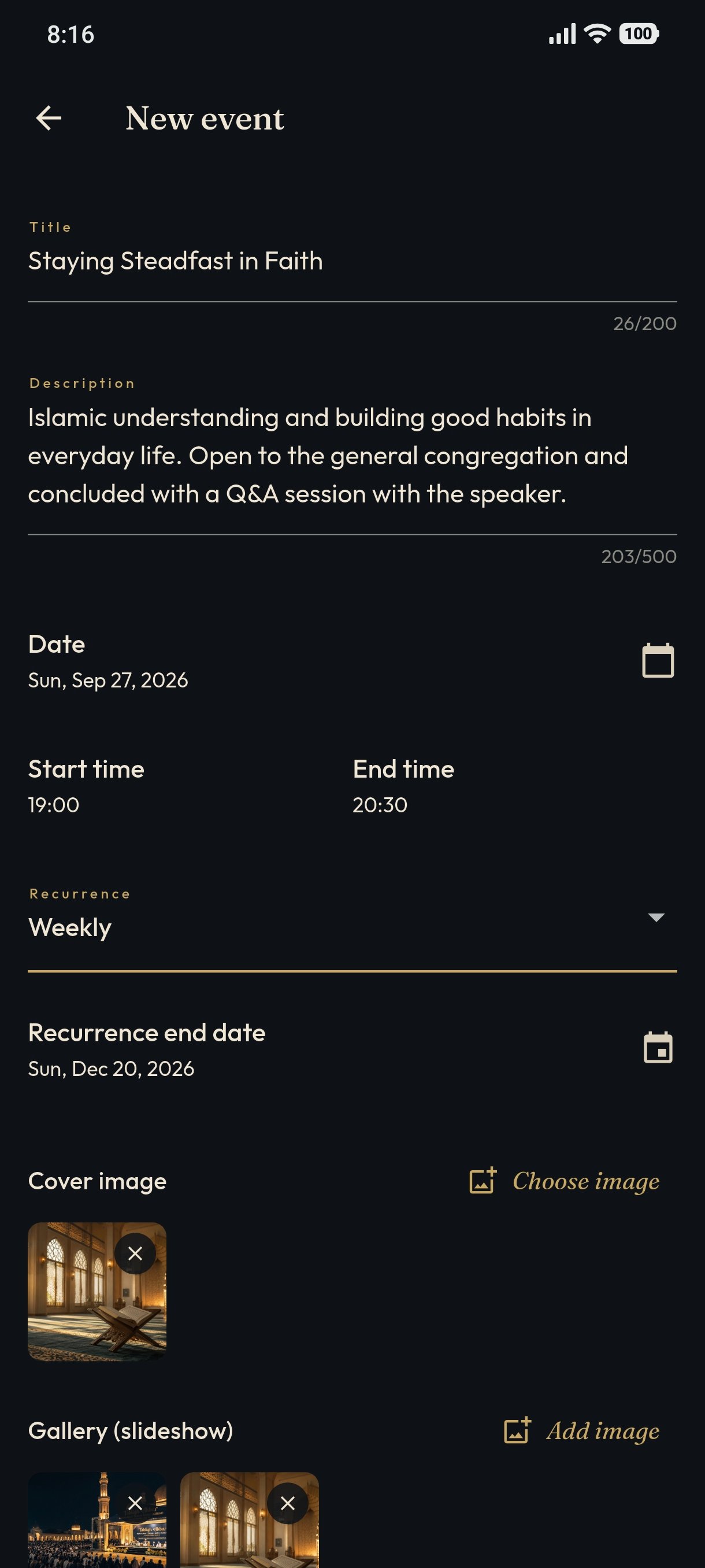
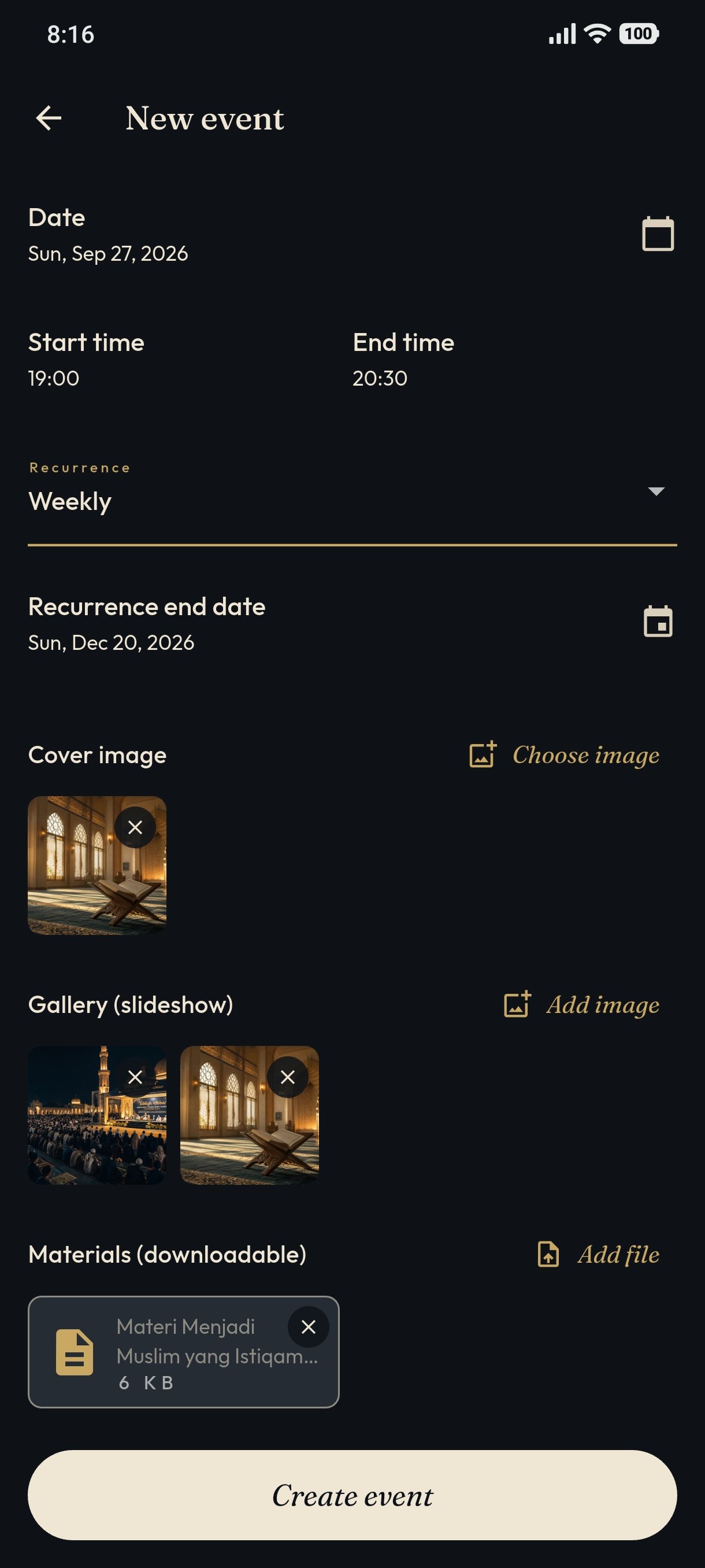
Fill in event title, description, date, start time, end time, and attach an event banner image.
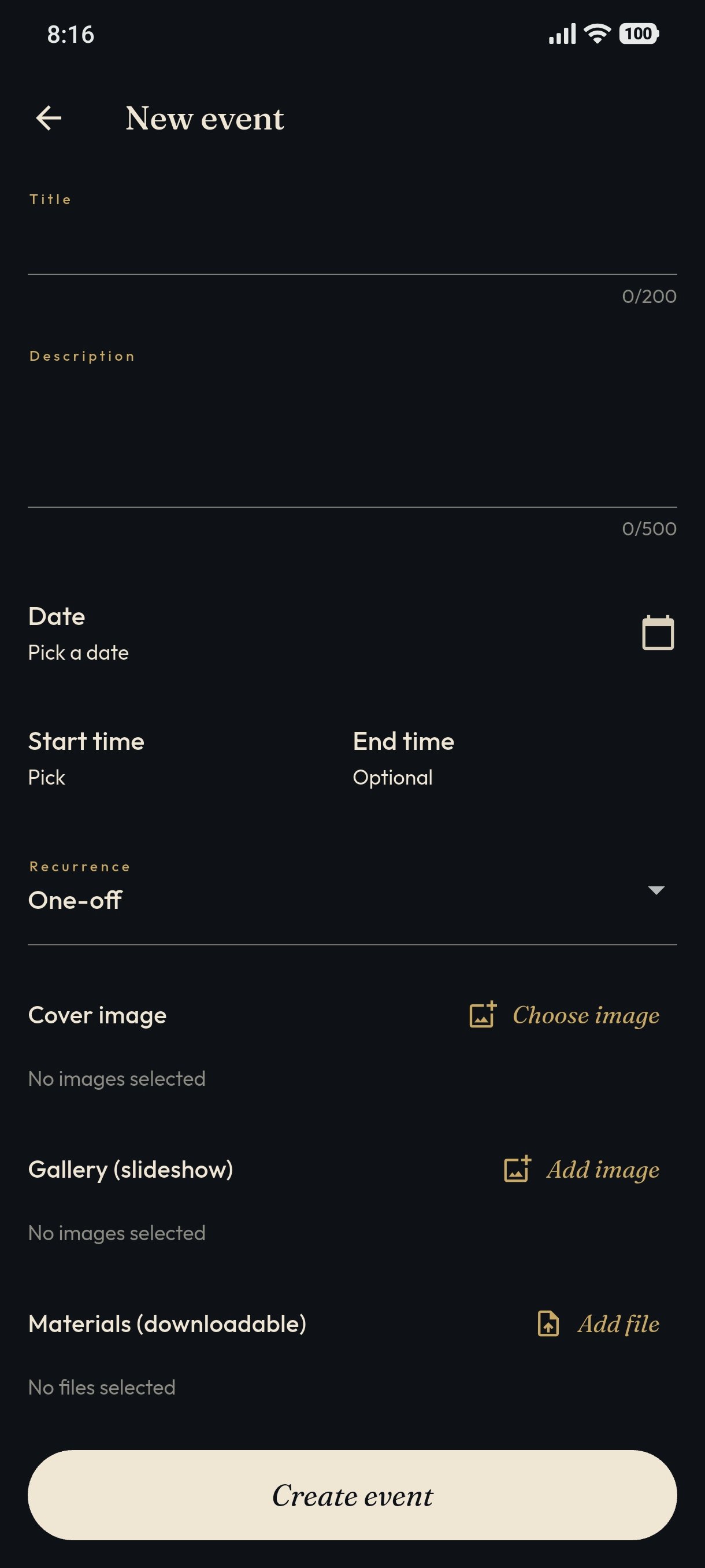
An example of filled event information is shown below.
The created event card will be displayed as shown below.