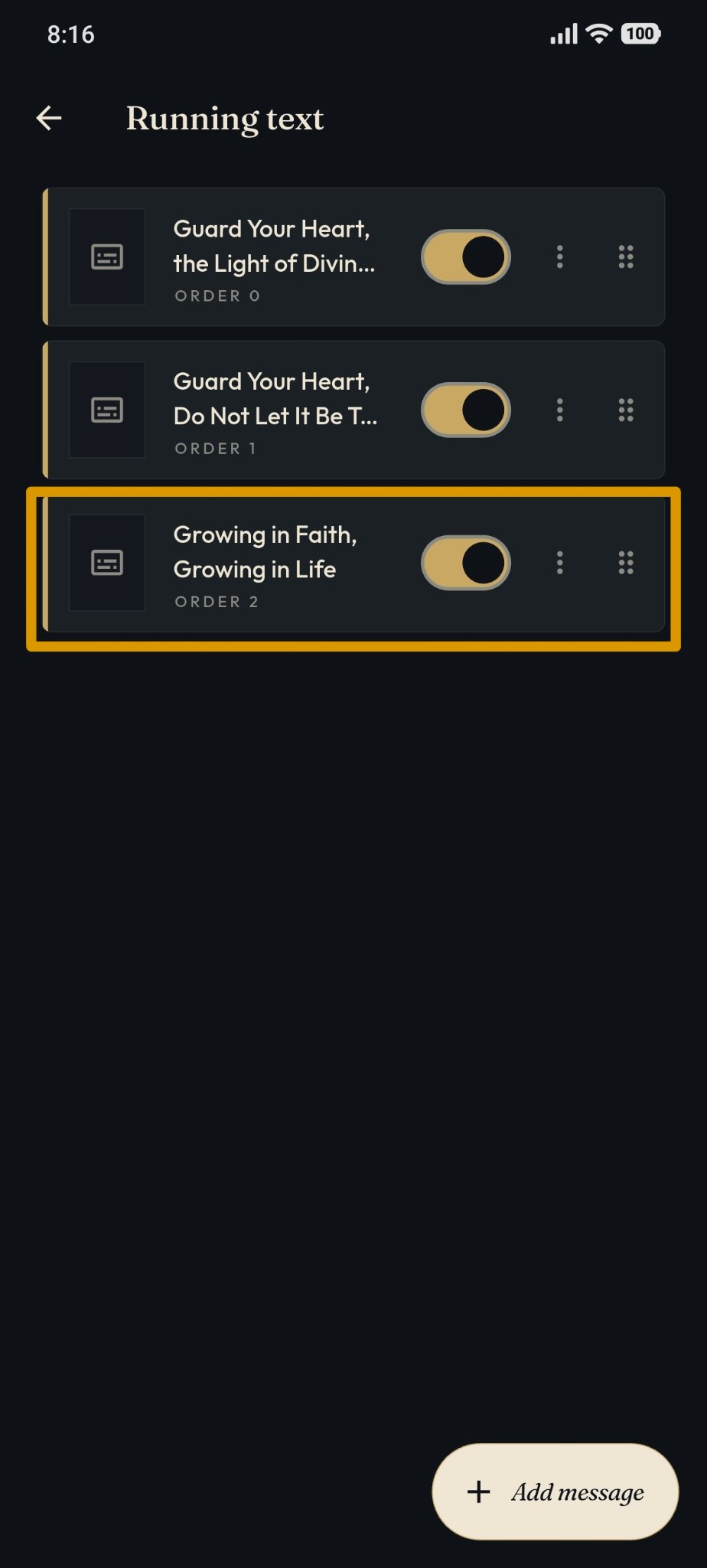
Add Running Text
The Running Text feature can be accessed by users with the Owner and Admin roles through the masjid management page.
Adding Running Text
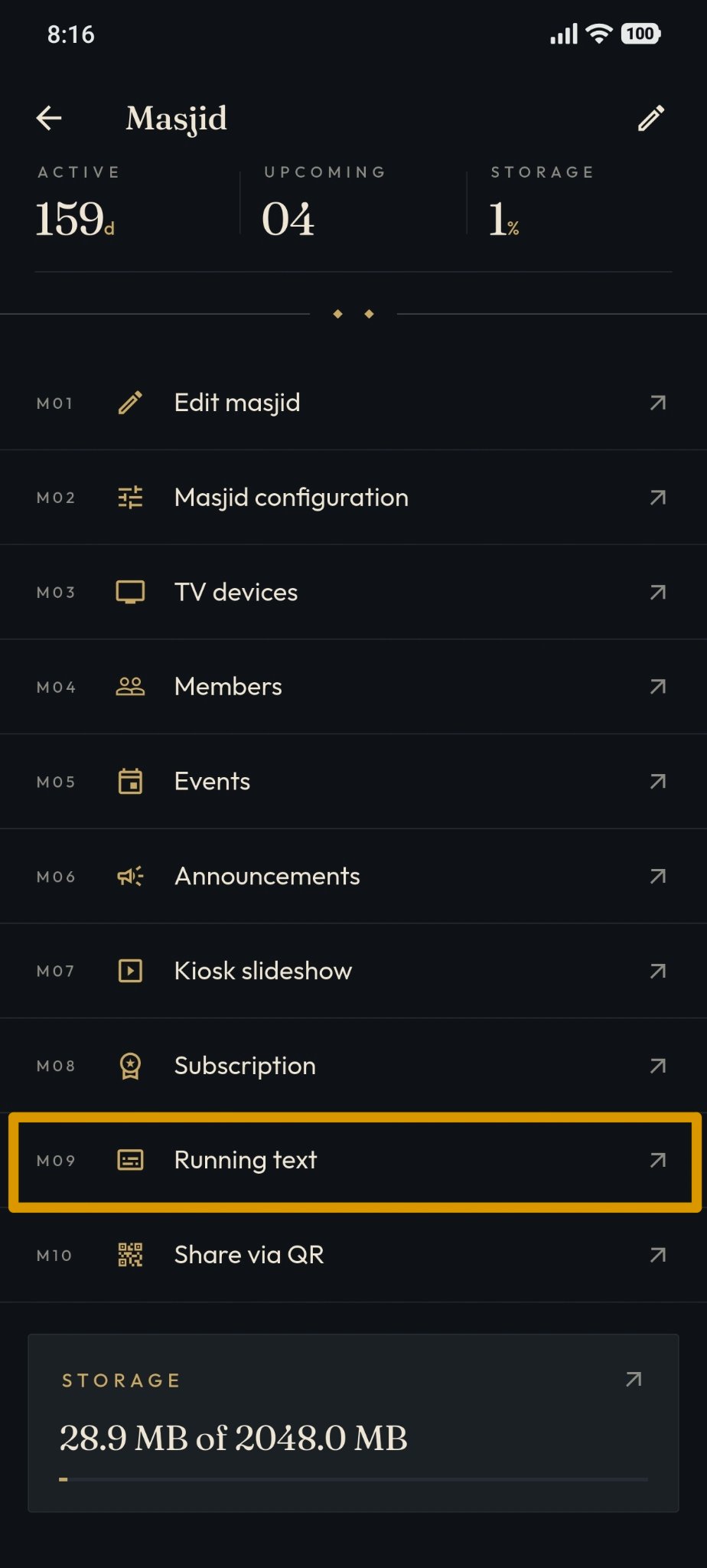
Open the "Running Text" menu on the masjid management page.
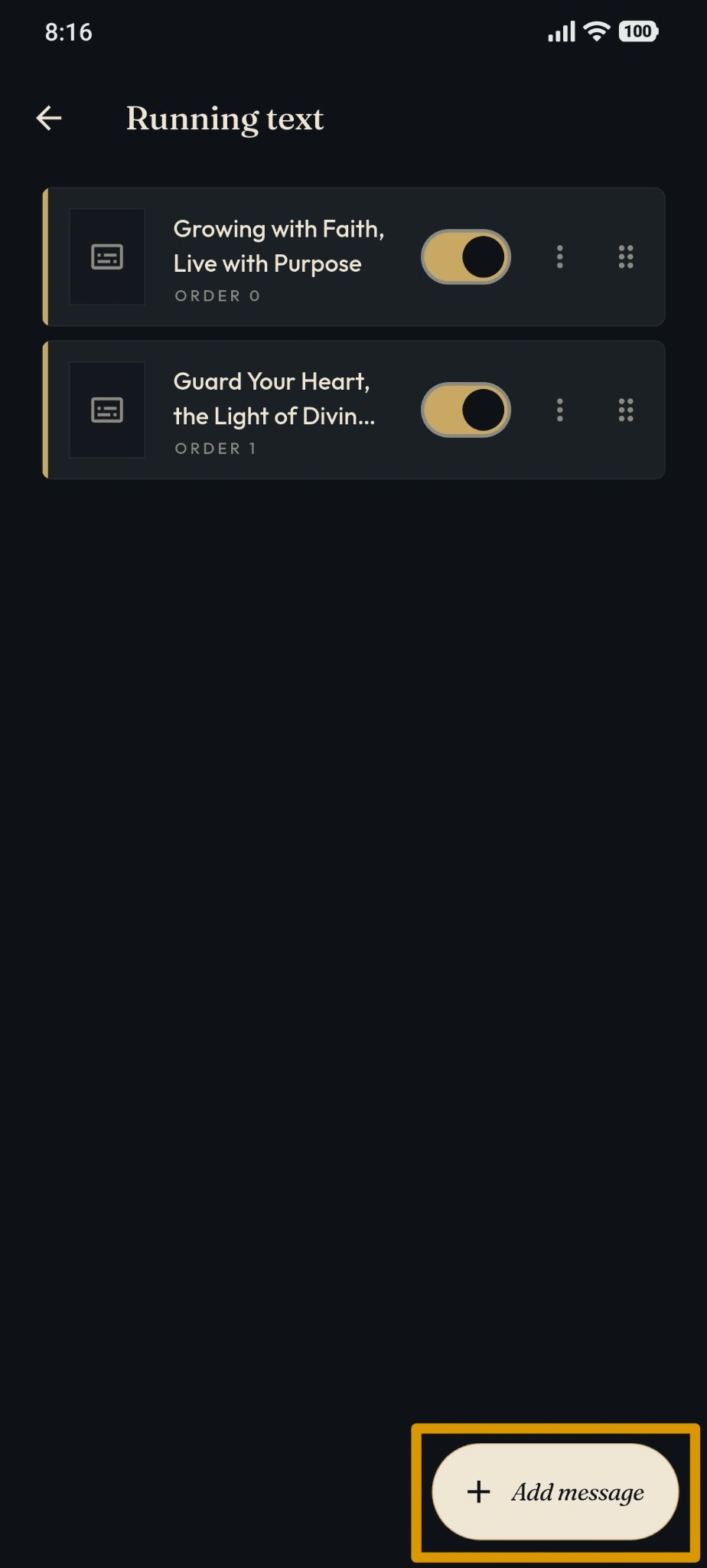
Click the "+ Add Message" button at the bottom right.
The system displays the "New Message" page.
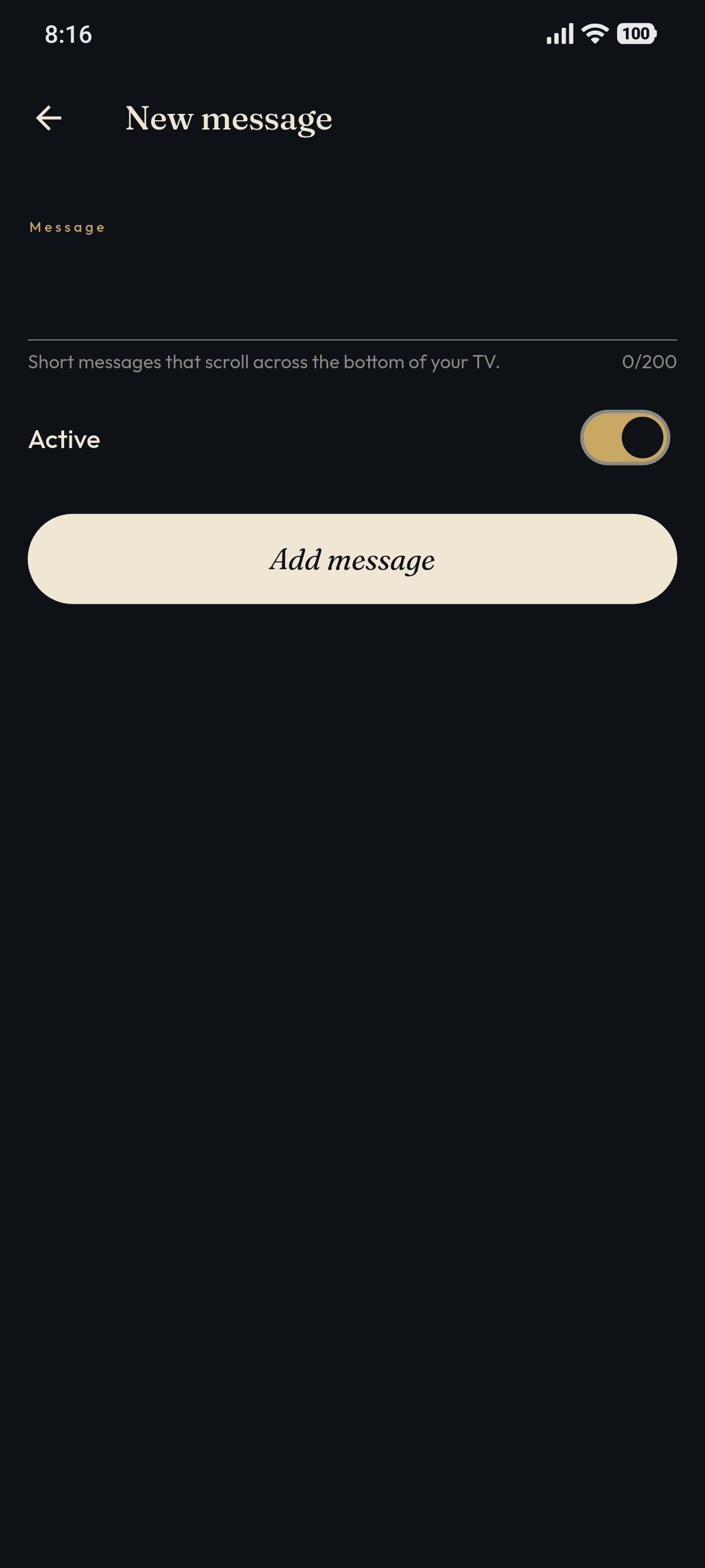
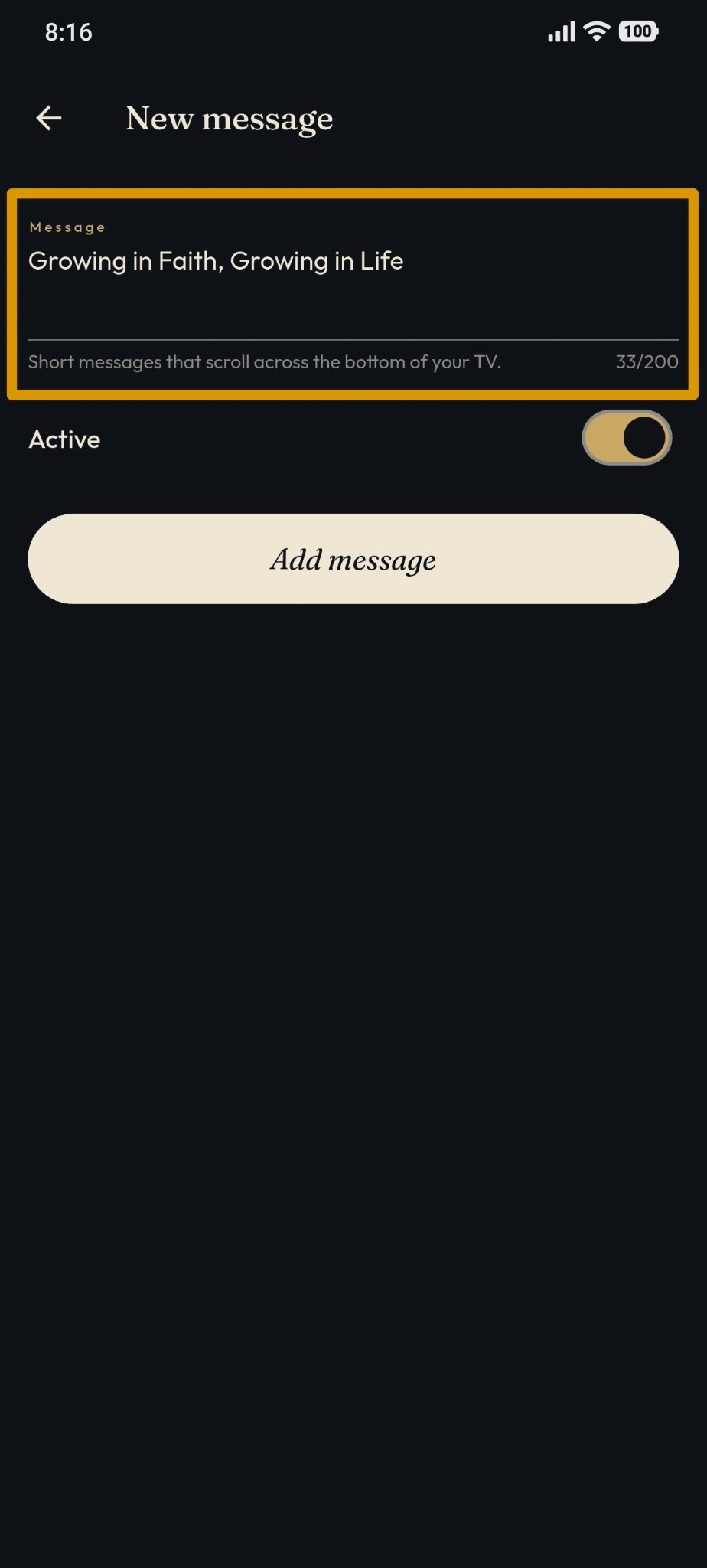
In the Message section, enter the text you wish to display as the running message.
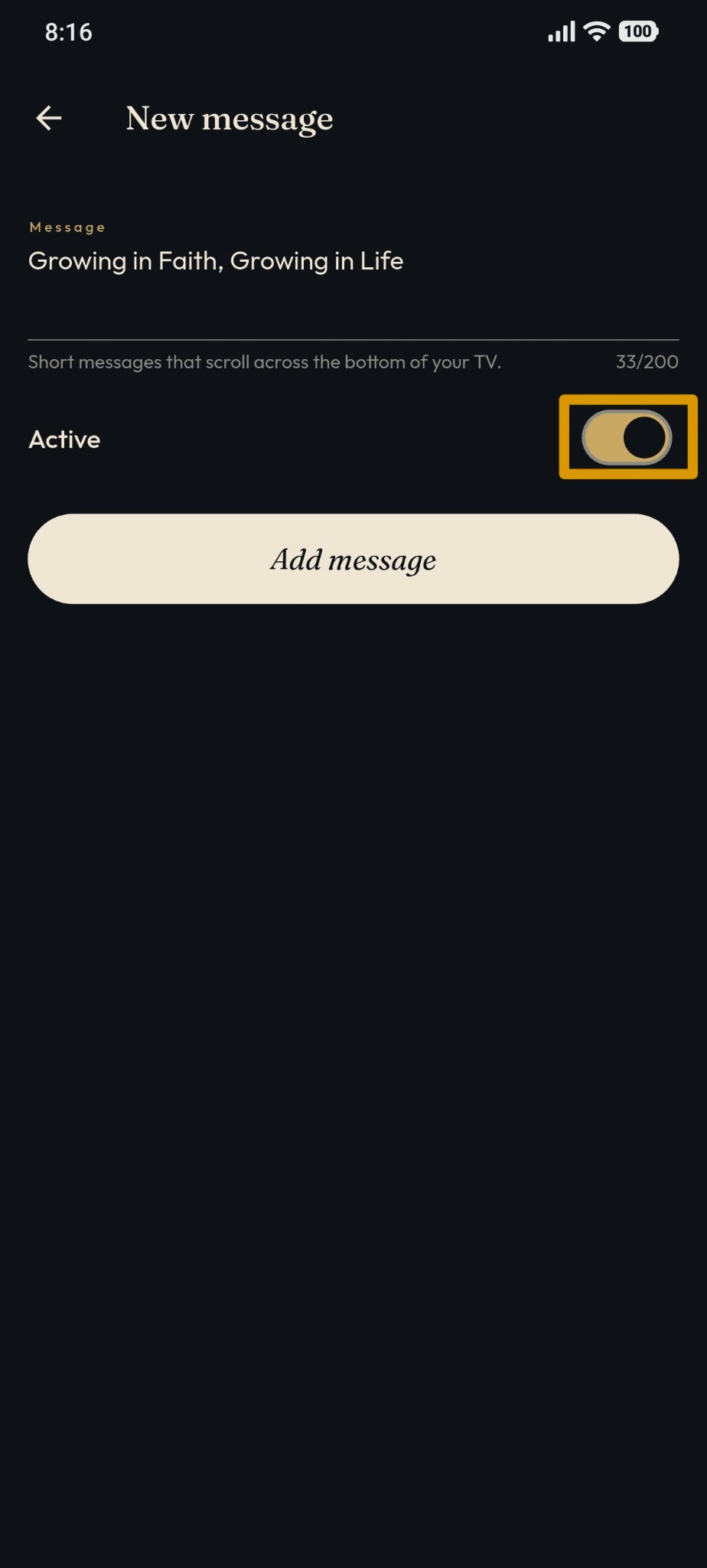
Set the Active status using the provided toggle switch.
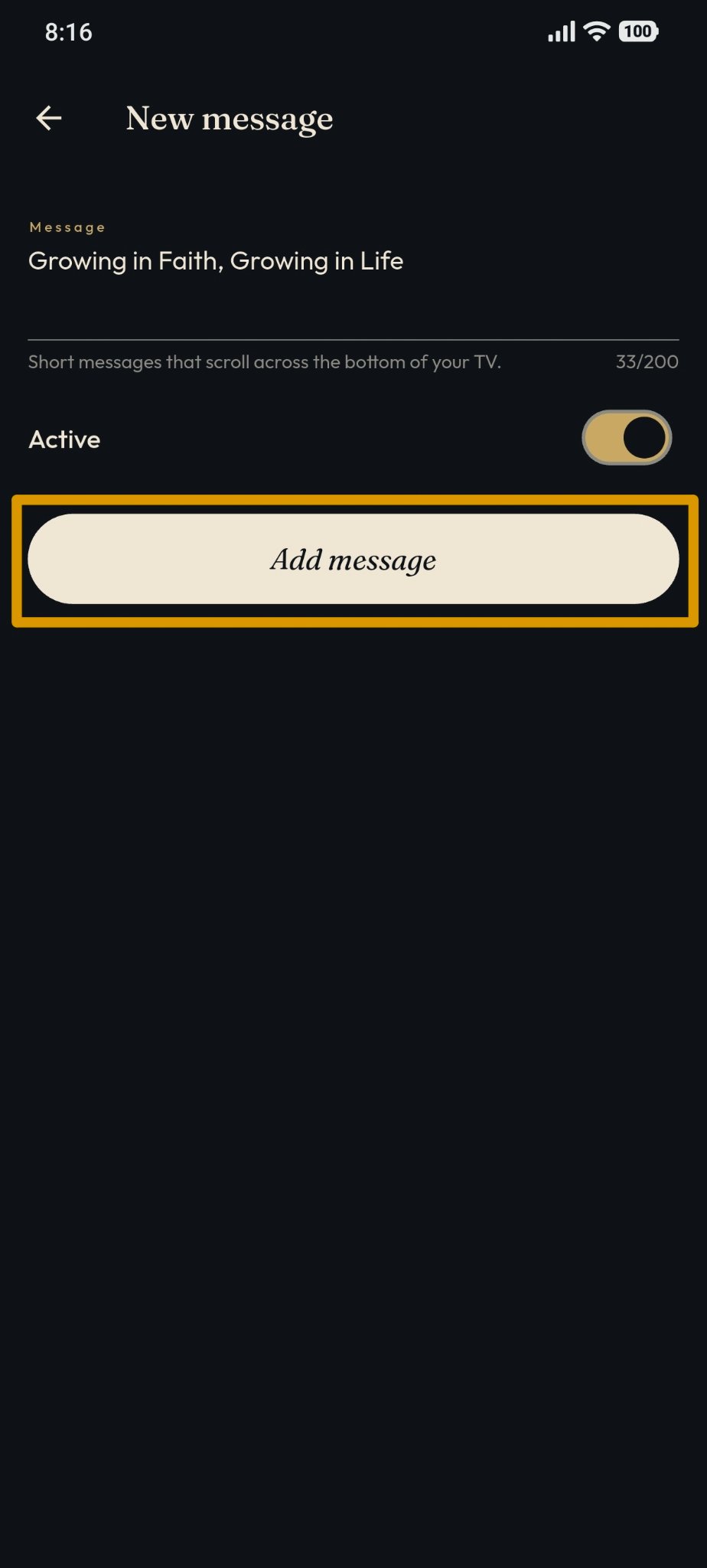
Click "Add Message" to save the message.
After successfully adding it, the message will appear on the Running Text list.