Create Masjid
Steps to create a new masjid in the Masjid Media app are as follows:
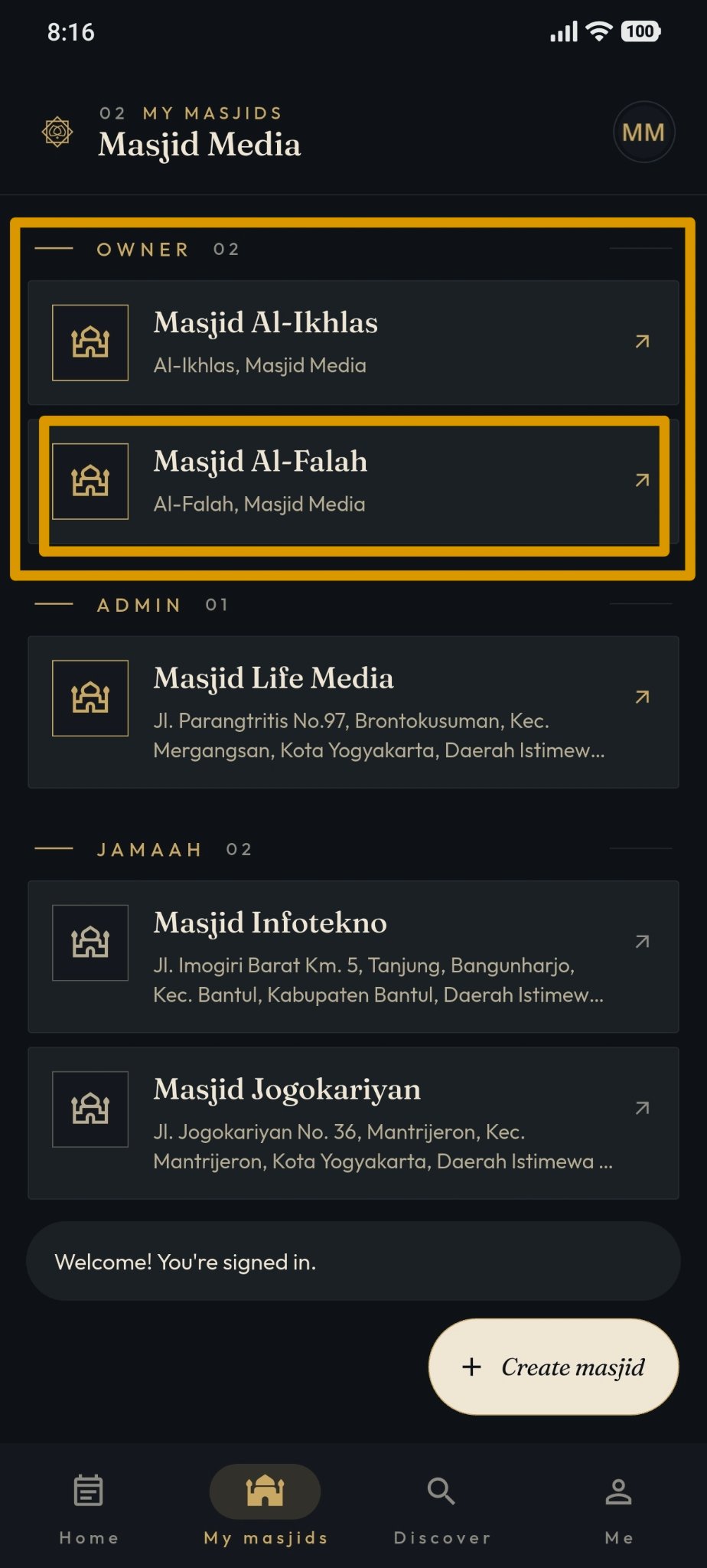
After logging in successfully, open the "My Masjids" page, then click the "Create Masjid" button labeled "+". An example of the screen is shown in the image below.
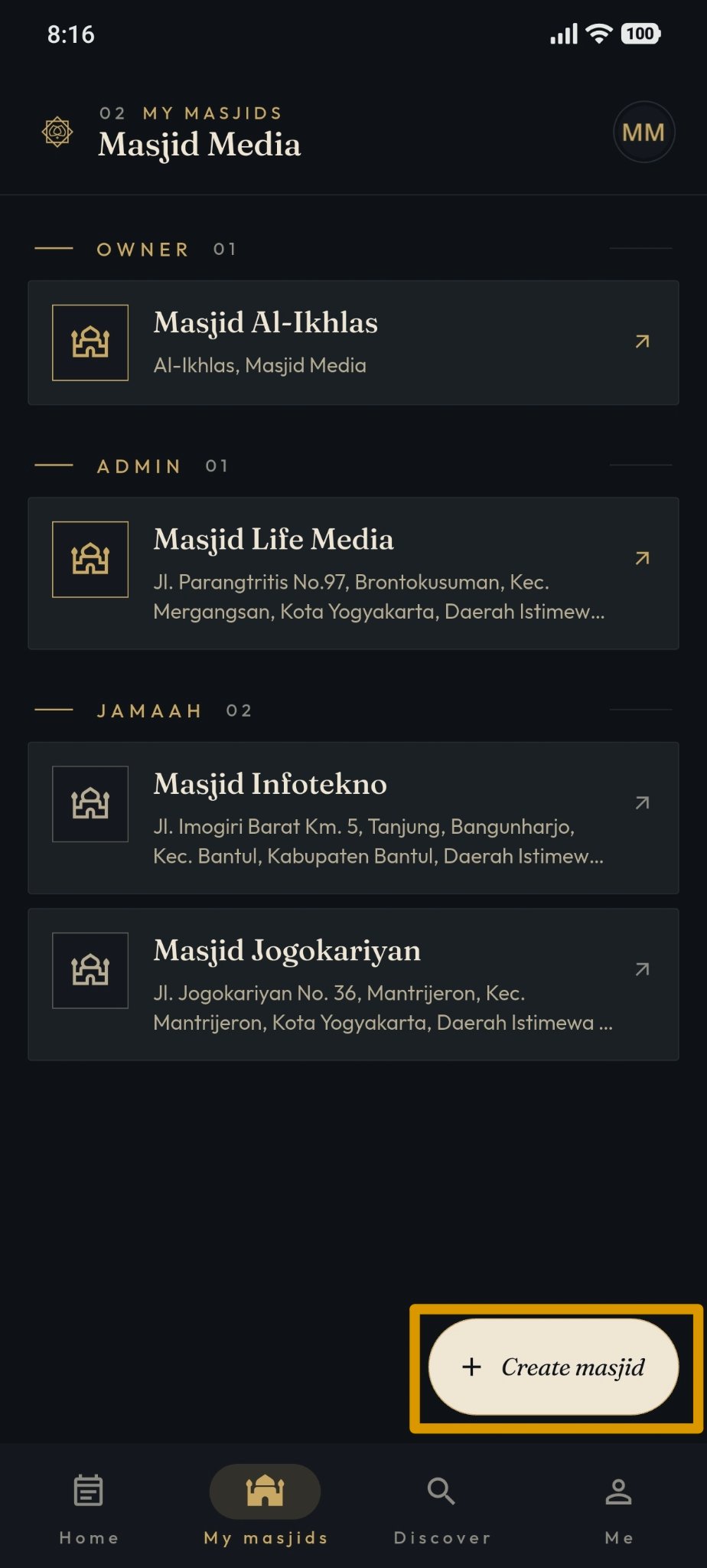
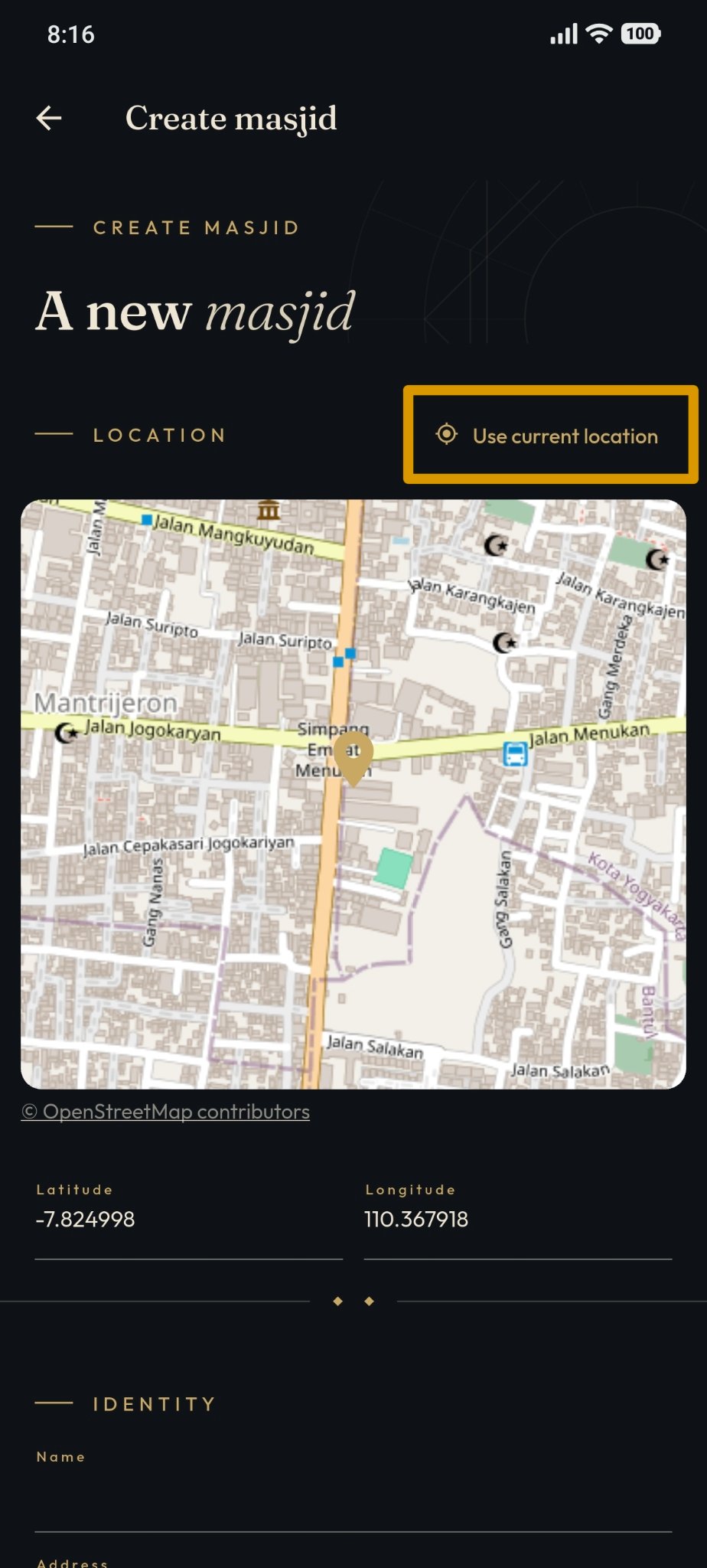
To determine the masjid location, use "Latitude" and "Longitude", or turn on "Use current location" so the location is automatically populated based on your device's position.
Masjid details, such as name, address, contact number, and contact person, can be customized according to the masjid you wish to add.
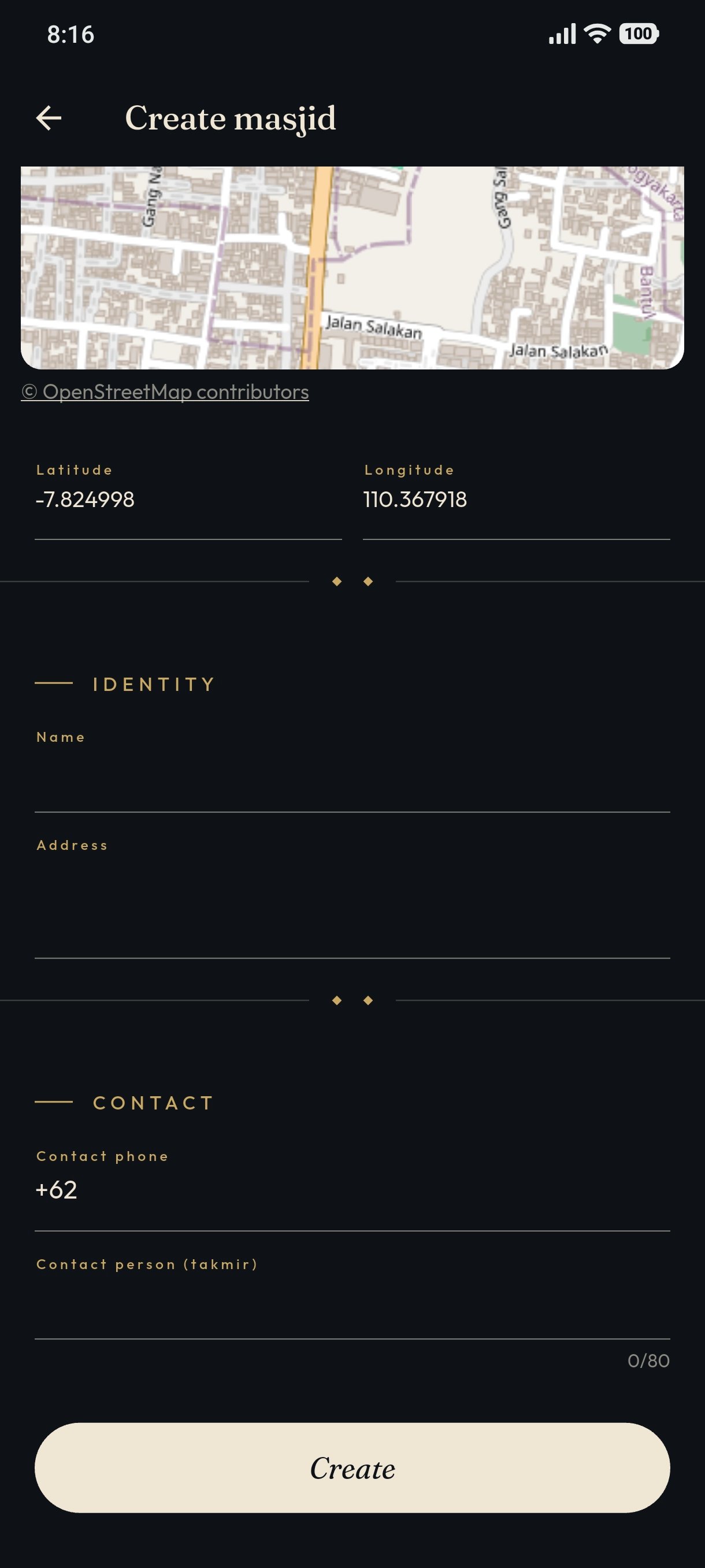
Below is an example of the data filled in when creating a masjid.
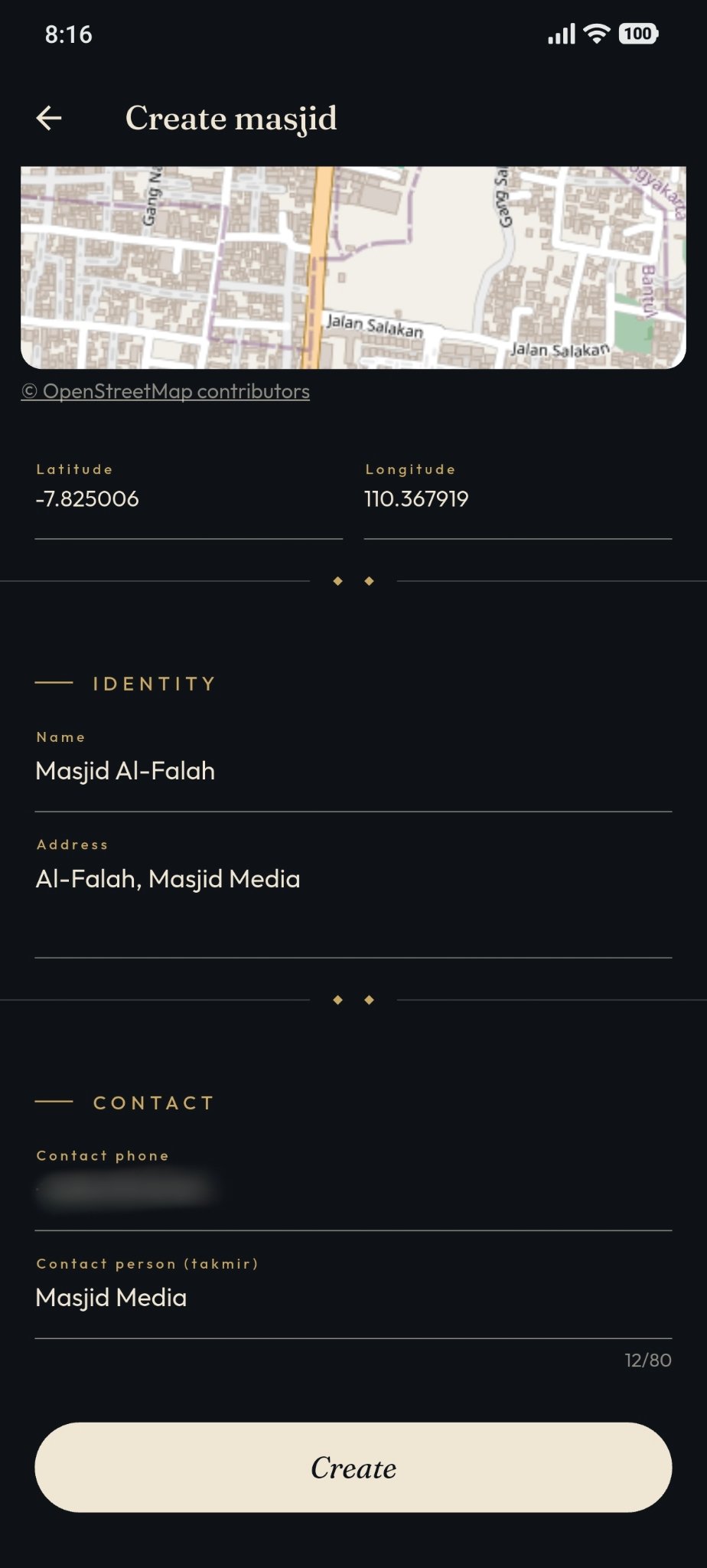
Click the "Create" button after verifying that all entered data is correct.
When the "Create" button is pressed, the system will display a notification regarding the masjid creation status, as shown in the following image.
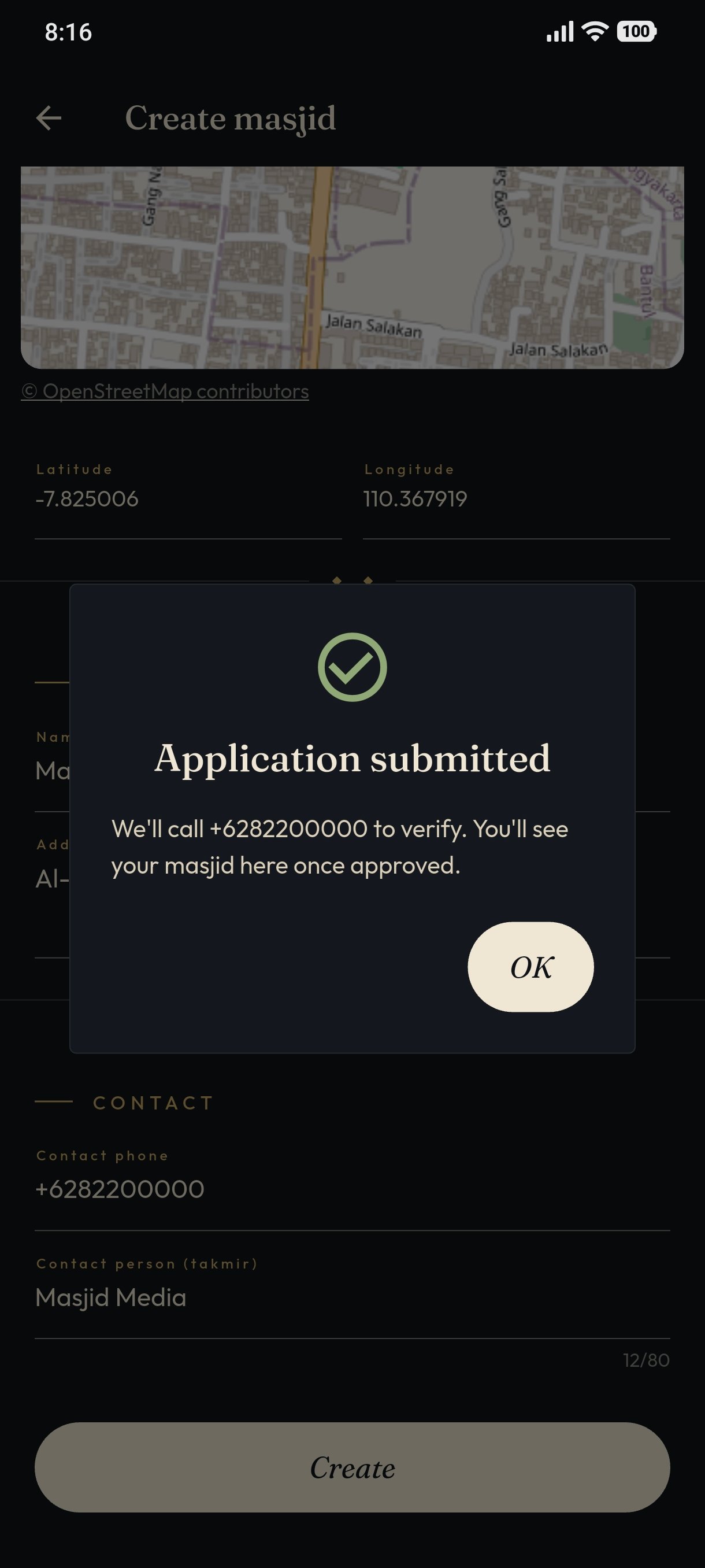
After the successful notification, the created masjid status will become "Pending Review", as shown in the image below.
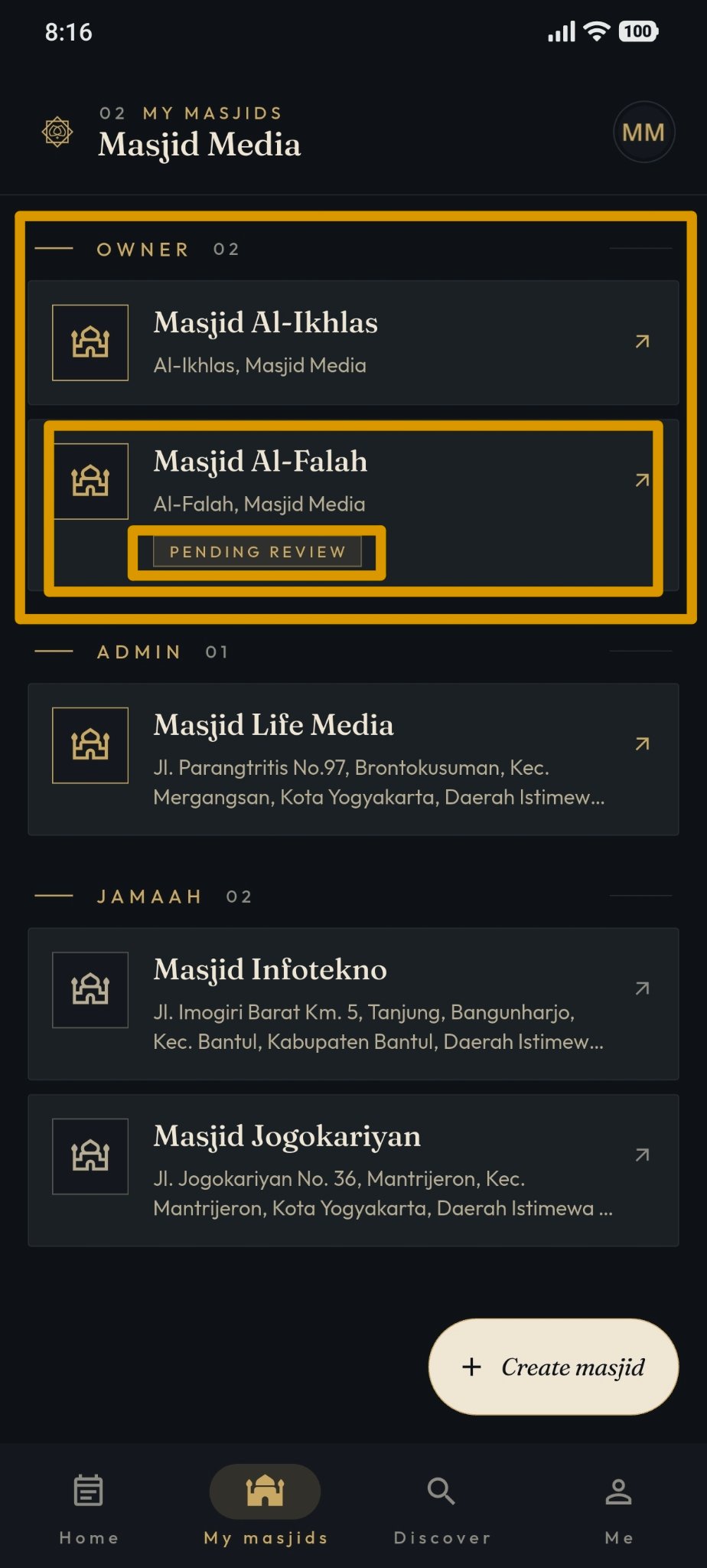
Once the admin reviews and approves the masjid, its status will automatically become active.