
Sign In/Login (Email/Google)
Sign in using Email Account
Open the Masjid Media app. The initial app screen will appear as shown below.
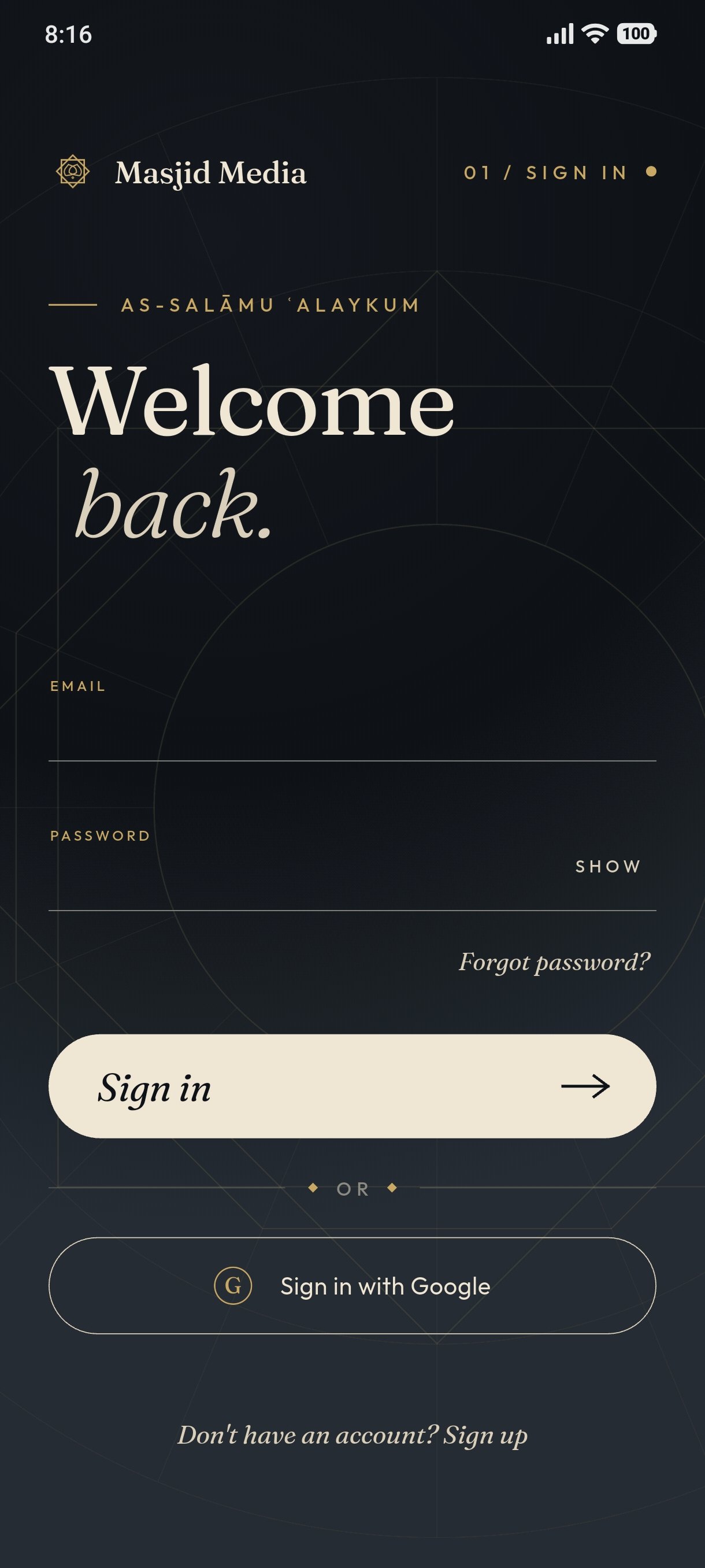
Enter your email address and password in the provided fields.
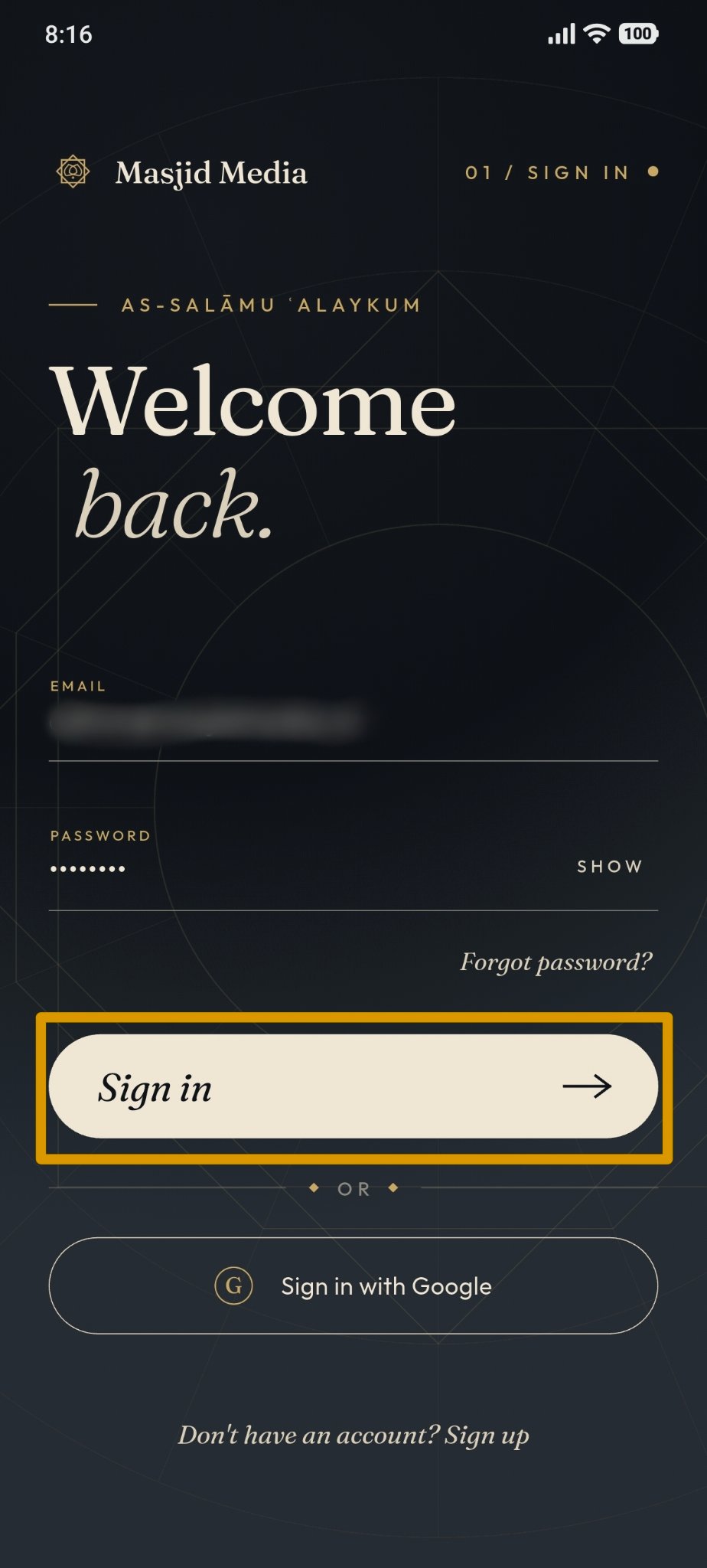
Click the "Sign In" button to proceed.
Sign in using Google Account
Open the Masjid Media app. The initial app screen will appear as shown below.
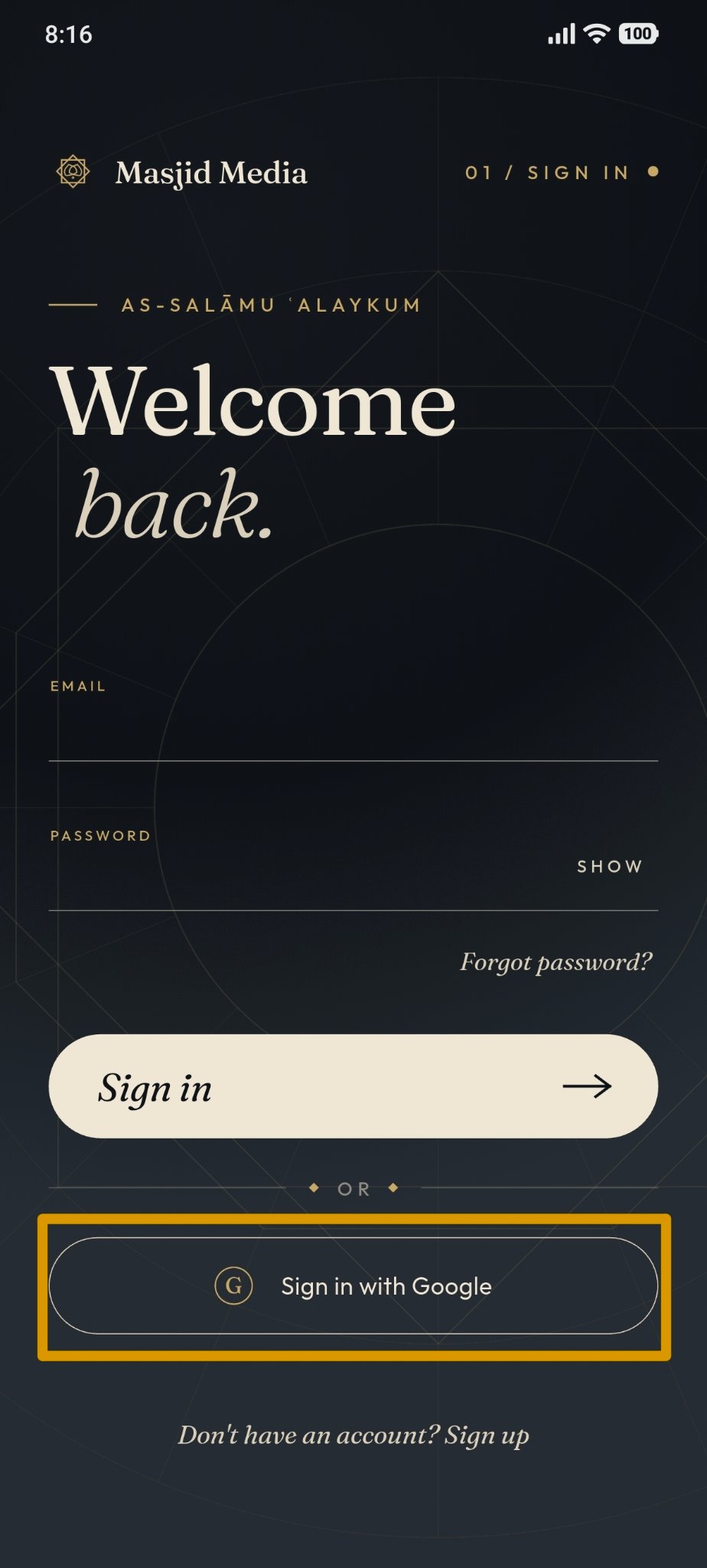
Click the "Sign in with Google" button.
After clicking, a Google account prompt will appear.
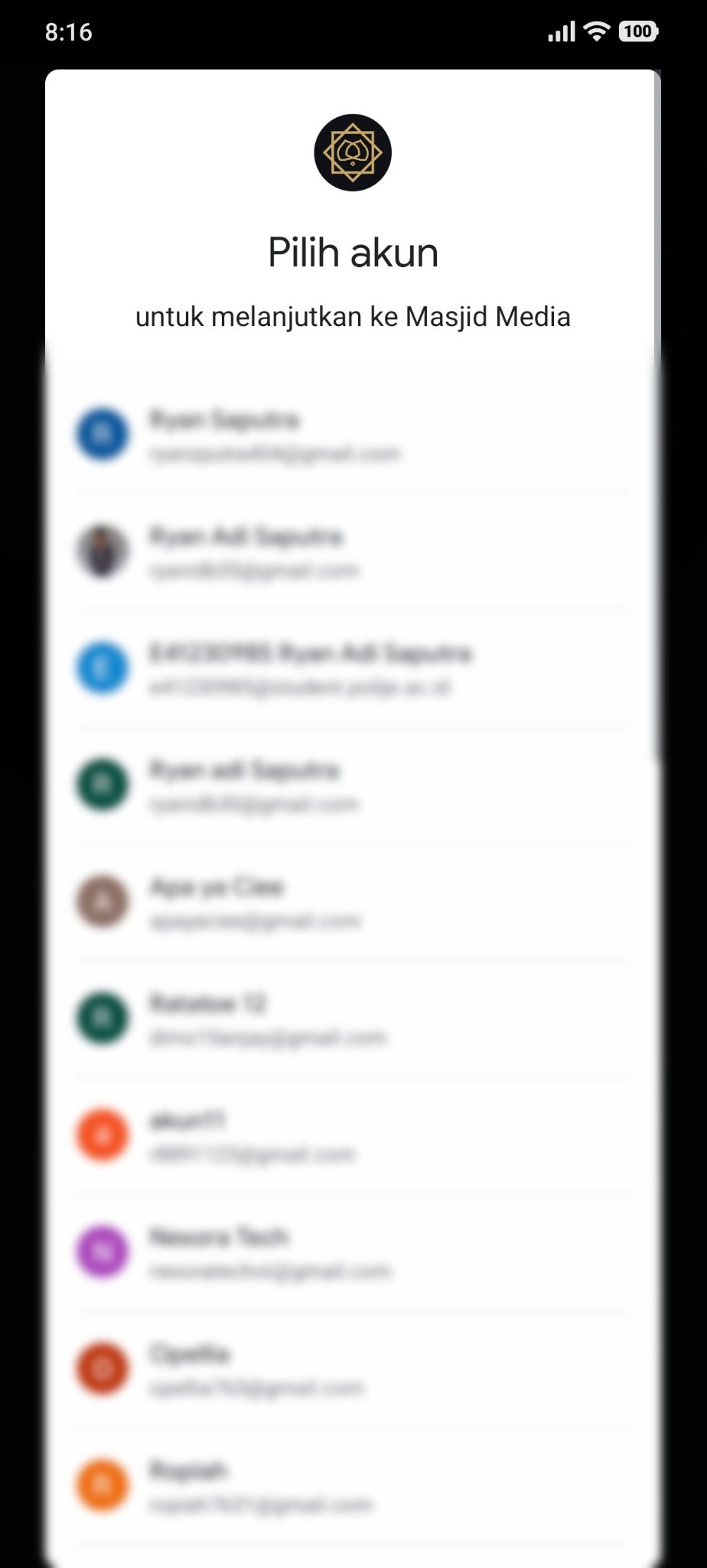
Select the Google account you wish to use. You will be redirected directly to the home screen.