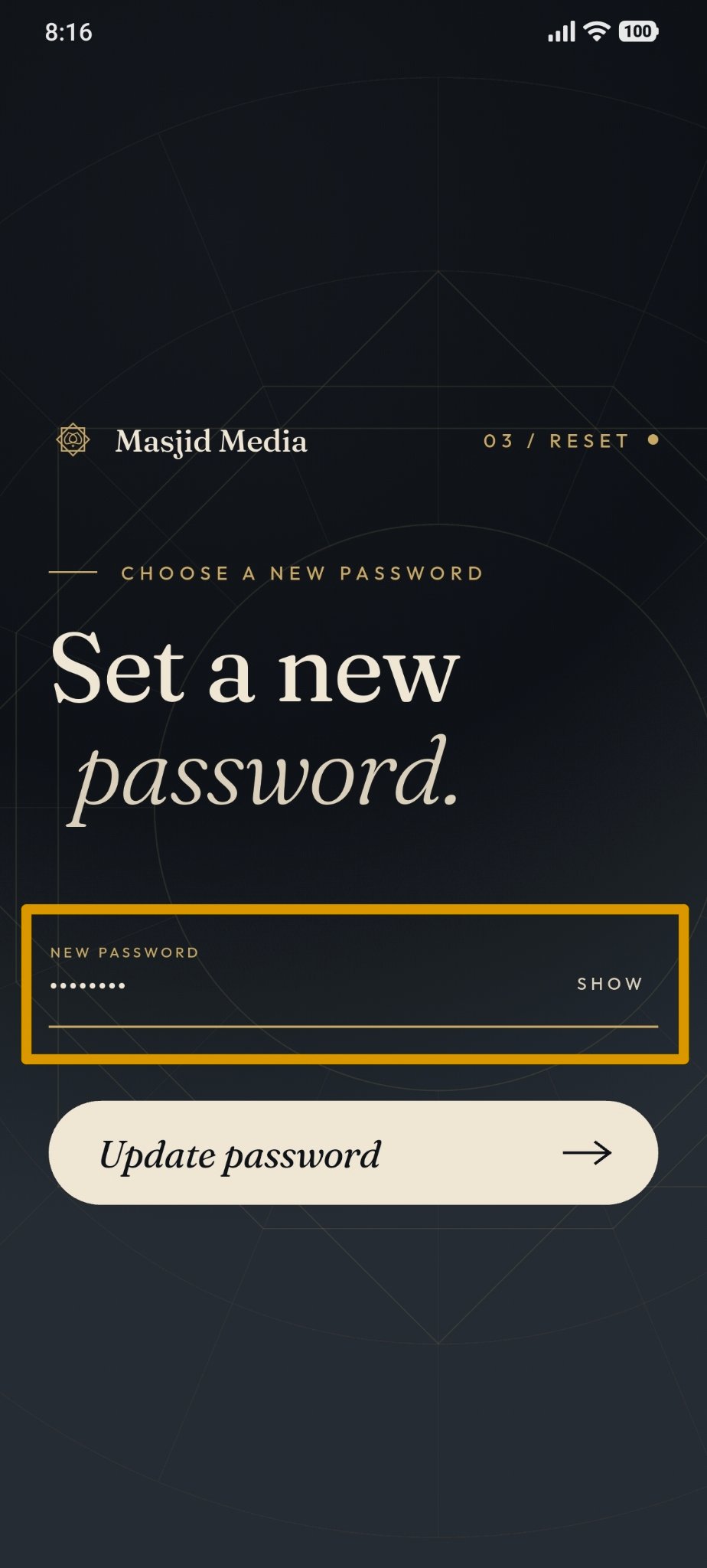
Forgot Password
Steps to Use the Forgot Password Feature
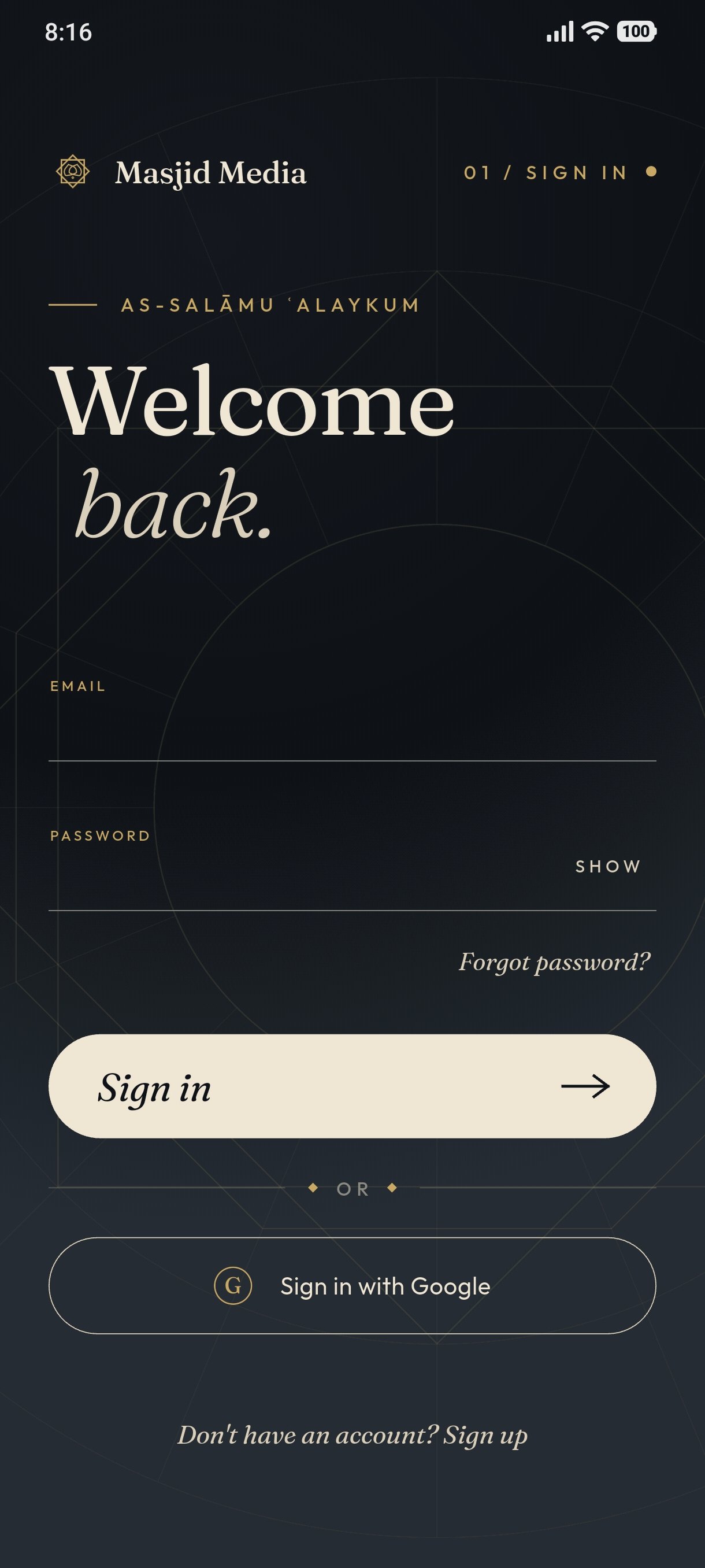
Open the login page in the Masjid Media app. The interface is shown in the image below.
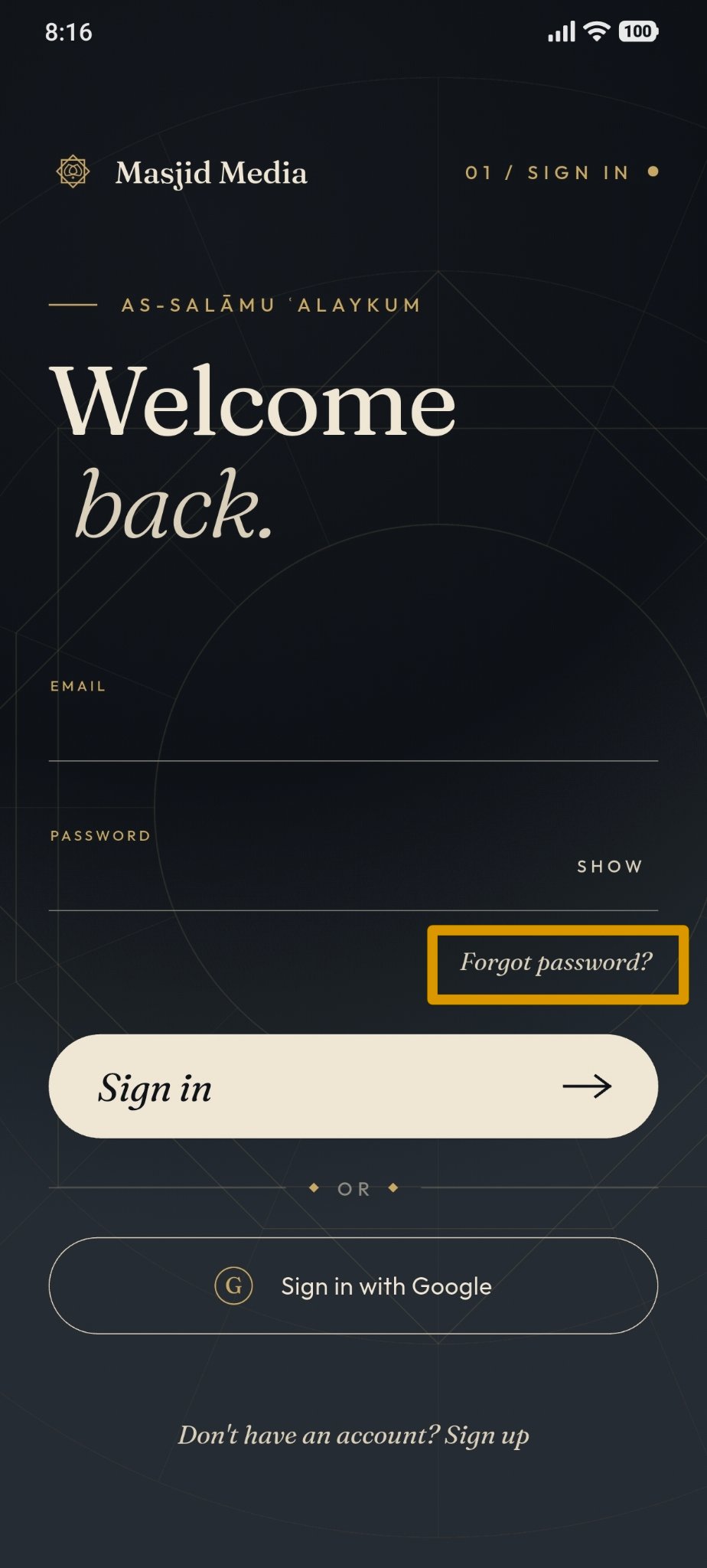
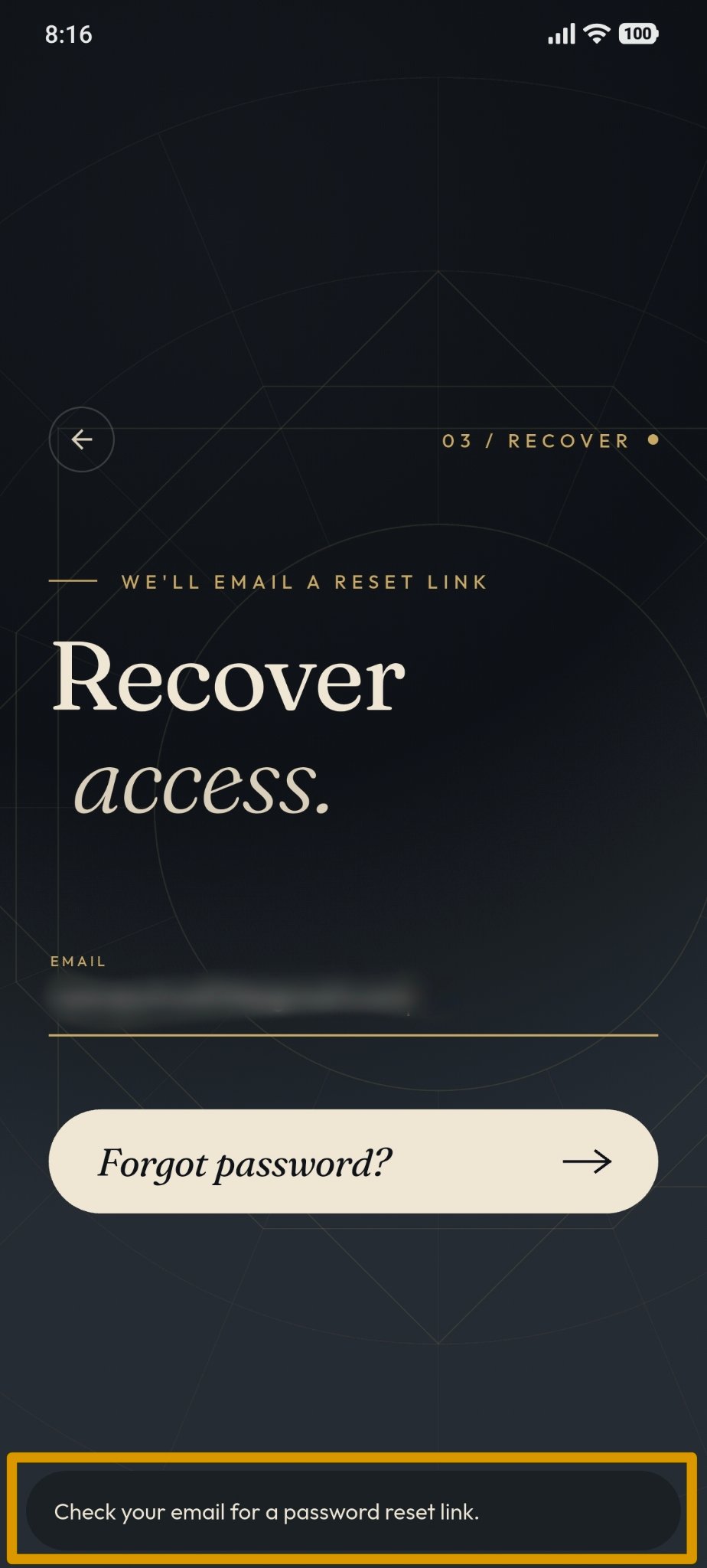
Select the Forgot Password feature.
Enter the email address associated with your account.
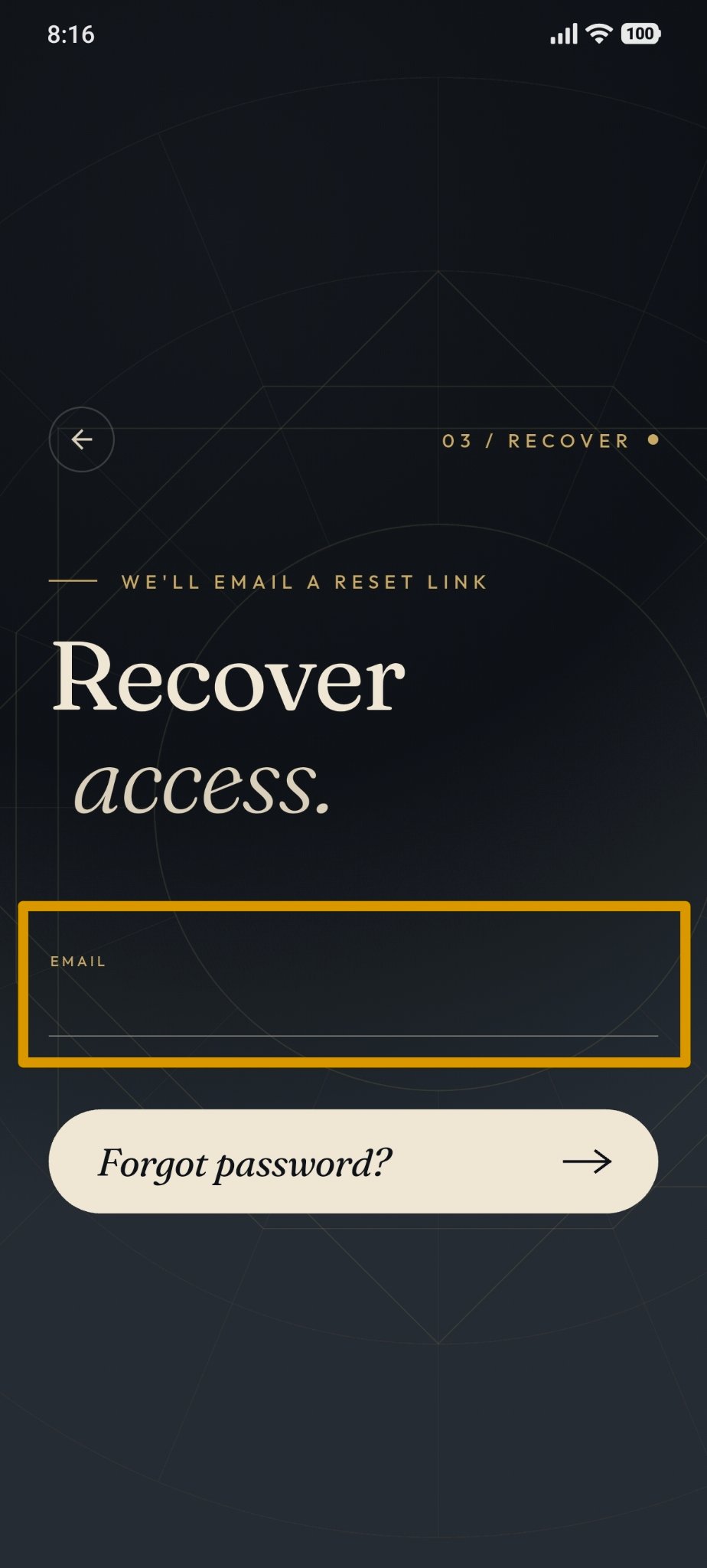
The system will send a password reset email.
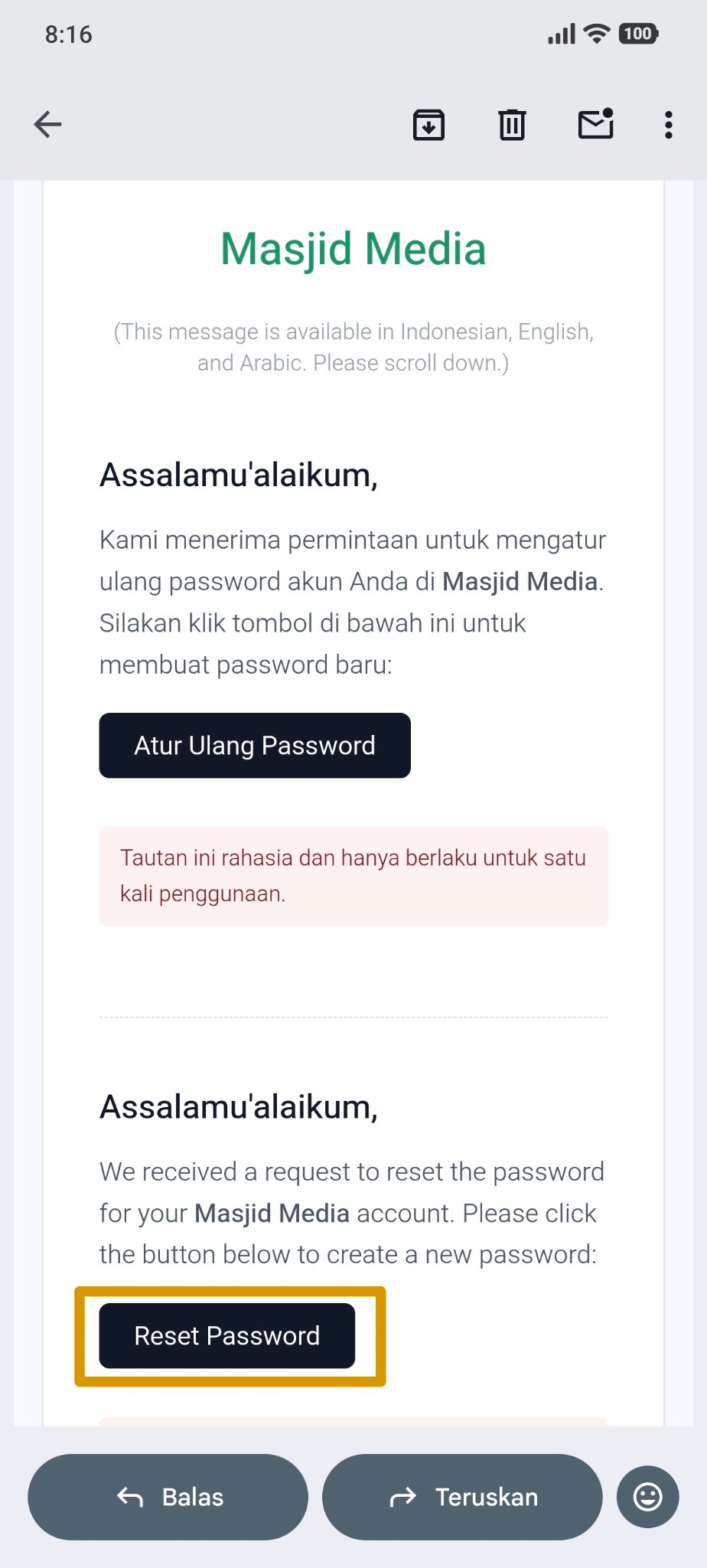
Open the reset email sent by the system and click the "Reset Password" button in the email to proceed with the password reset process.
Create a new password, and you will automatically be redirected to the home screen.