User Profile
Steps to Use the Profile Feature
Log in to the Masjid Media app using your registered account. Sign In / Login (Email/Google)
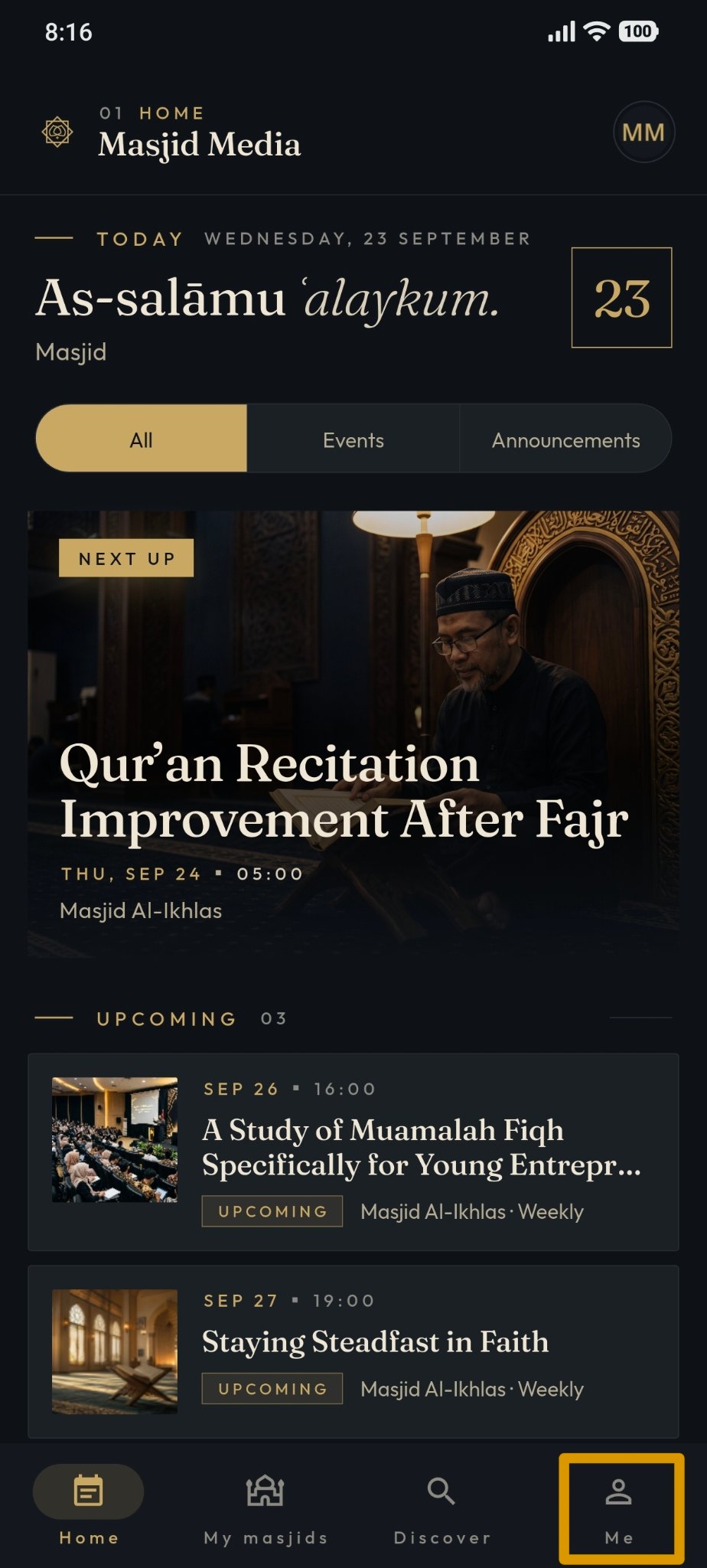
After logging in successfully, open the "Me" menu.
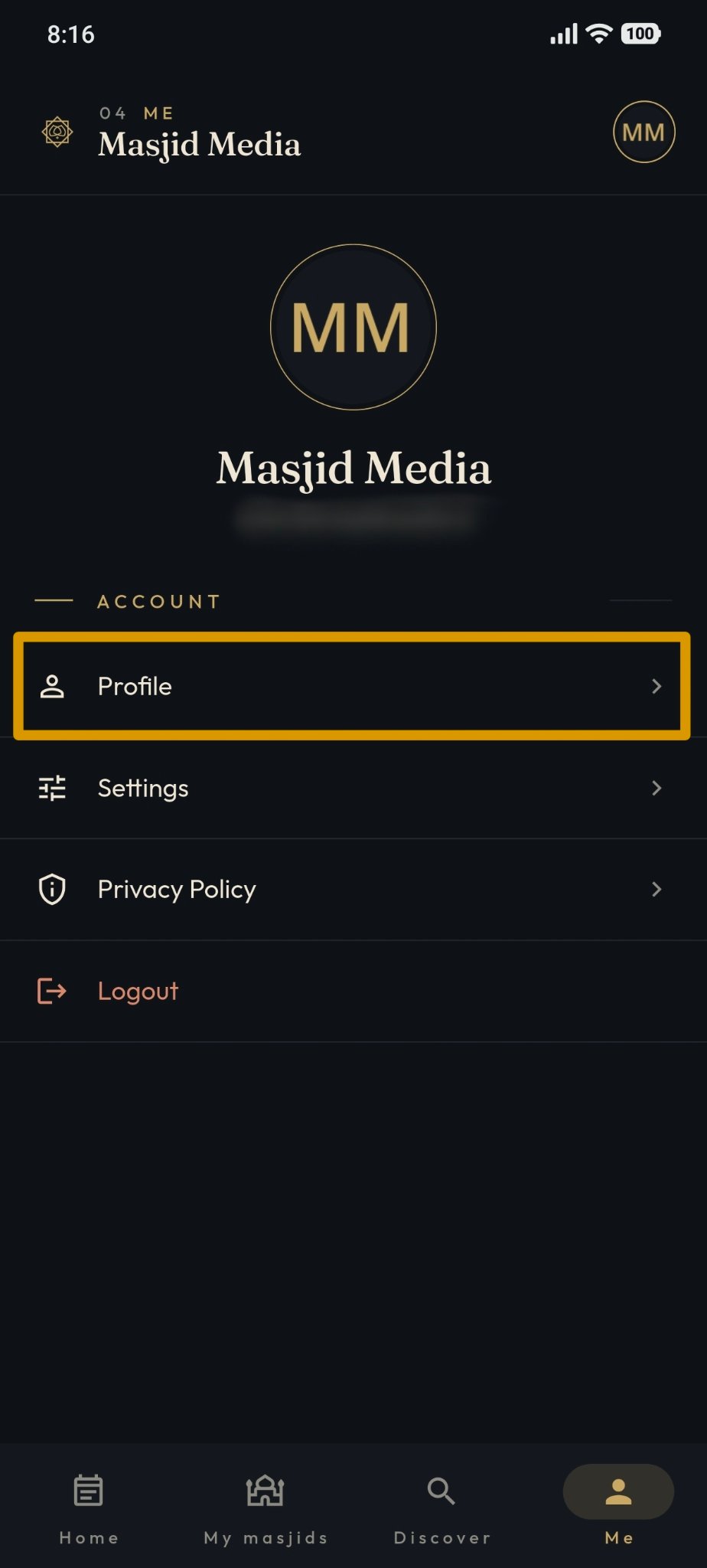
On the "Me" page, select "Profile".
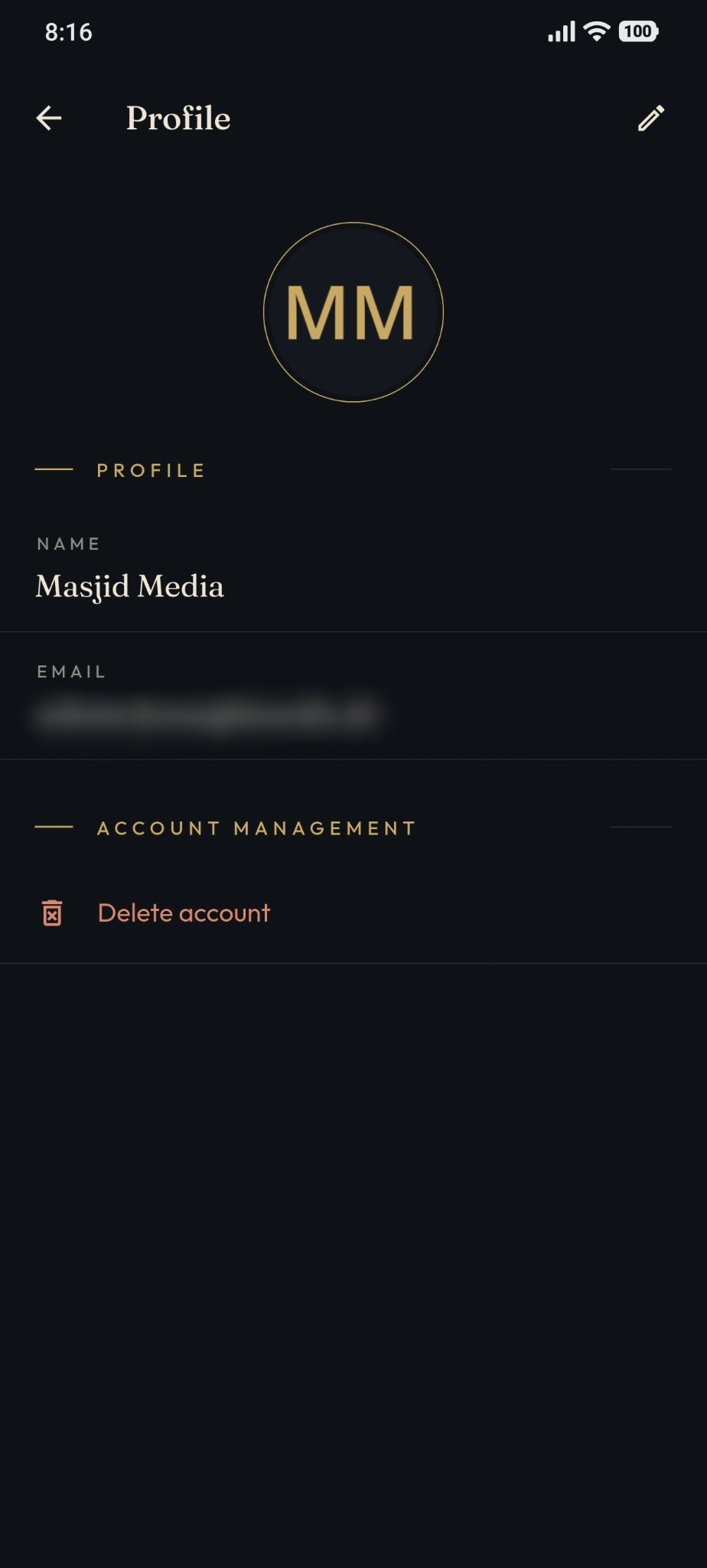
The system displays the user profile page; users can view:
User name.
User email.
Delete account.
Edit profile.