Delete Account
If you want to delete your account, you can use the "Delete Account" feature.
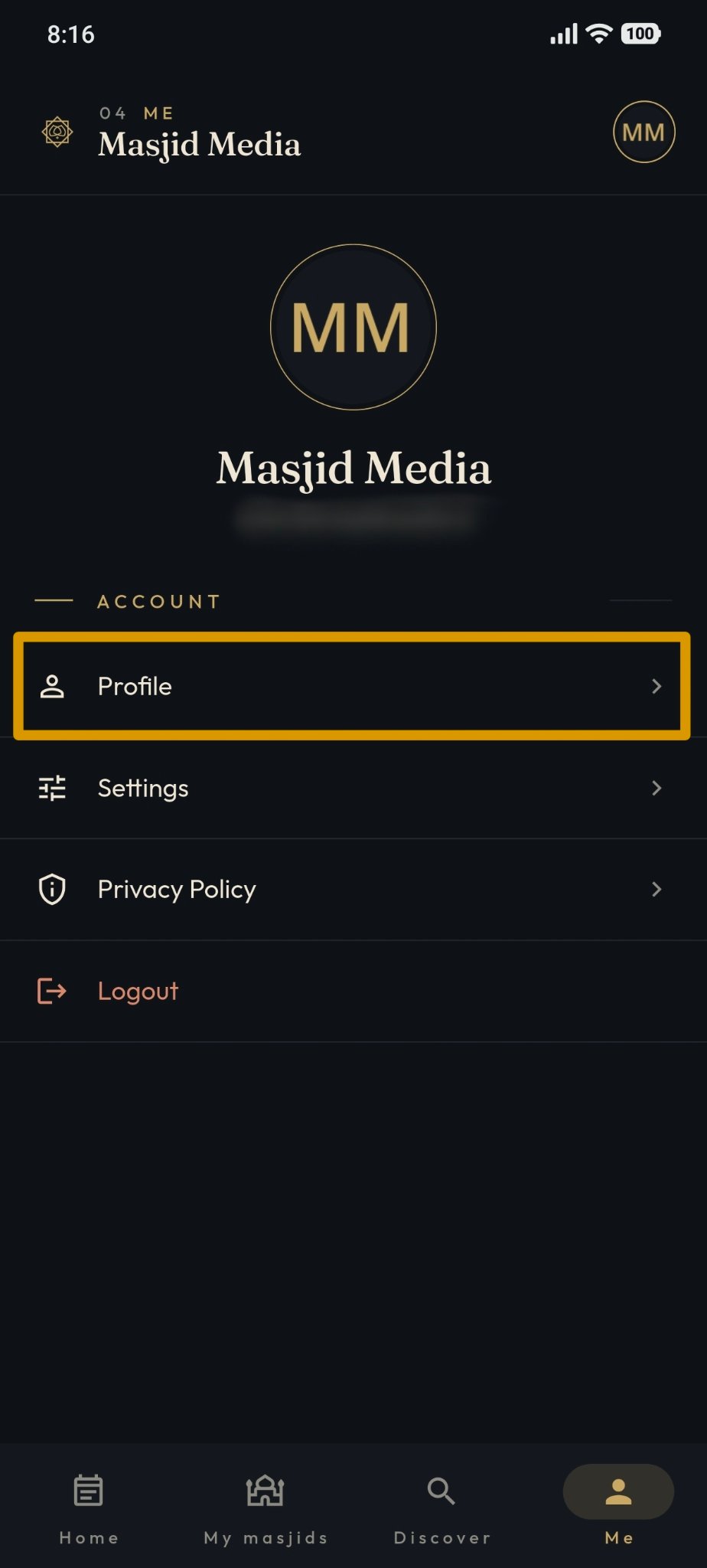
The "Delete Account" feature is located on the "Me" page. Select the profile menu as shown in the following image.
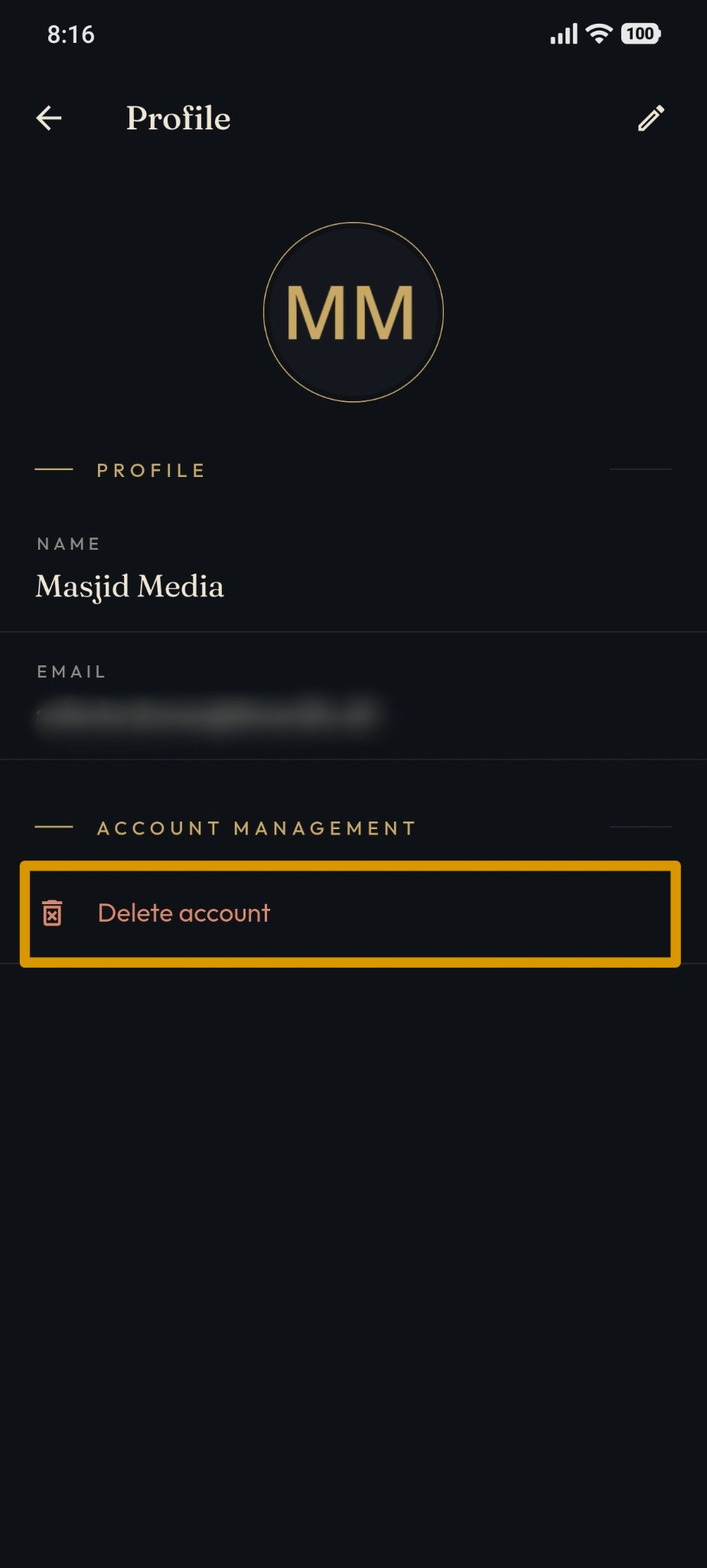
To delete the account, select "Delete Account" and follow the confirmation process displayed by the system.
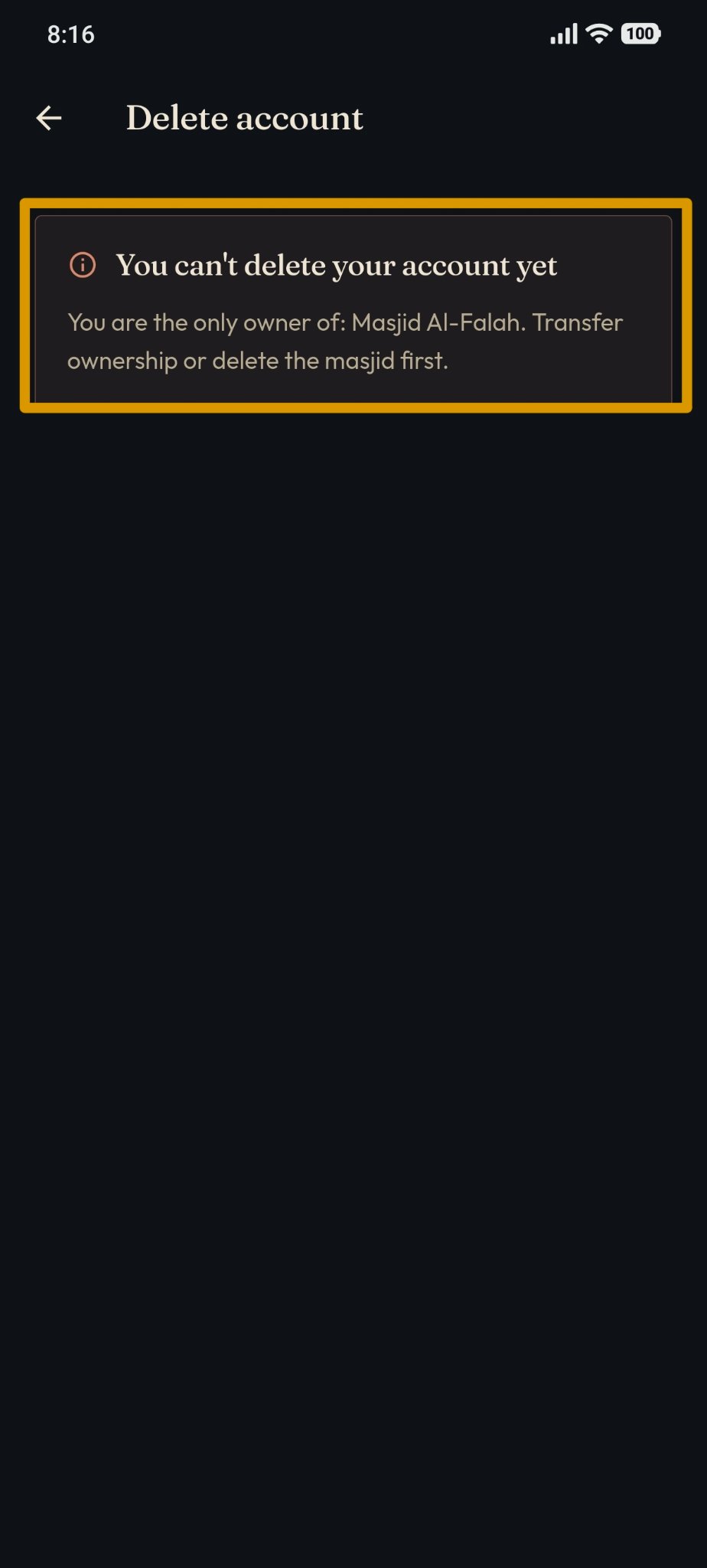
If your account manages a masjid, the message that appears will look like the following image.
However, if your account does not manage a masjid, the message that appears will look like the following image.
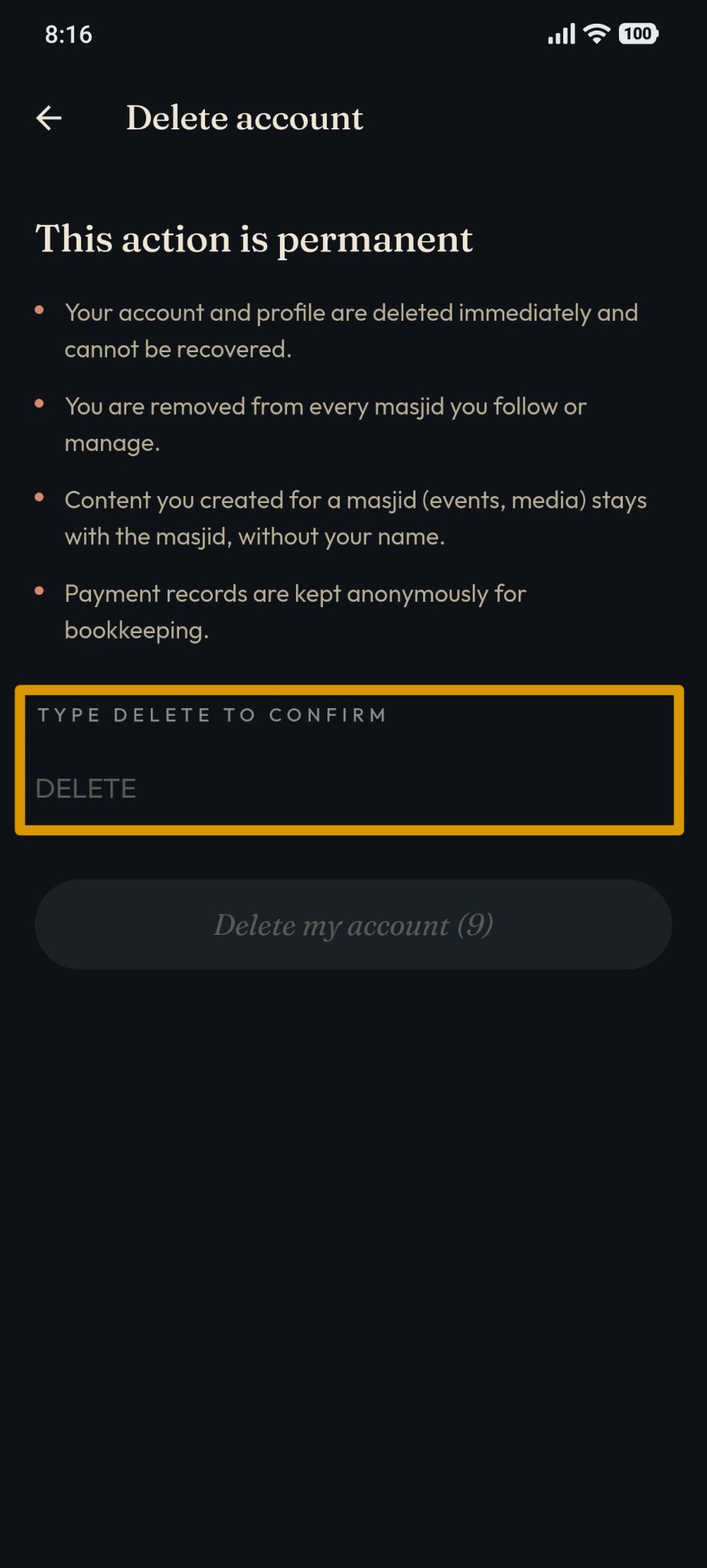
Then, to permanently delete your account, type "DELETE" into the provided input field, as shown in the following image.
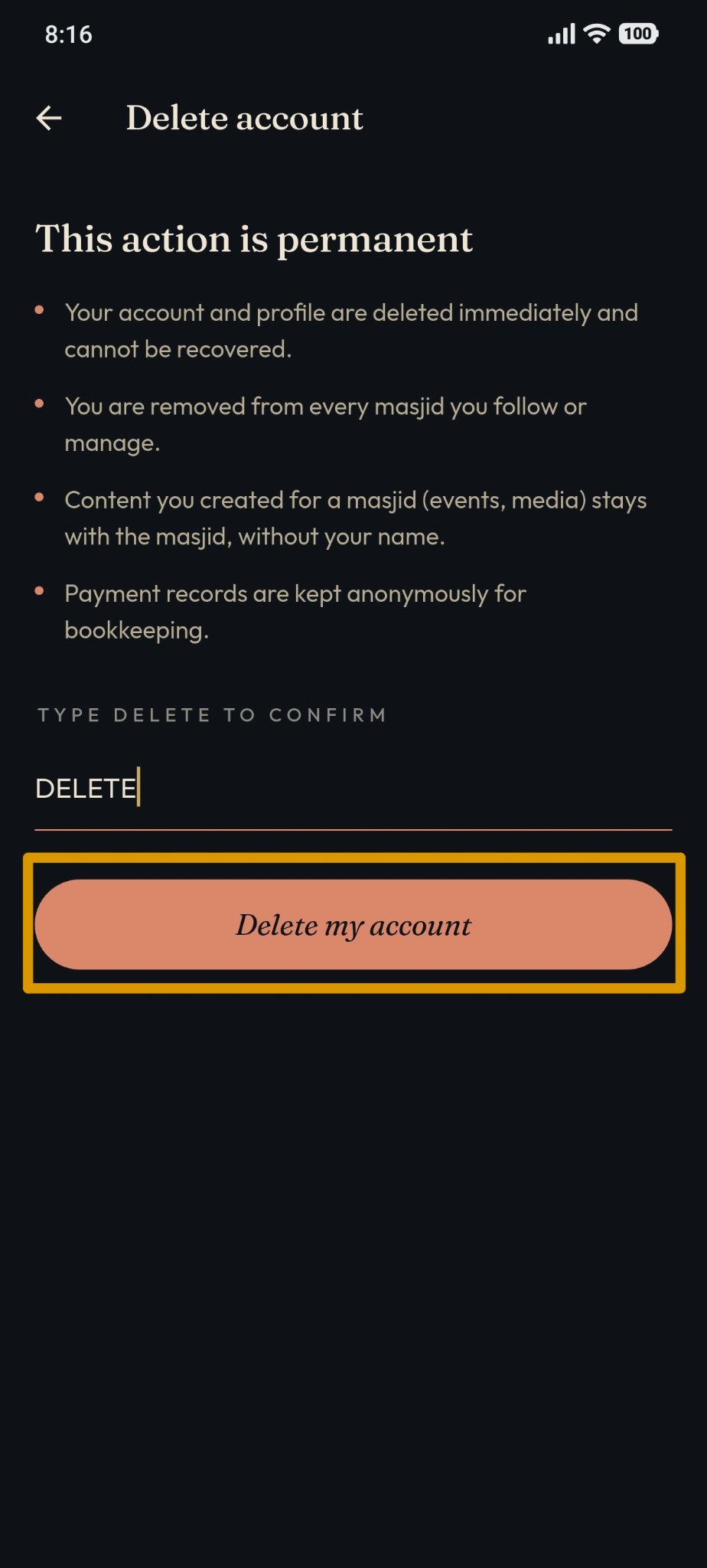
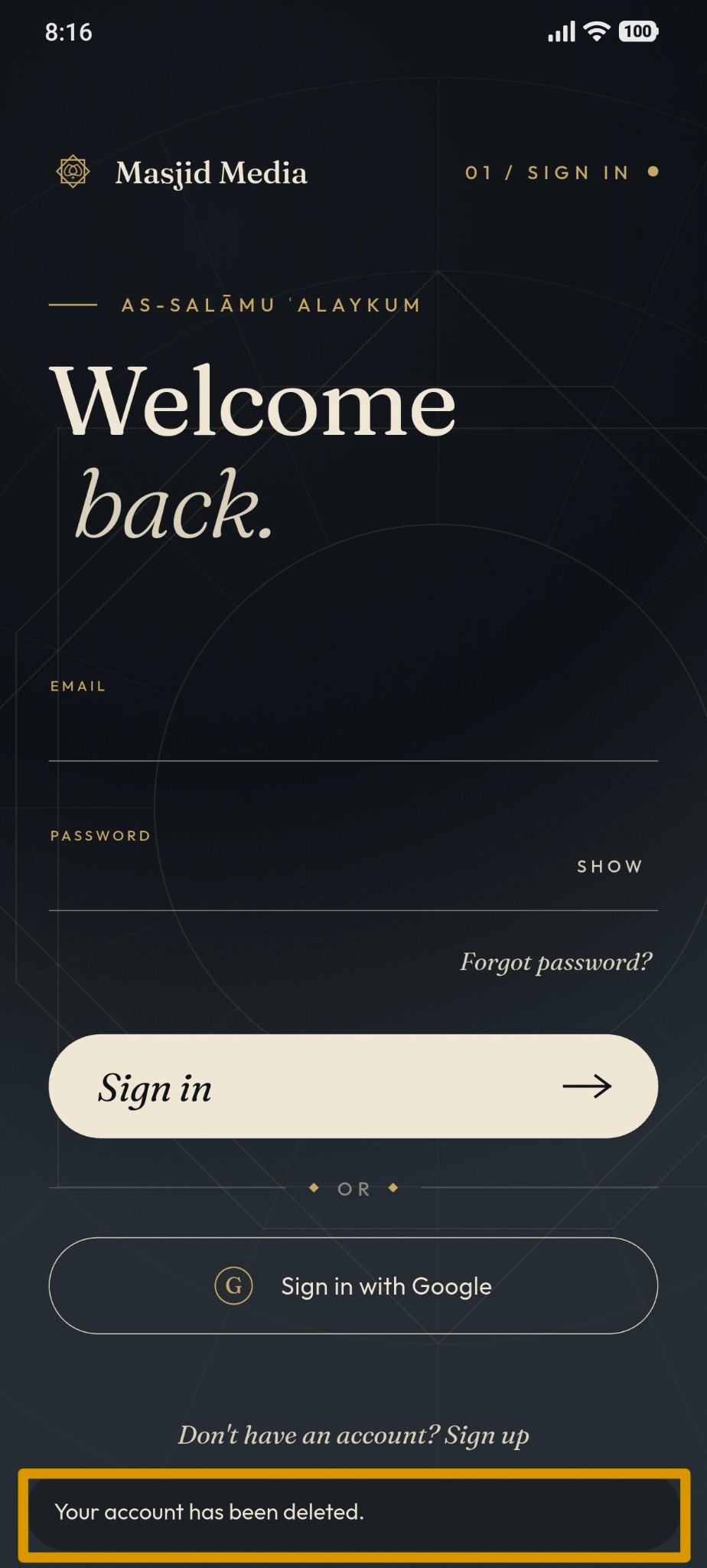
Once you confirm, the system will automatically delete your account permanently, and the application will log out automatically.