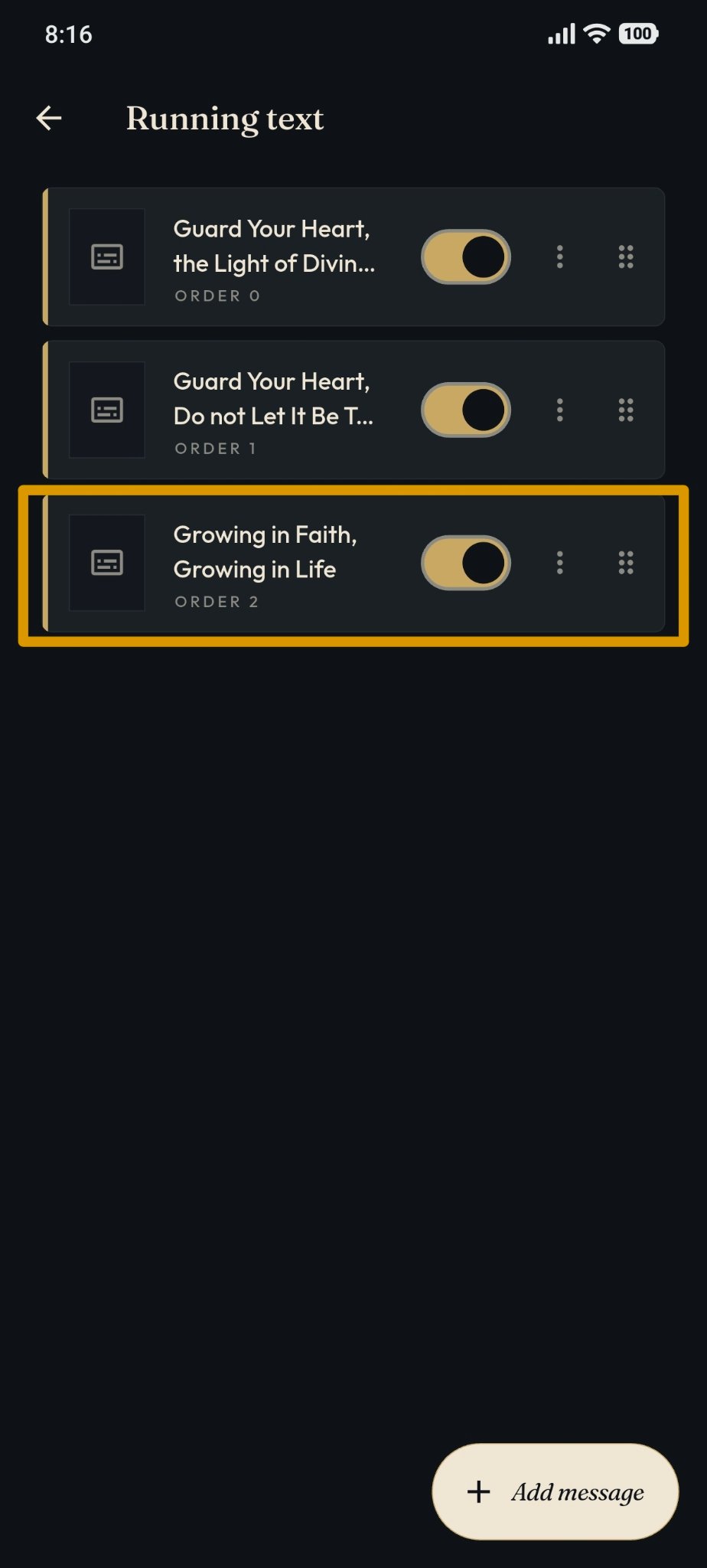
Edit Running Text
The Running Text feature can be accessed by users with the Owner and Admin roles through the masjid management page.
Editing Running Text
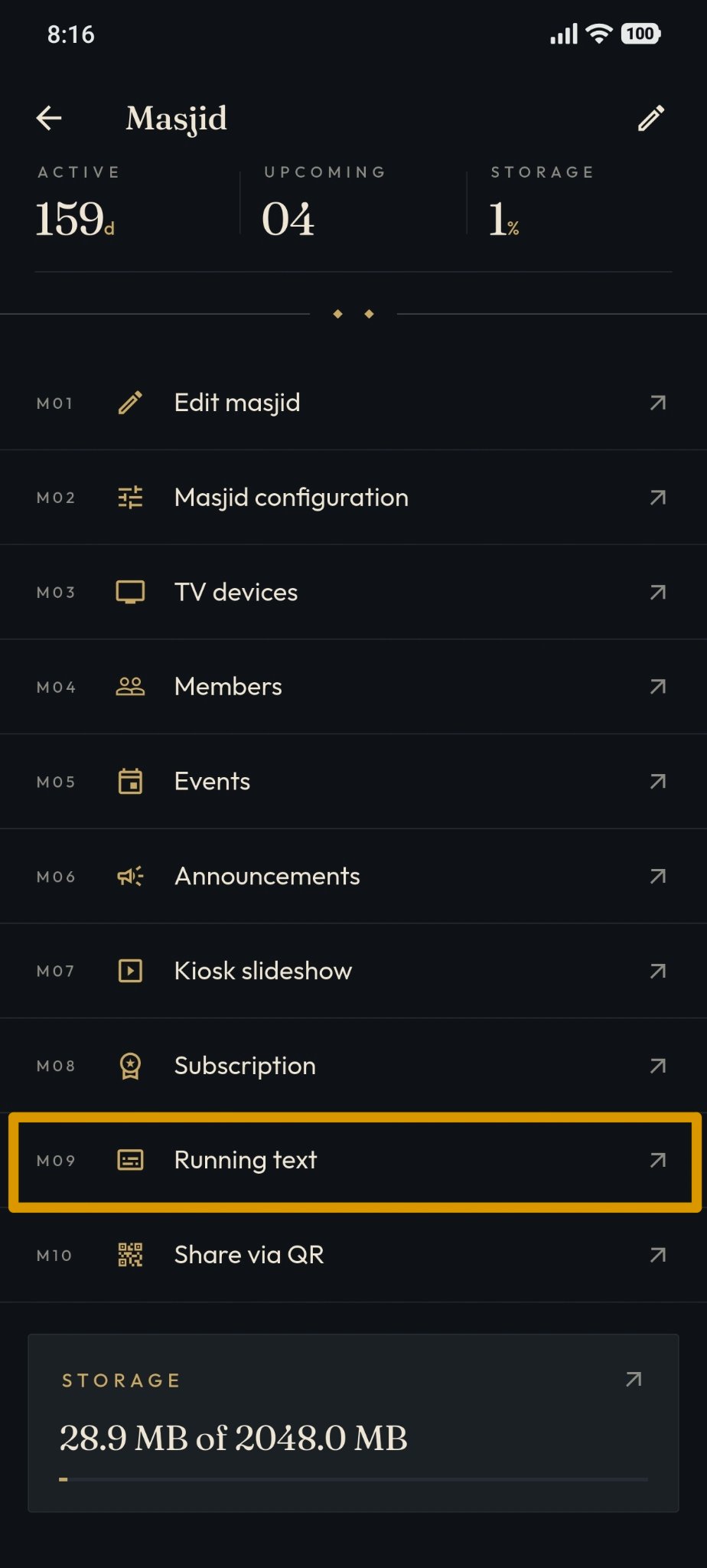
Open the "Running Text" menu.
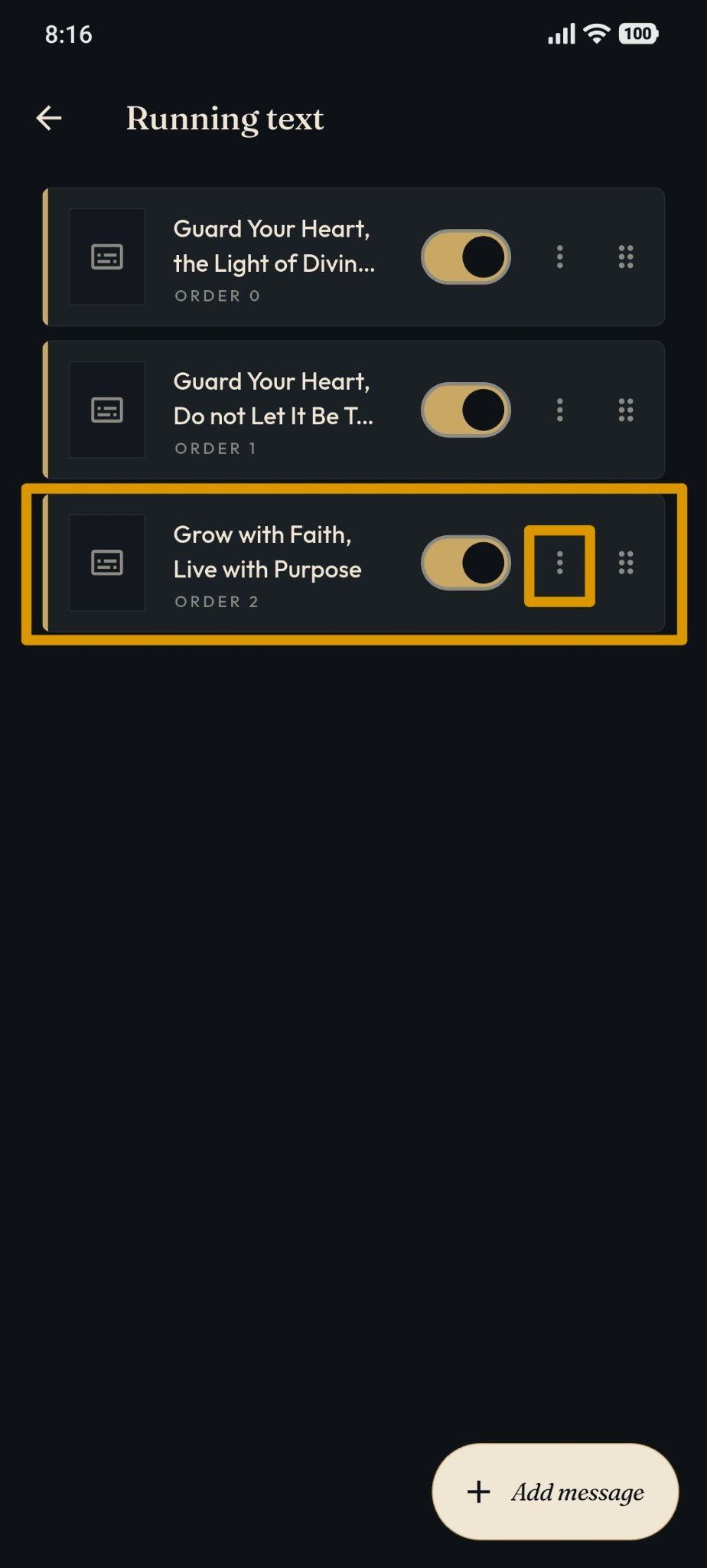
Find the message you want to edit. Then click the three-dots icon on the right side of the message.
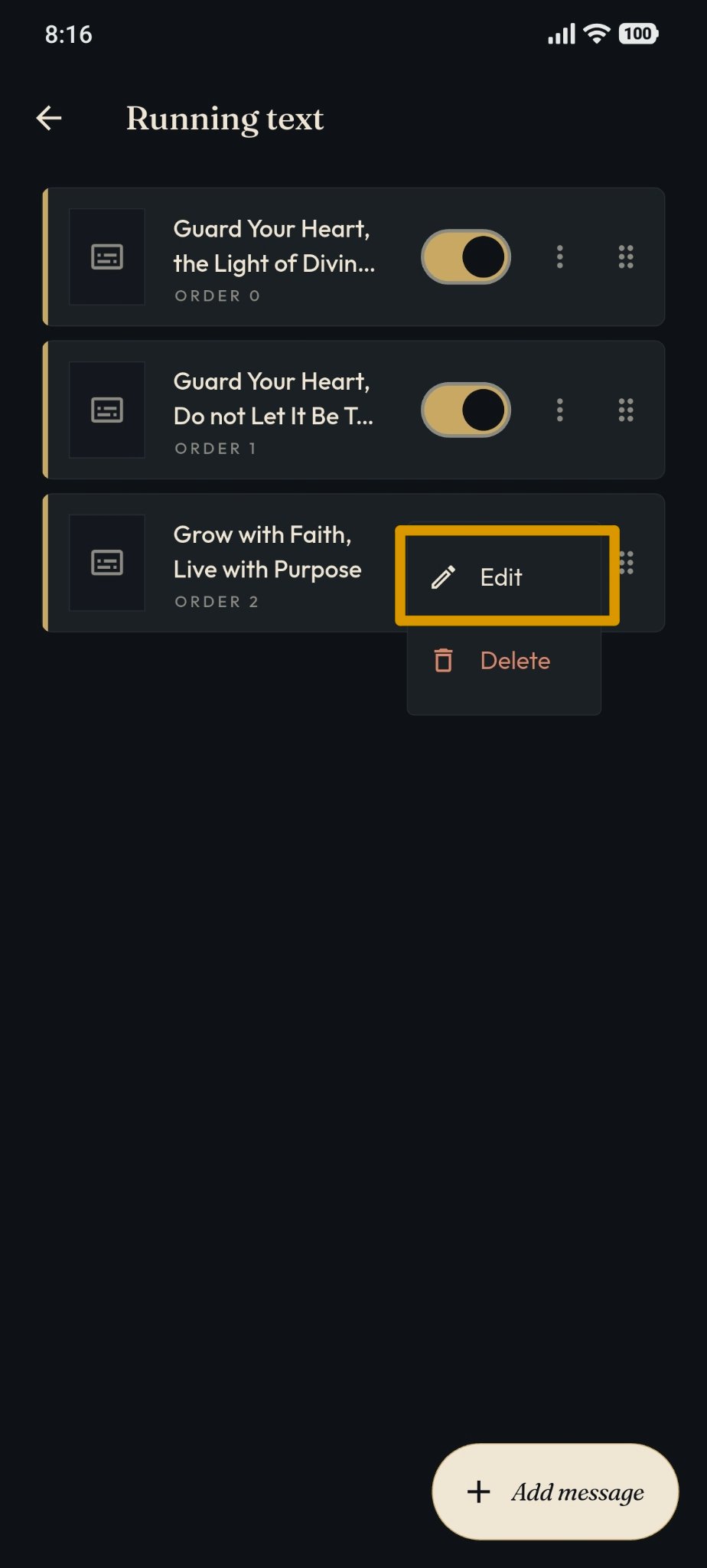
Then select Edit.
The system displays the Edit Message page.
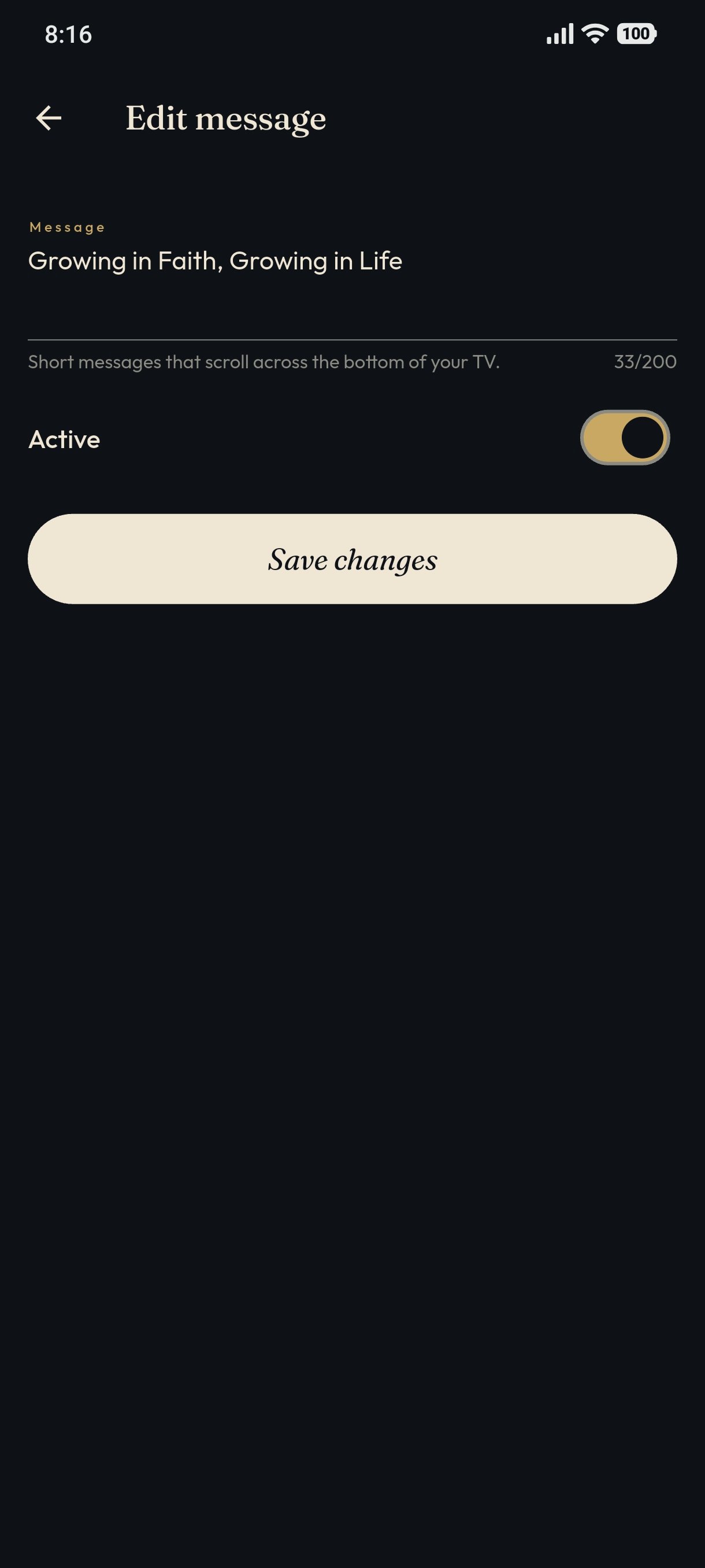
Modify the message content as needed. Once the message has been modified, click Save Changes.
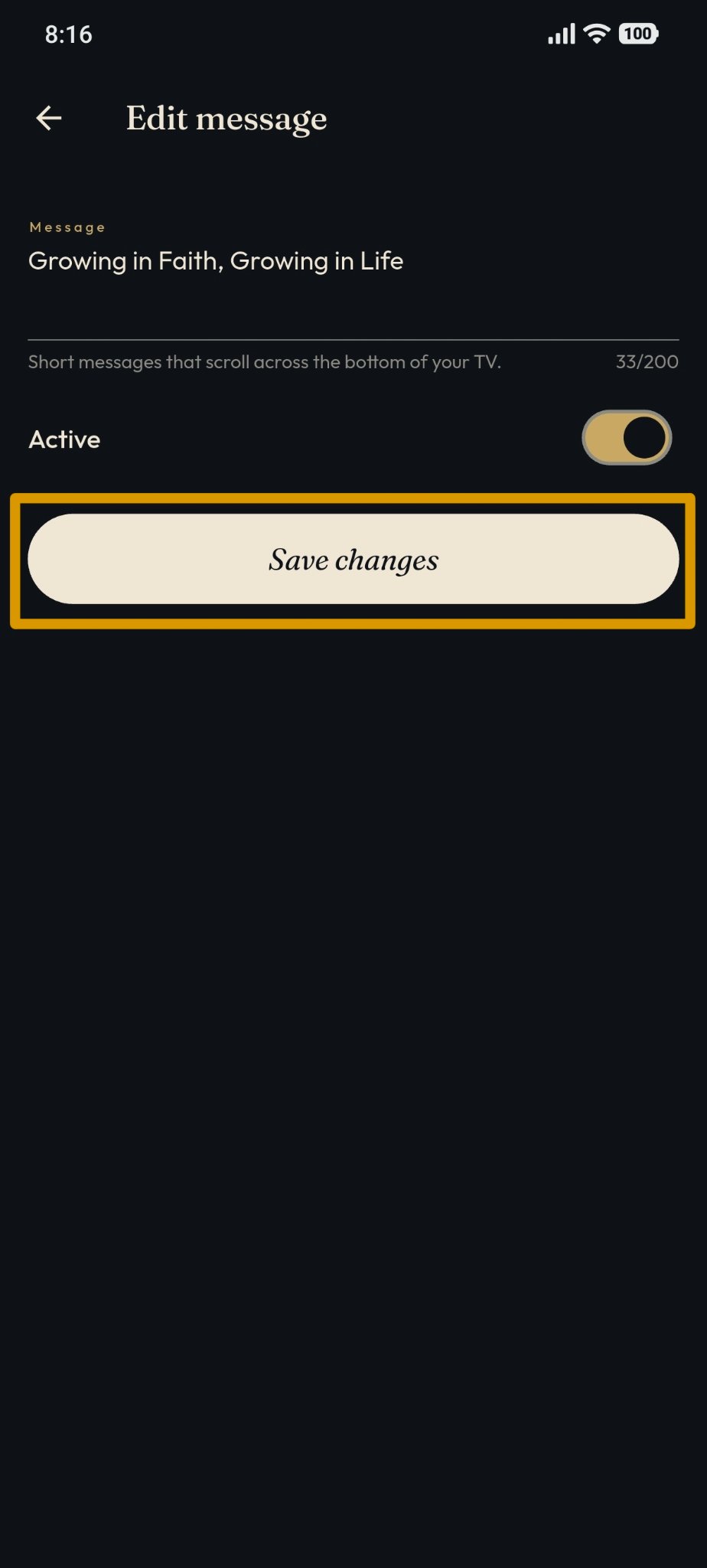
The changes to the message will be saved.