View Running Text
The Running Text feature can be accessed by users with the Owner and Admin roles through the masjid management page.
Viewing Running Text
Log in to the application using an account that has access to the masjid. Sign In / Login (Email/Google)
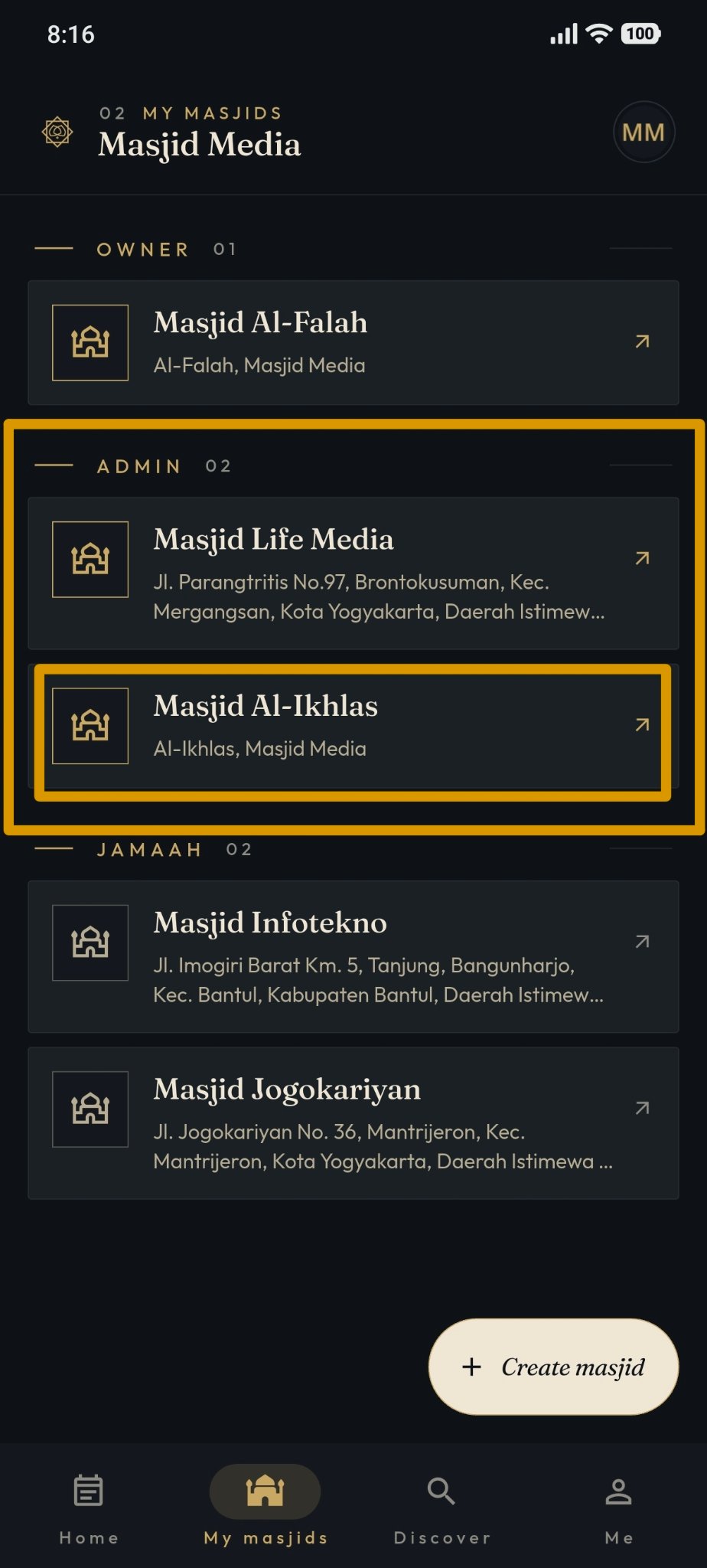
Open the My Masjids menu and select the masjid you wish to manage.
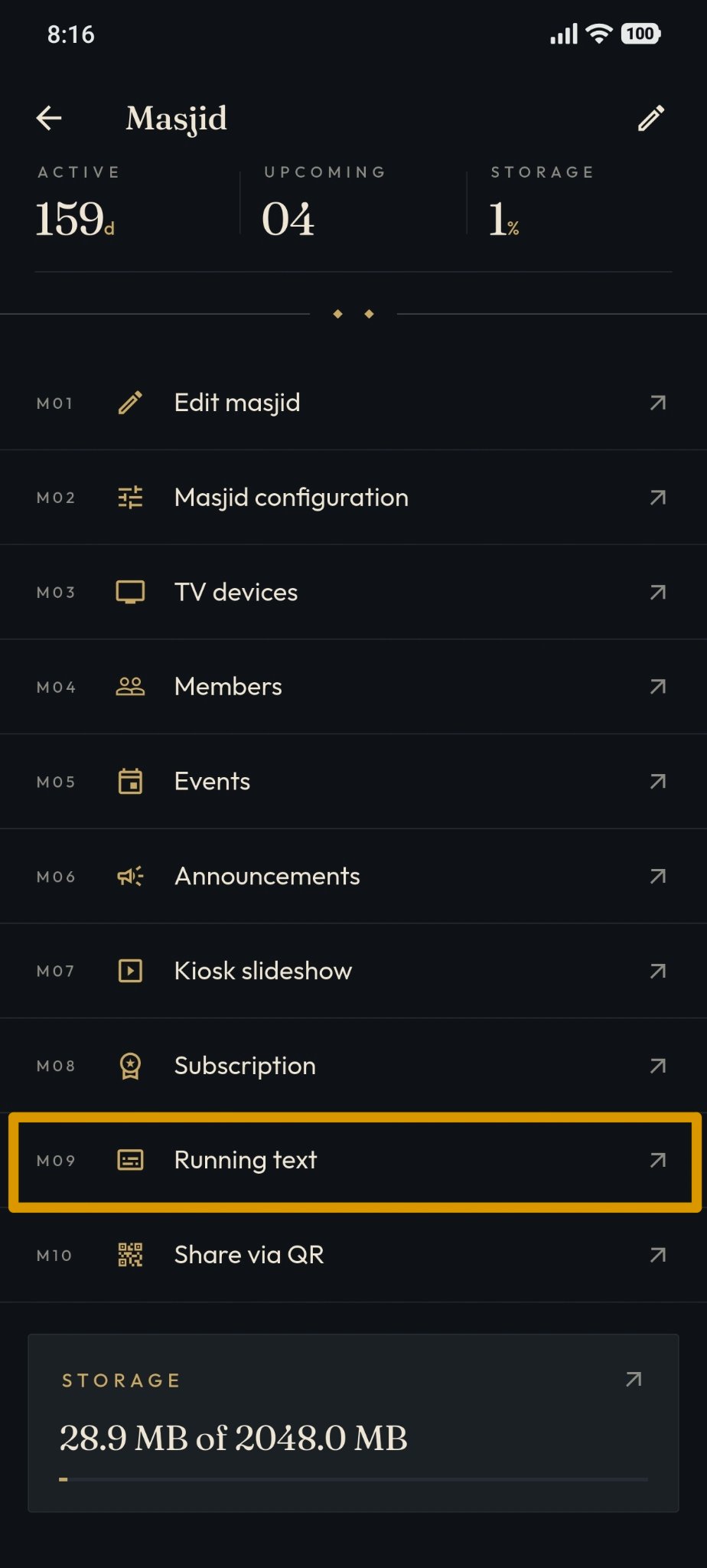
On the managed masjid page, select the Running Text menu.
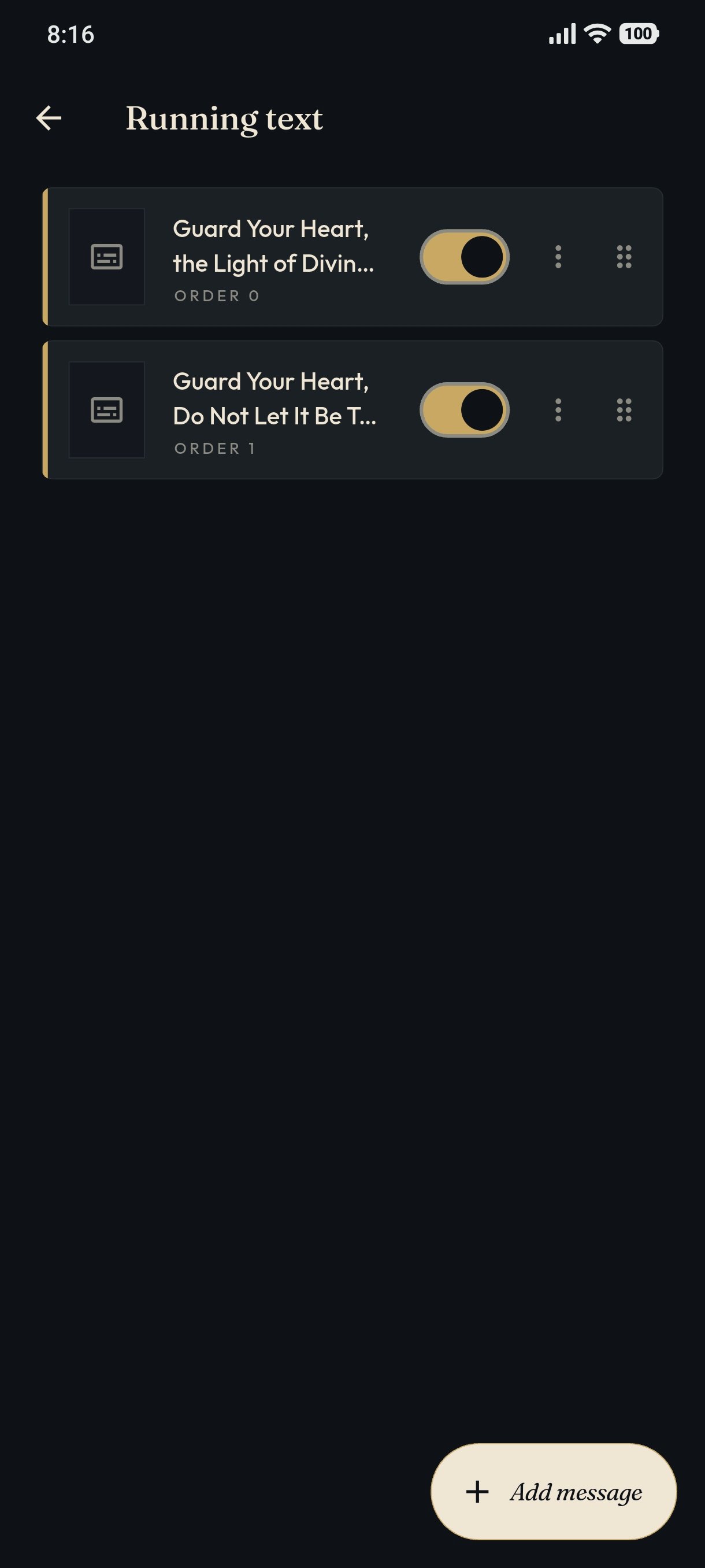
The system will display the Running Text page. If messages exist, the screen will appear as shown in the image below, but if no messages have been created, it will display the message "No messages yet".