Enable or Disable Running Text
The Running Text feature can be accessed by users with the Owner and Admin roles through the masjid management page.
Enabling or Disabling Running Text
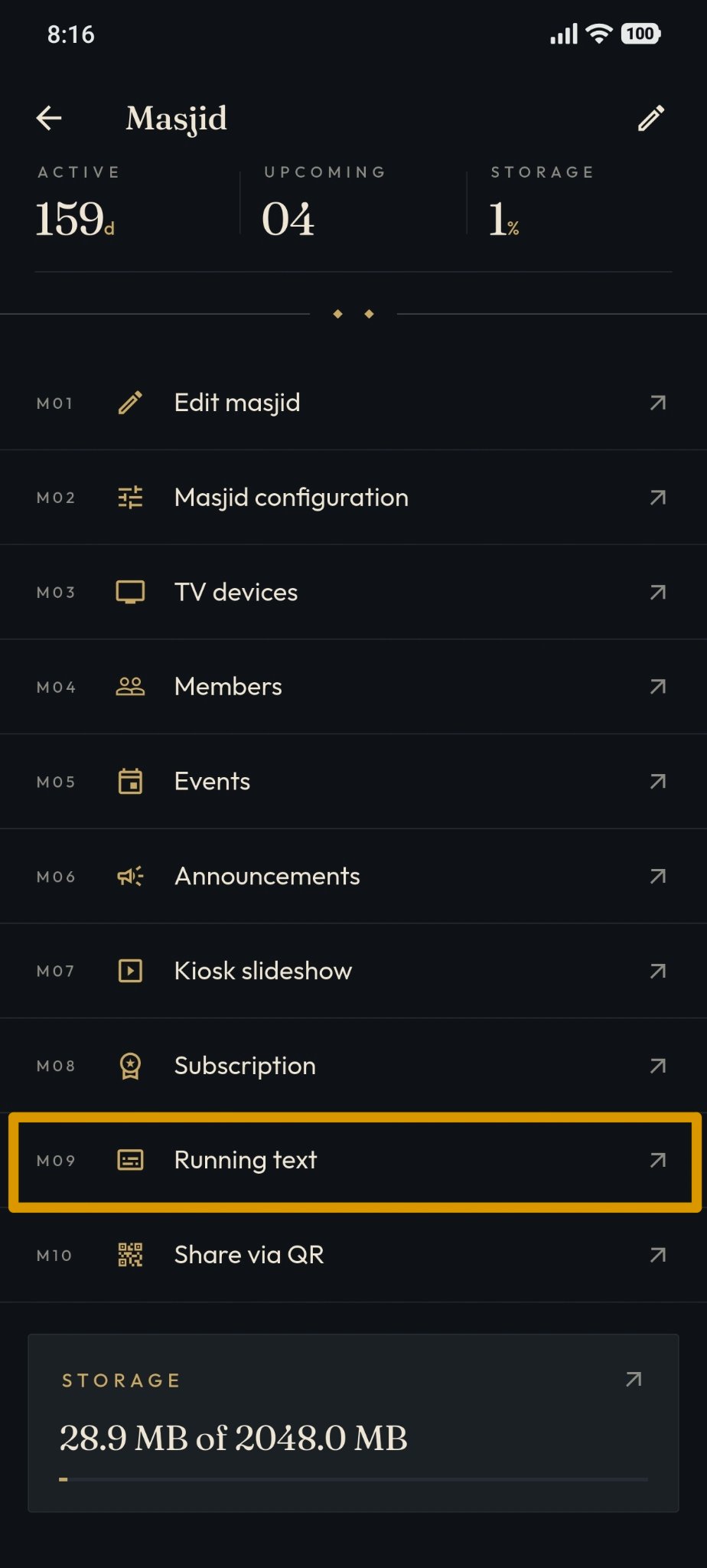
Open the "Running Text" menu.
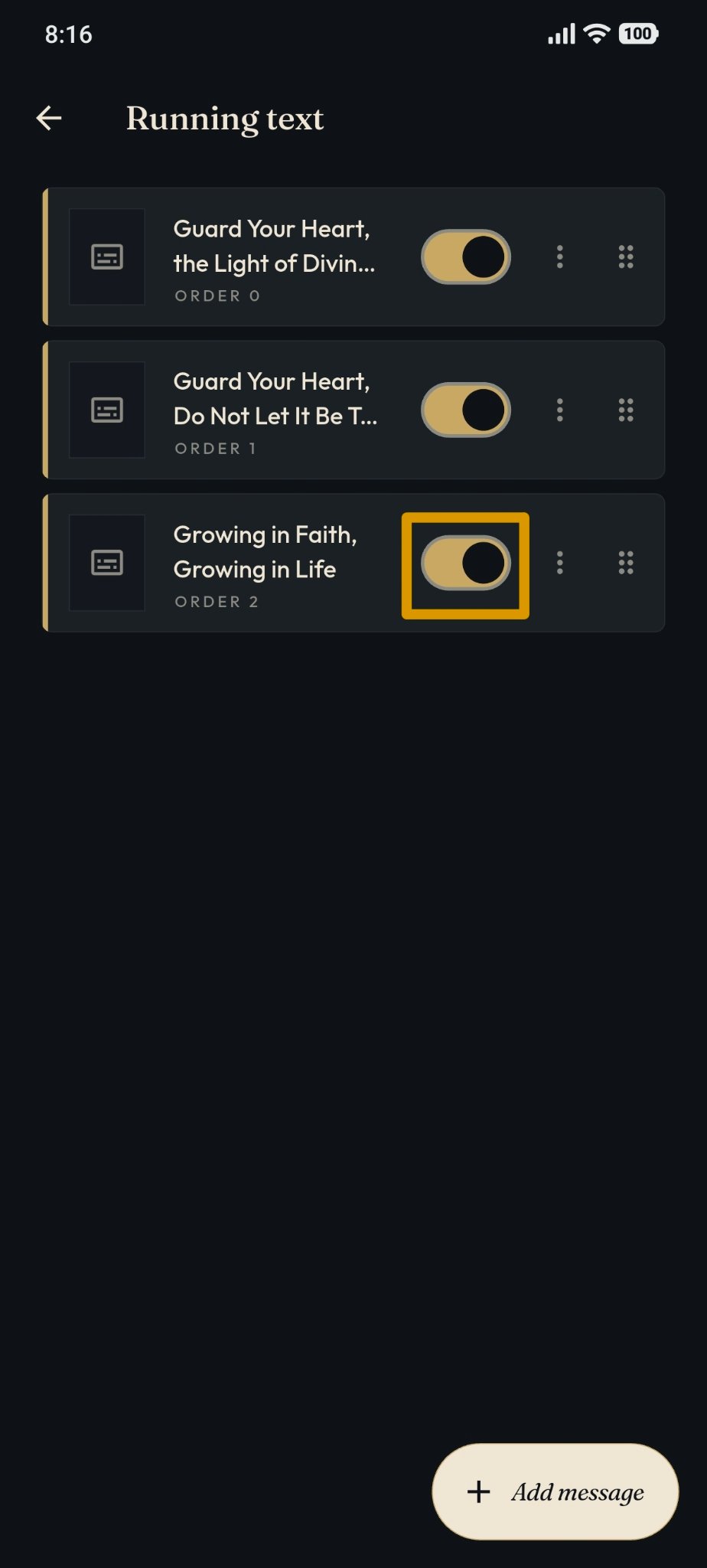
Find the message you wish to adjust. Then use the toggle switch button on the right side of the message.
Toggle the switch to change the message status to active or inactive.
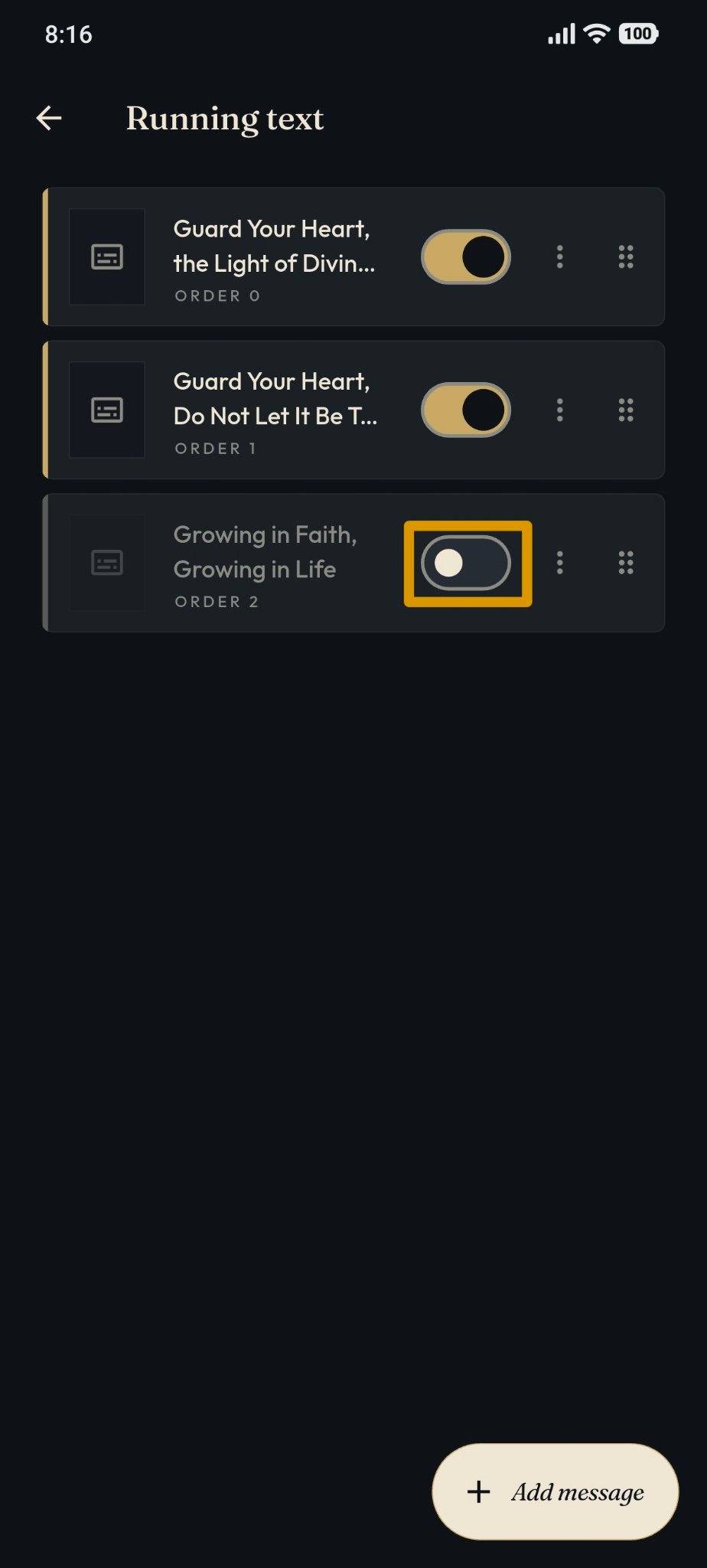
This is the inactive display.
This is the active display.