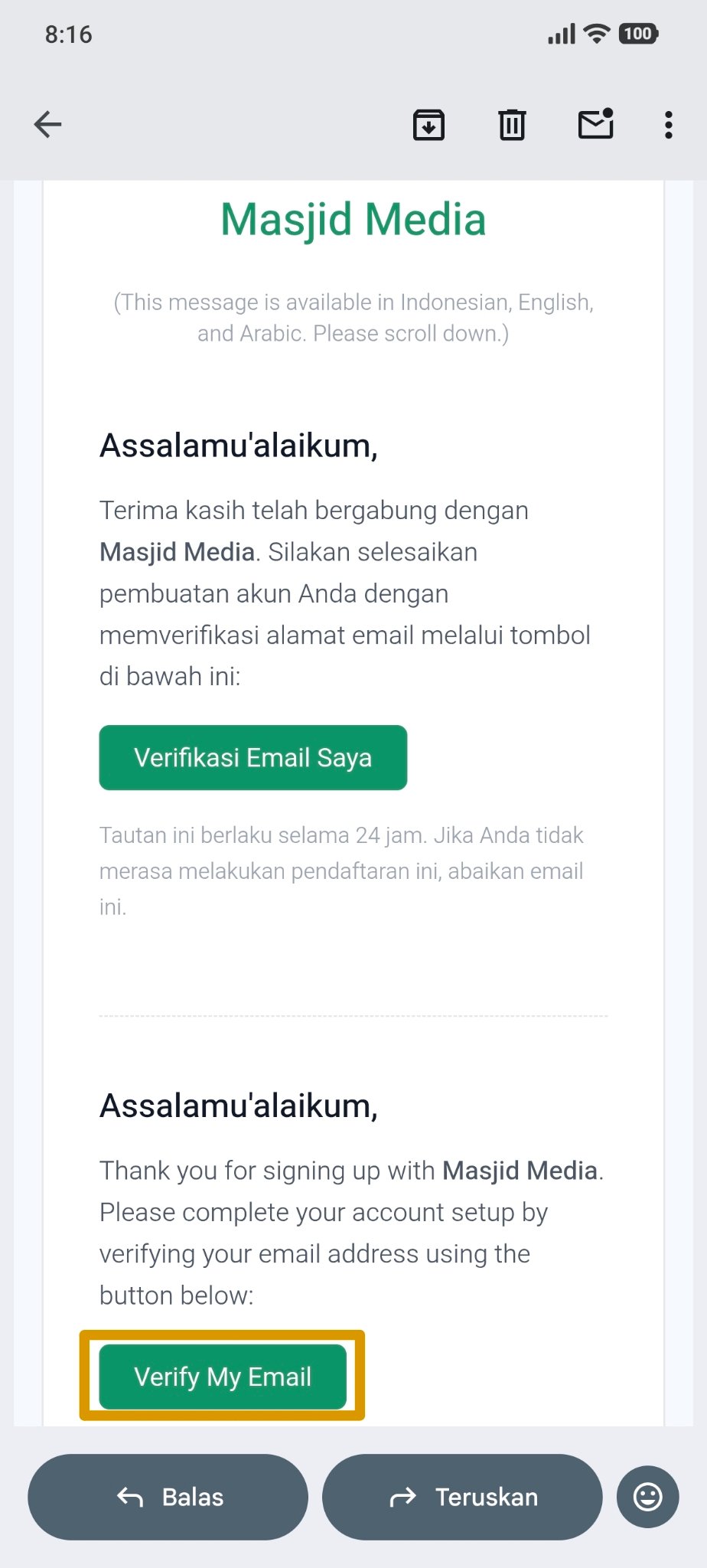
Register With Email
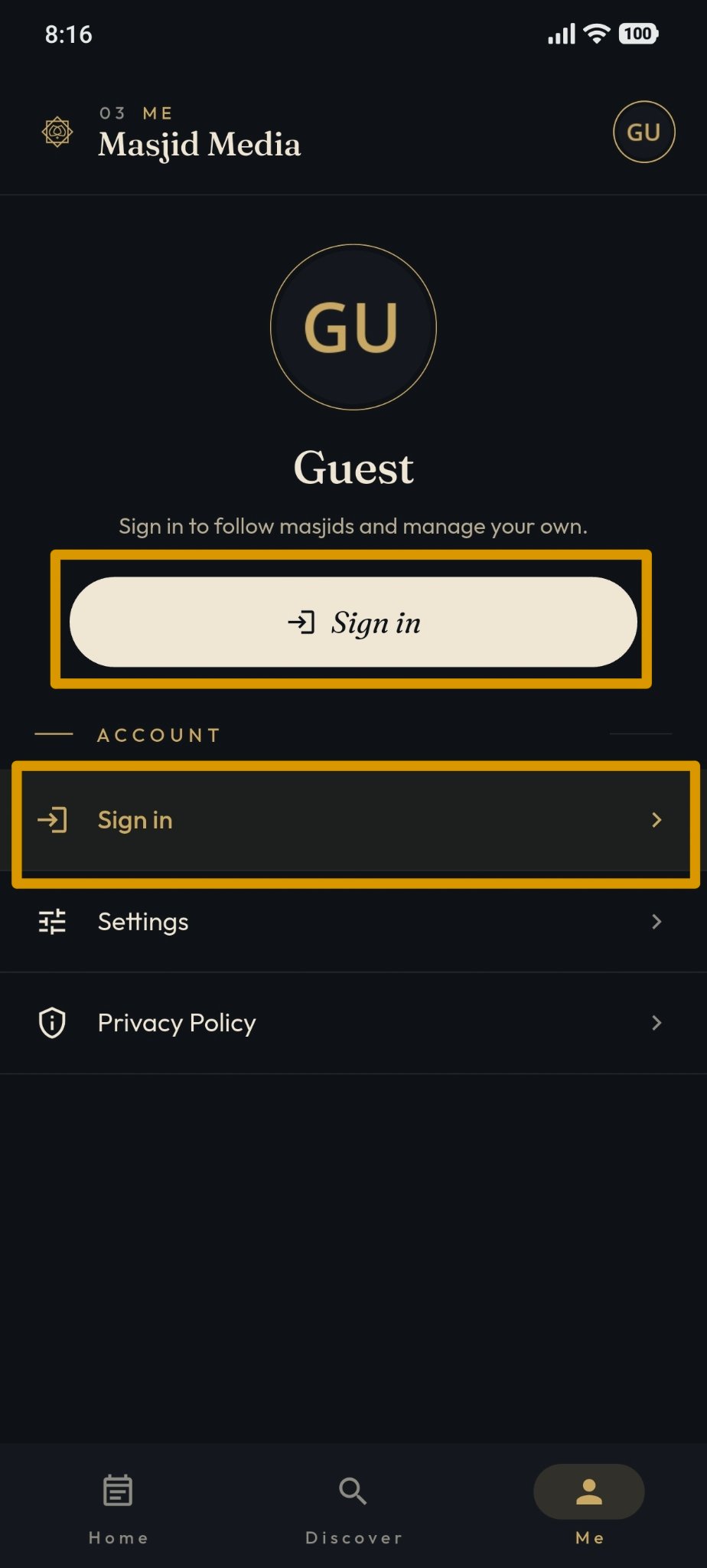
Open the "Masjid Media" app.
On the main page, tap the "Me" menu. Then, tap the "Sign In" button.
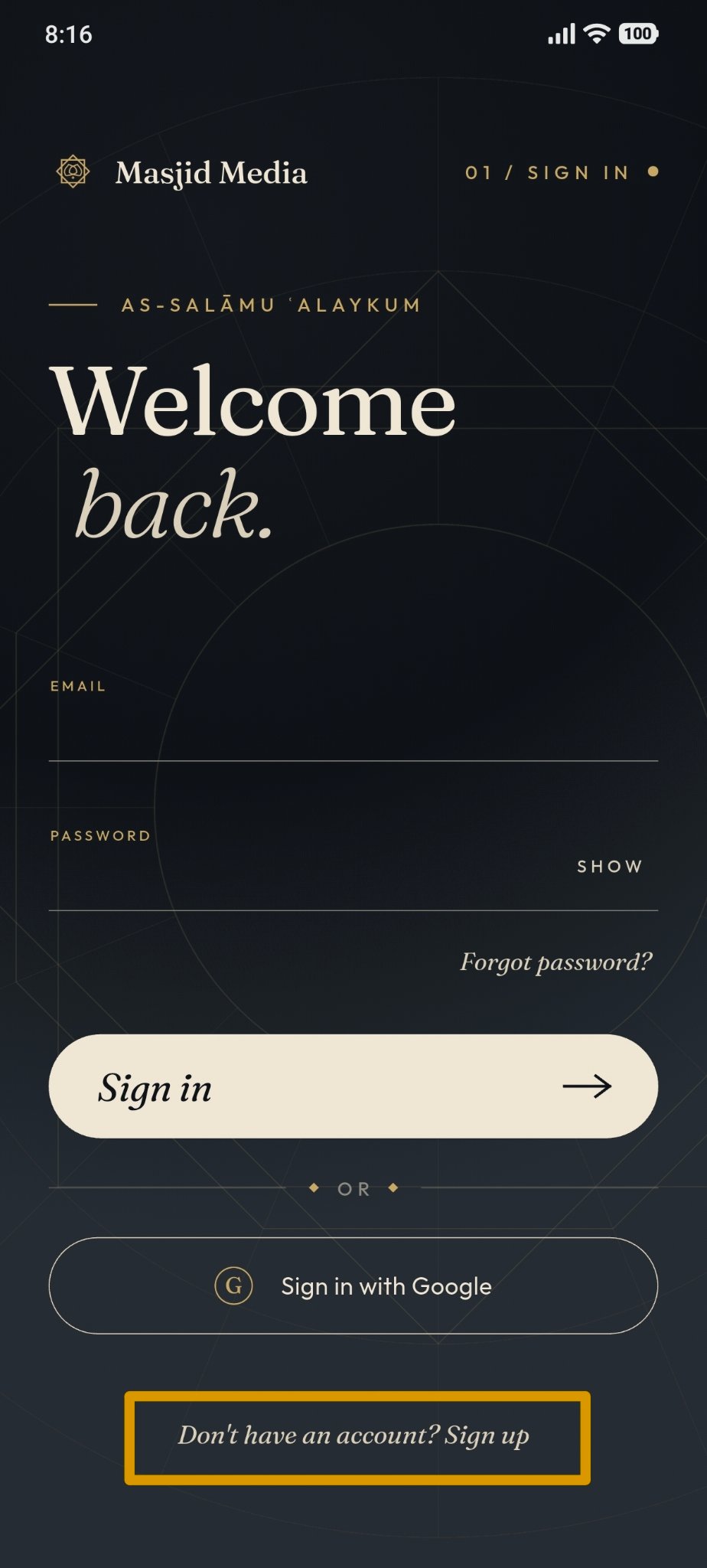
Tap "Don't have an account? Sign up" at the bottom of the screen.
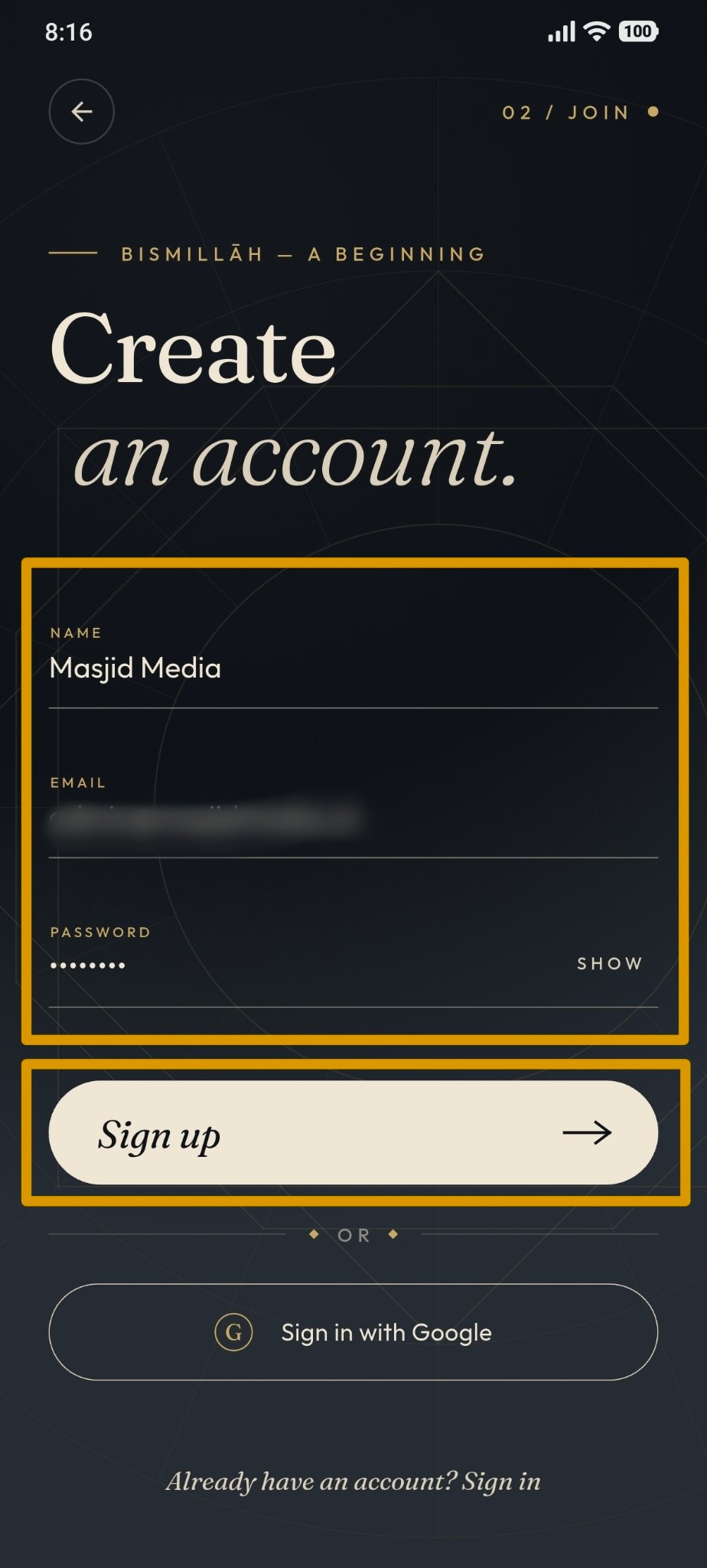
Enter your "Name", "Email", and "Password", then tap the "Sign Up" button.
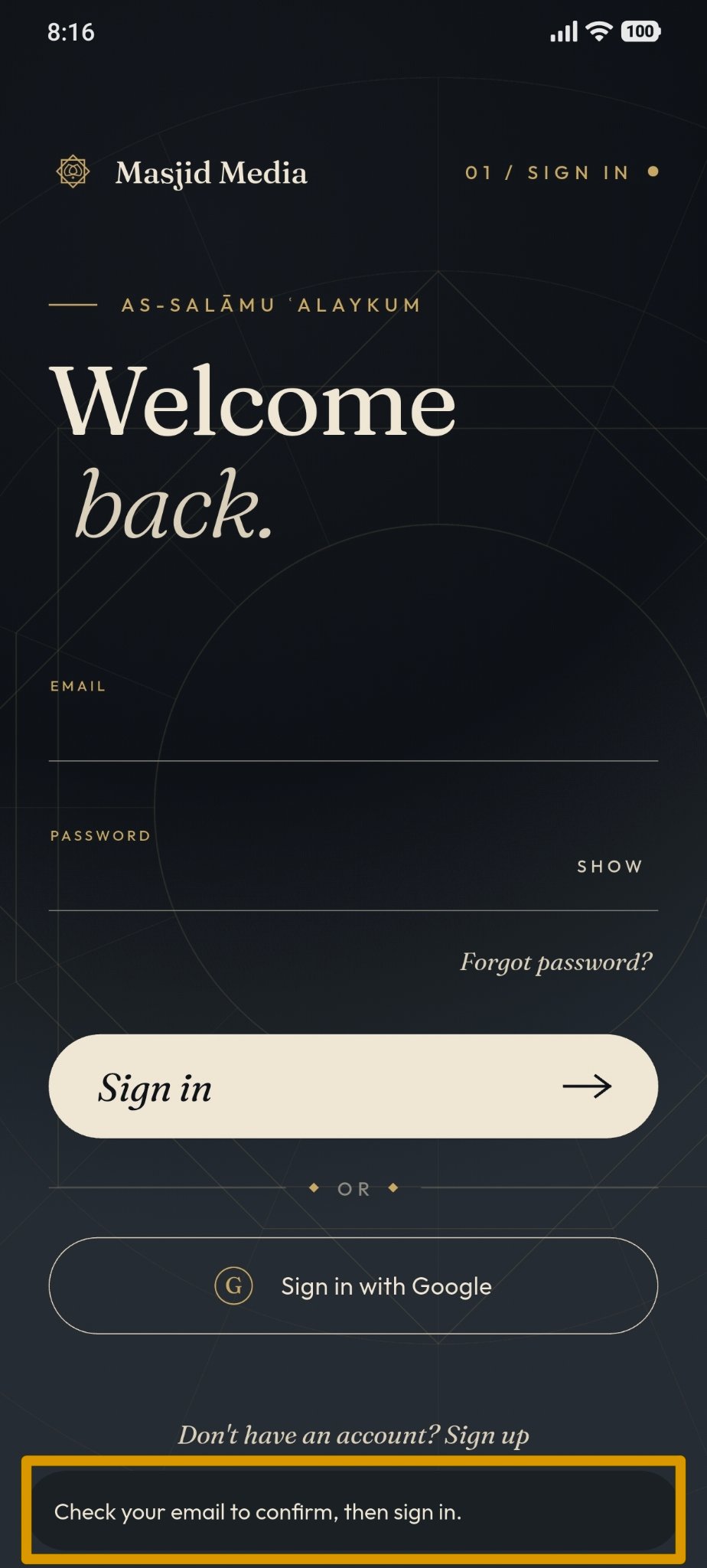
After tapping "Sign Up", a prompt will appear asking you to check your email. Open your "Email" app.
Open the verification email sent from "Masjid Media", then tap the "Verify" button.