Events (Reminder Notifications)
Events can only be accessed if the user follows that specific mosque.
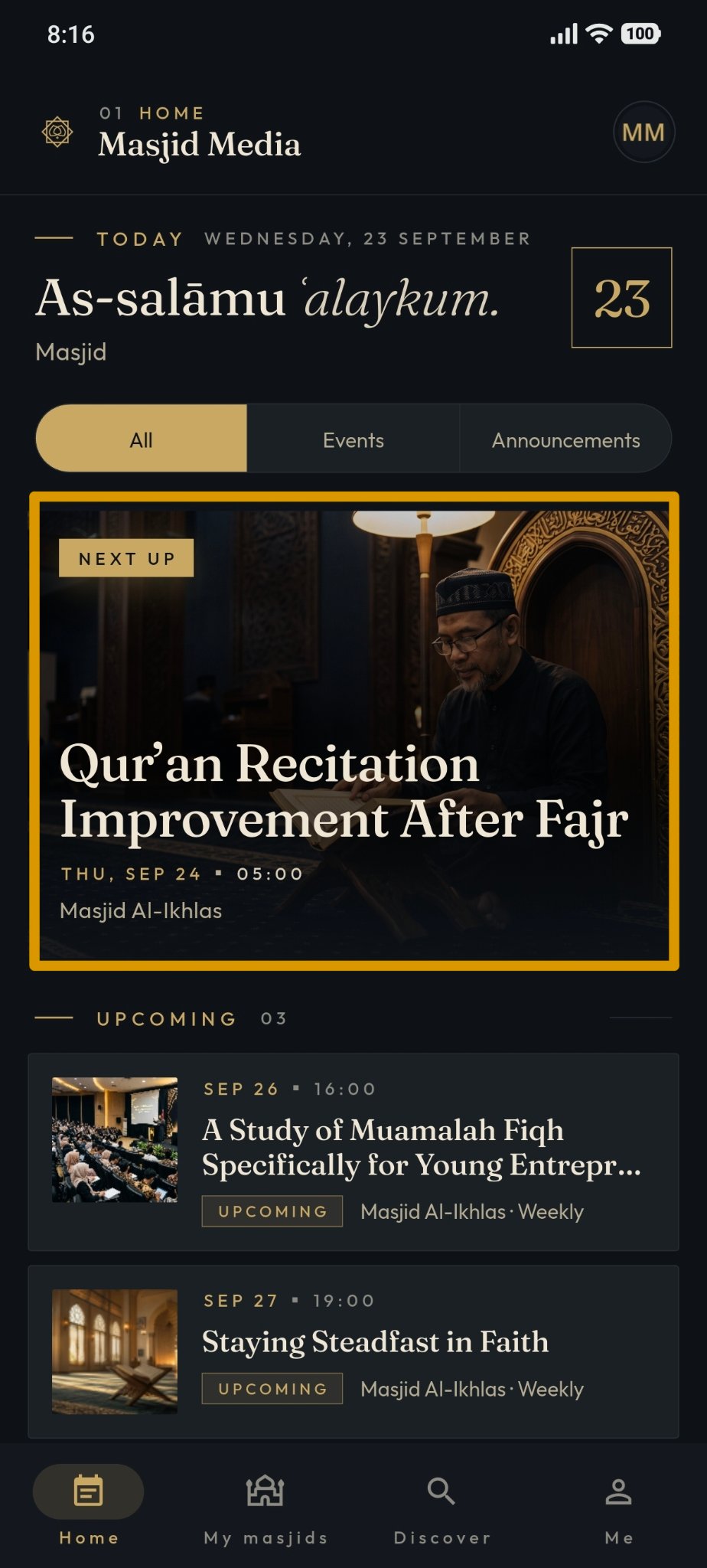
On the "Home" menu, tap "Events". The details of the selected event will appear.
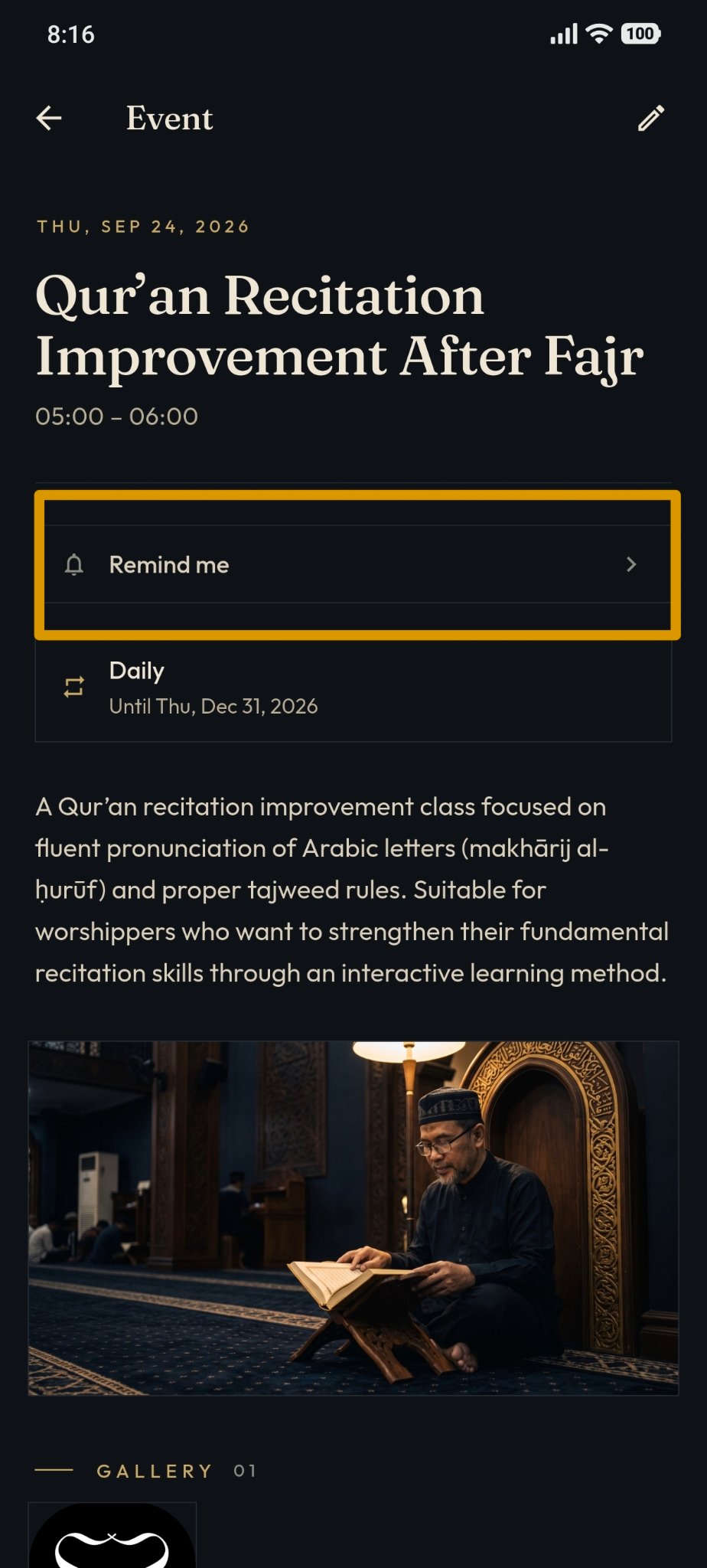
Tap the "Remind Me" button.
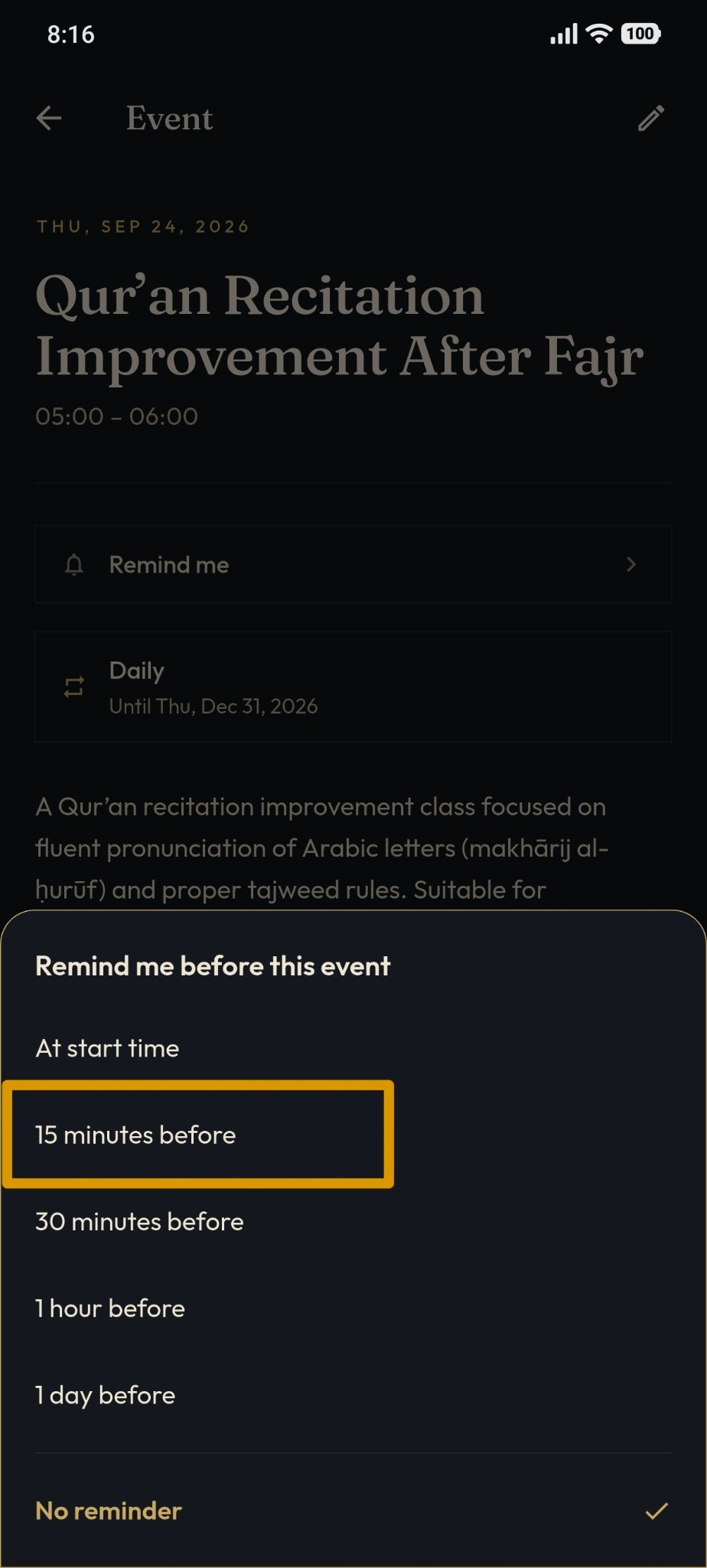
In the "Remind before this event" dialog prompt, select your preferred reminder offset (e.g. "15 minutes before").
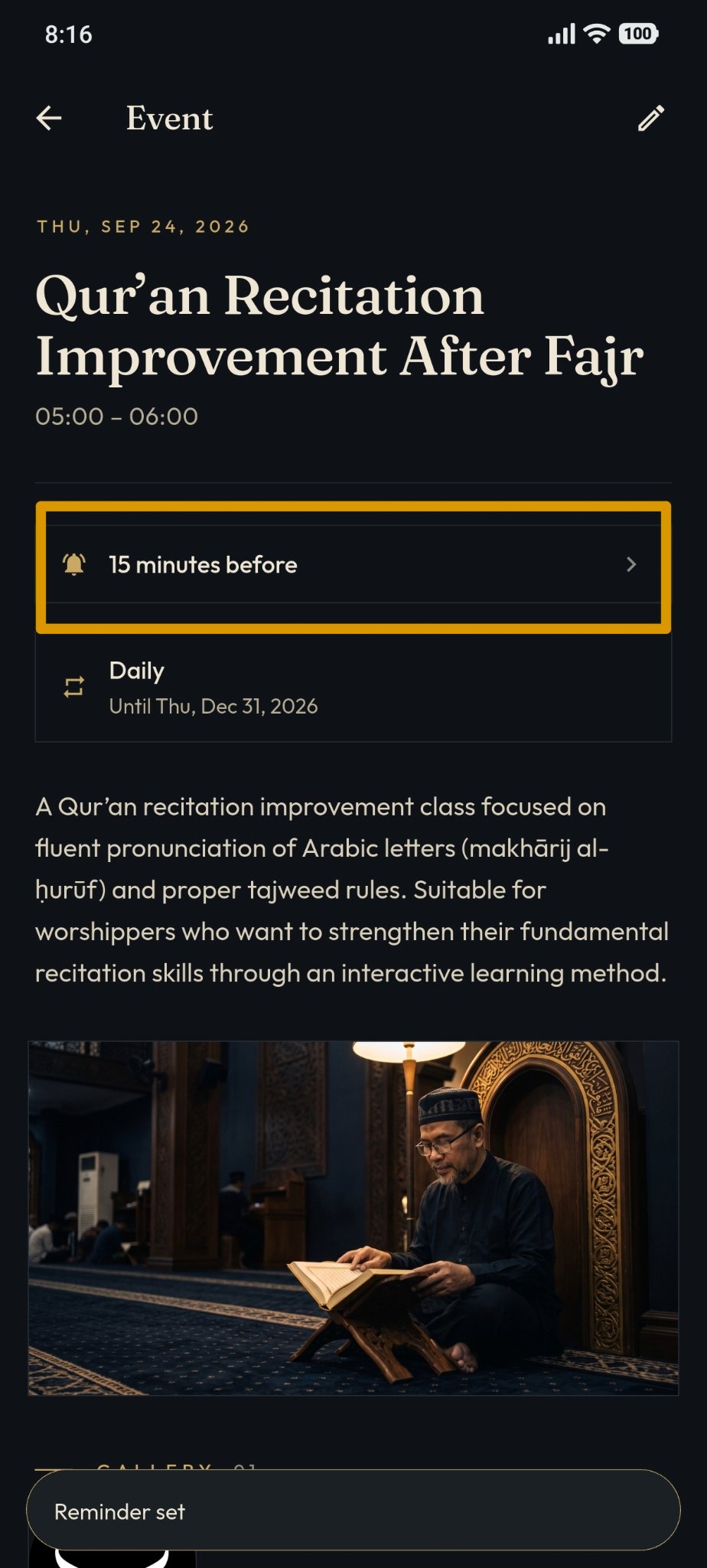
Once selected, the "Remind Me" button will change to "Reminder Set", indicating notification is active.