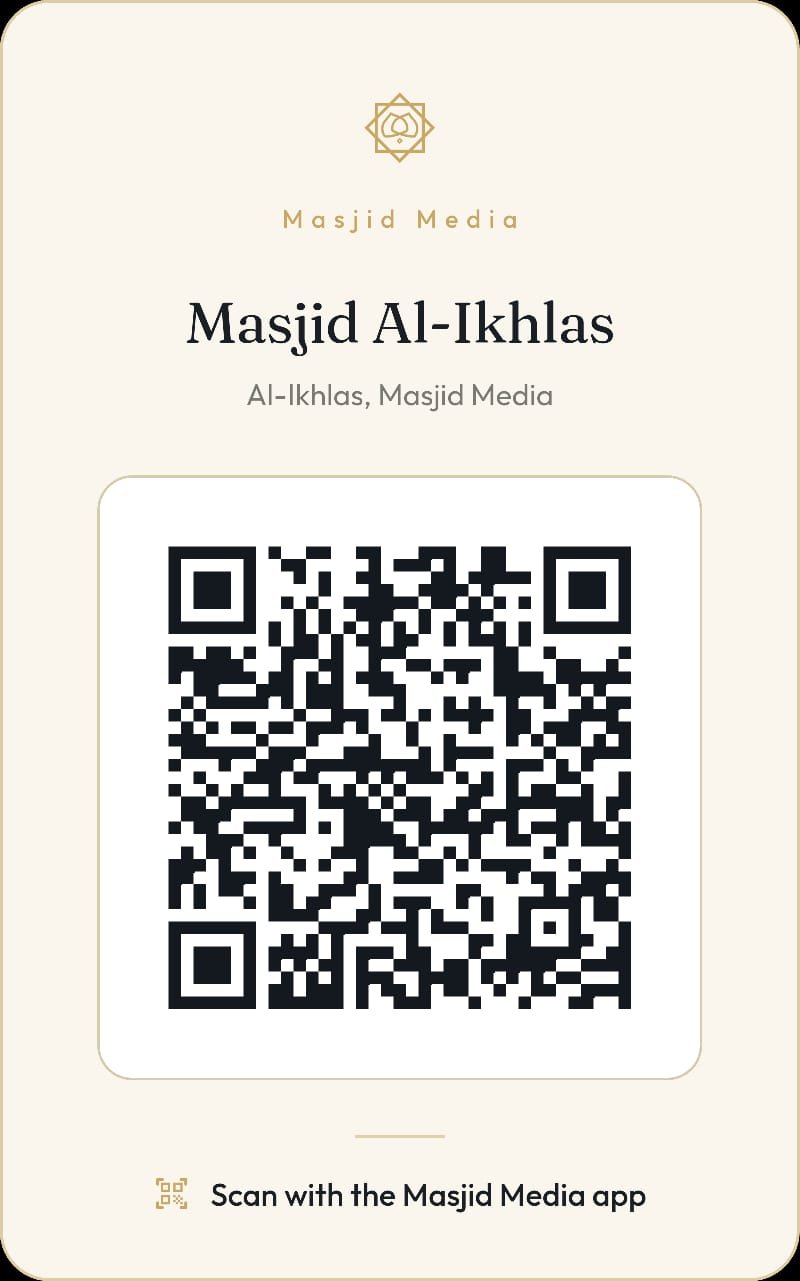
Share via QR Code
Steps to share a masjid QR code in the Masjid Media app are as follows:
To share the masjid QR code, open the "My Masjids" menu. The layout of the menu can be seen in the image below.
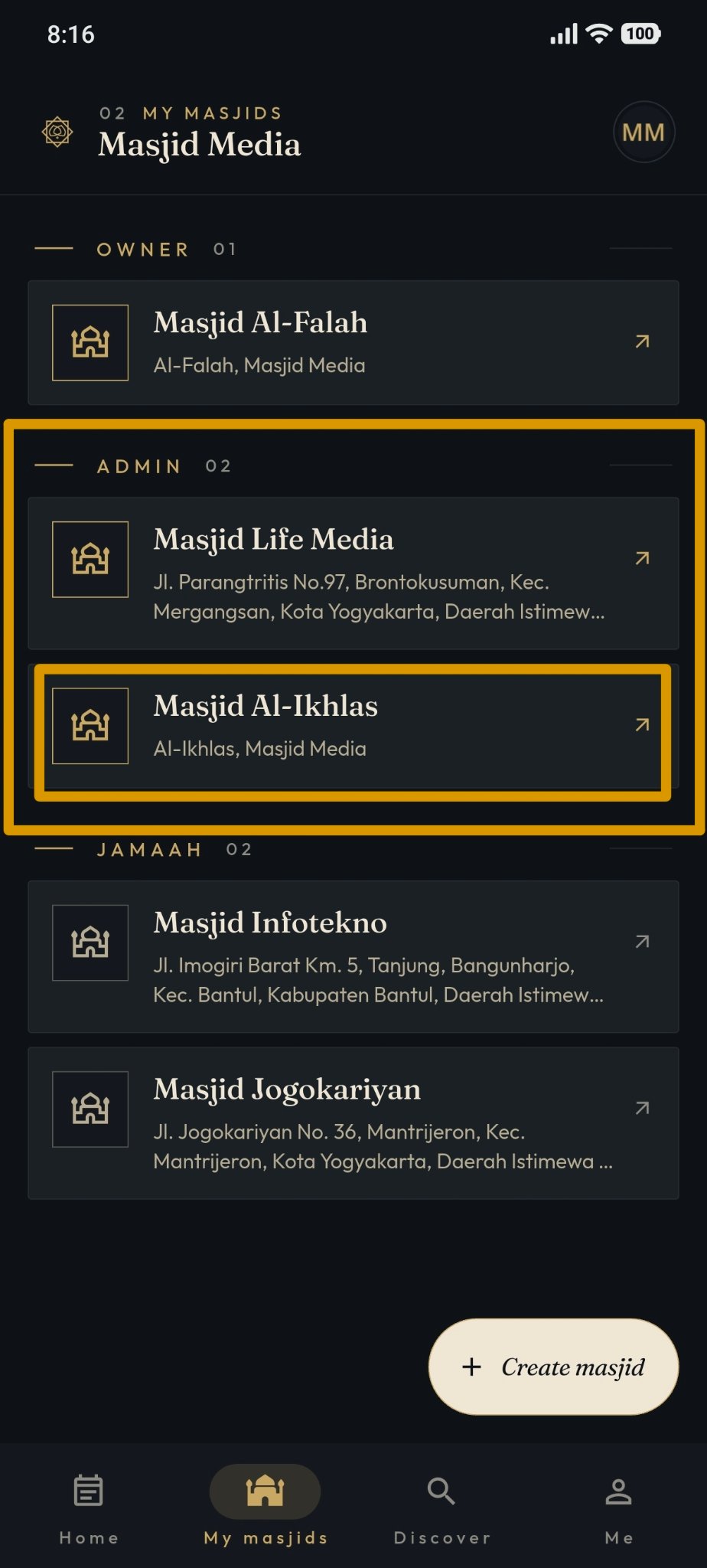
Afterwards, select the "Masjid Owner" section provided. If you do not have a masjid yet, you can create one by following the steps in the following guide: Create Masjid
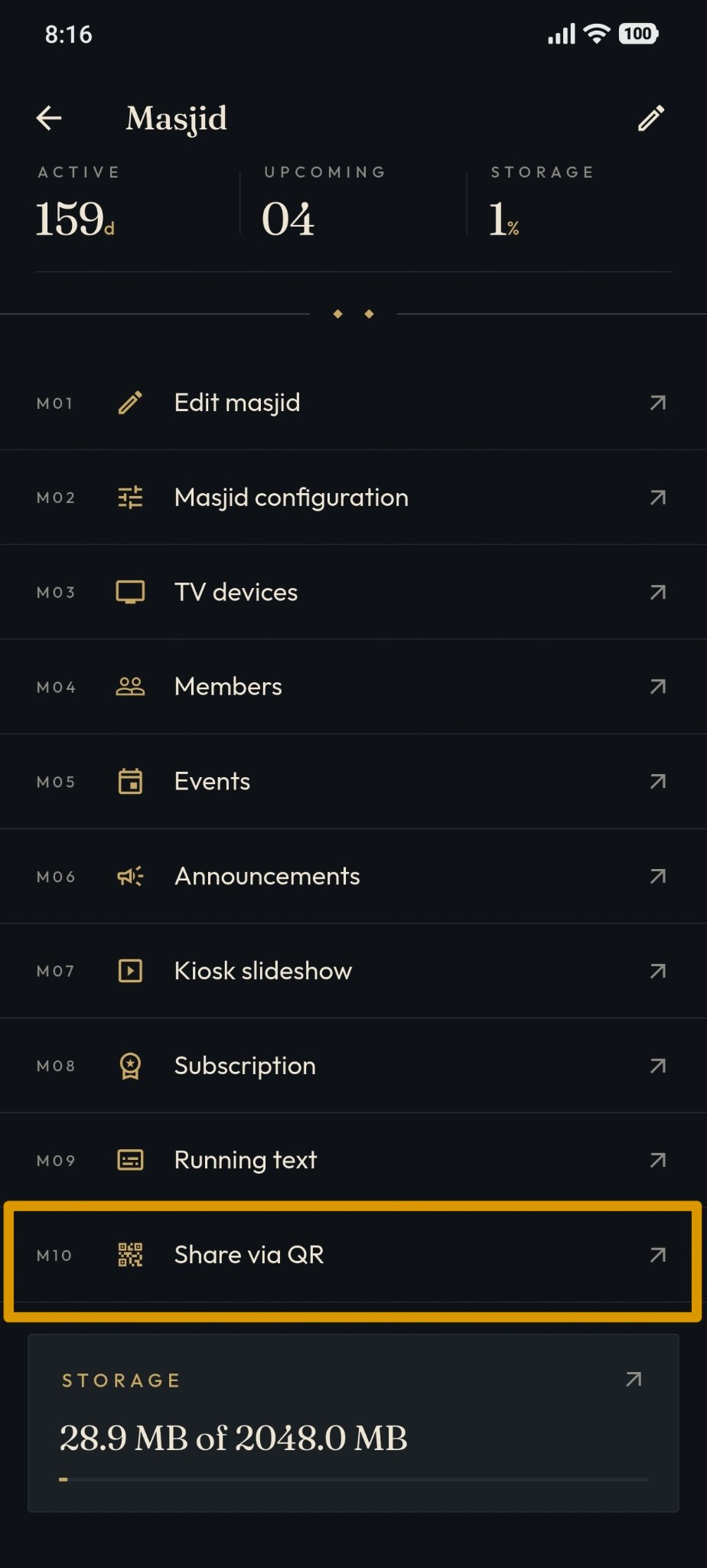
Select the masjid whose QR code you wish to share. Then, scroll down until you locate the "Share via QR" feature.
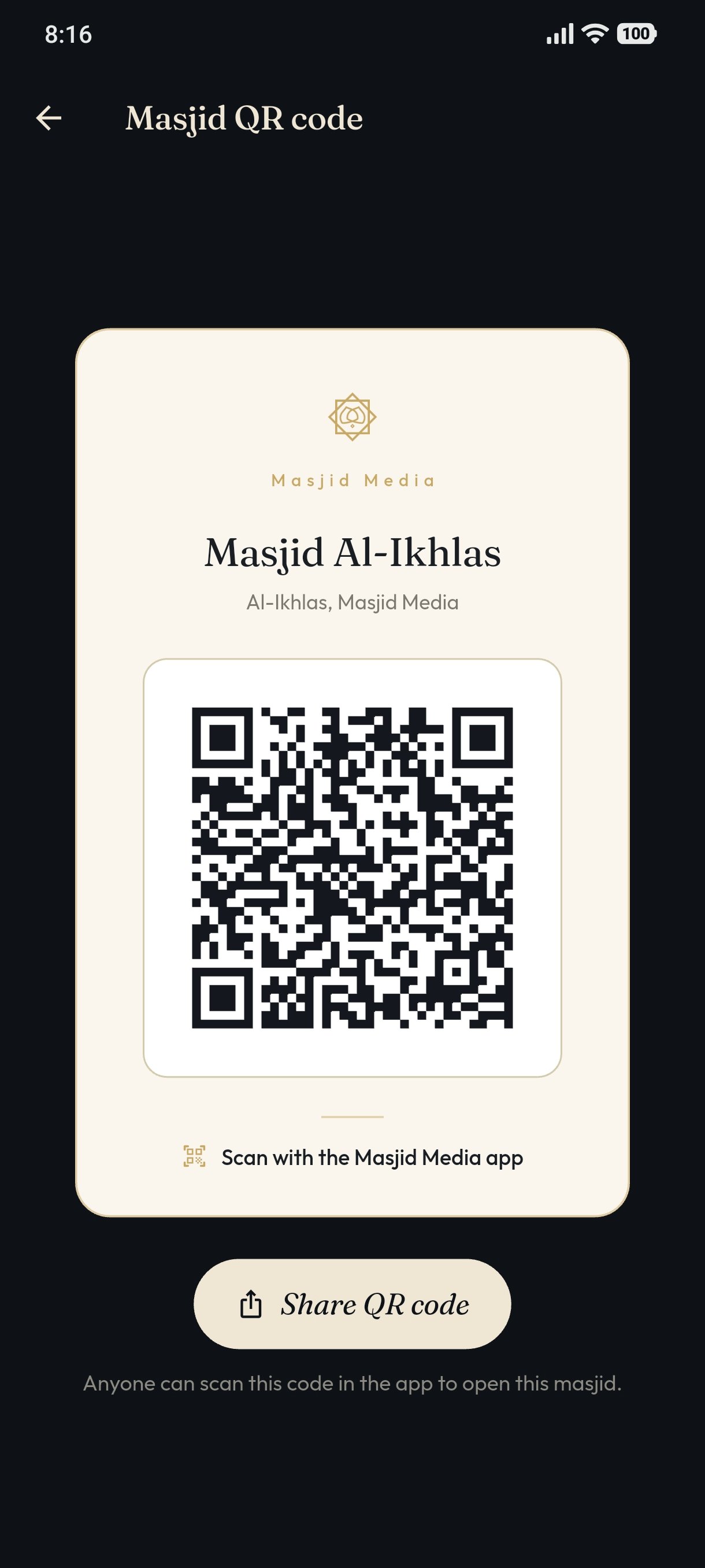
After selecting "Share via QR", the masjid QR code to be shared will be displayed.
The result of the "Share QR Code" feature can be seen in the following image.