
24-Hour Time Format
Steps to toggle 24-hour time format:
- Press "OK" on the remote, then scroll to "24-Hour Format". Toggle to enable or disable.
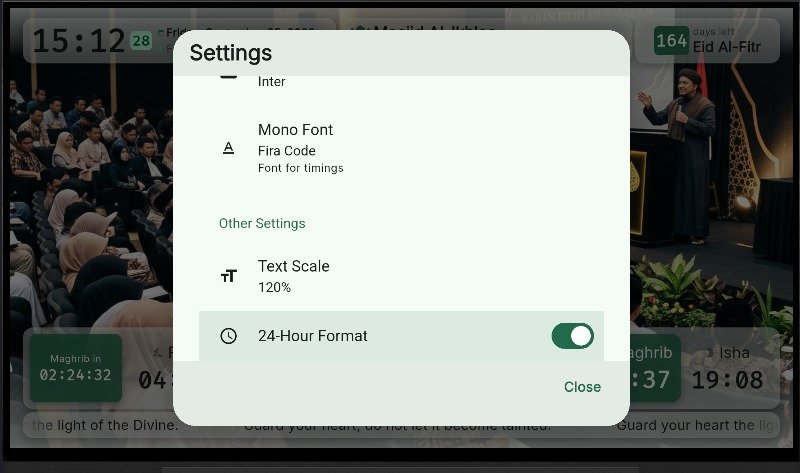
- Disabling "24-Hour Format" switches clock display to 12-hour format with AM/PM indicators.
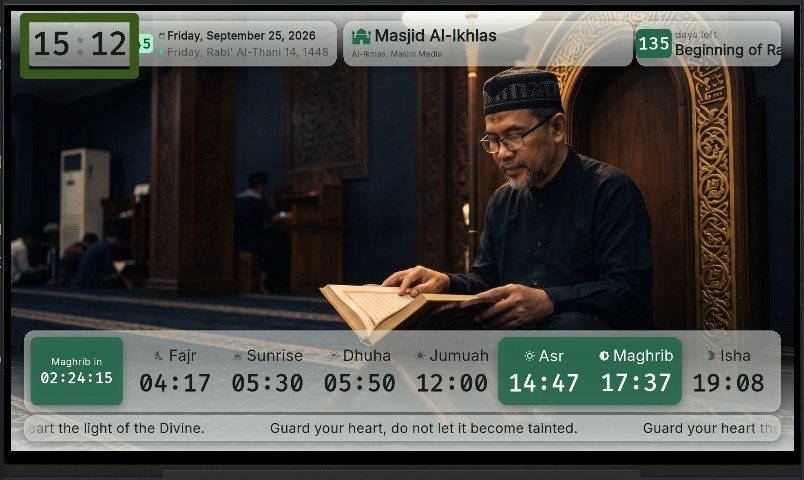
- Previous layout state: Text Scale.