
Template
Steps to change the UI Custom Template in Masjid Media TV:
- Press the "OK" button on the TV remote, then select "Template" under "Settings".
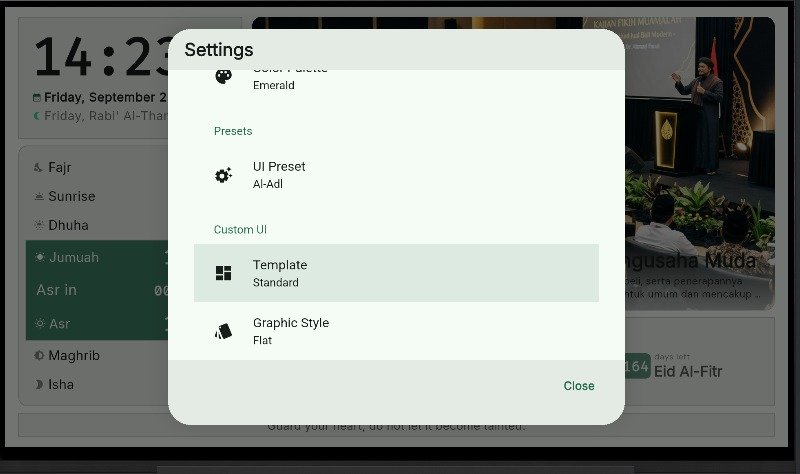
- Several Template options are available: Basic, Modern, and Standard.
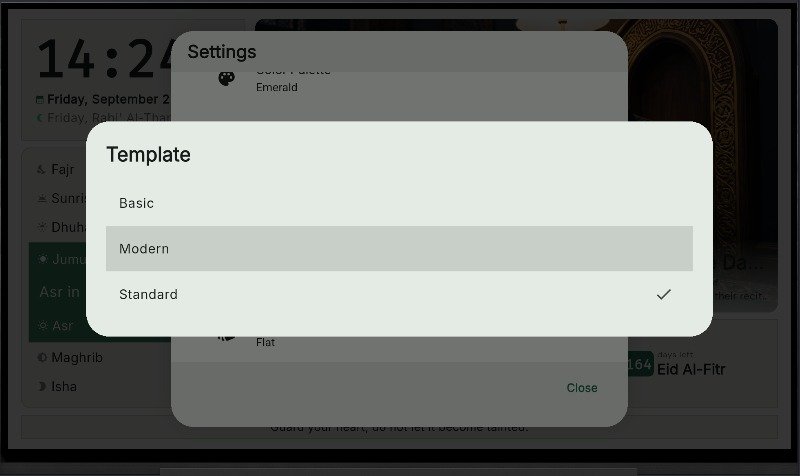
- If you choose the "Modern" template, the interface will update as shown below.
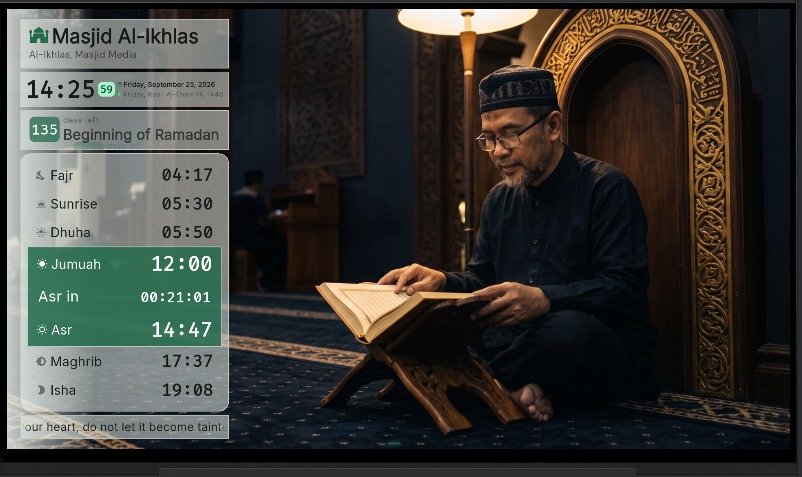
- The previous display state can be referenced at the end of UI Preset.