
Text Scale
Steps to adjust the text scaling size in Masjid Media TV:
- Press "OK" on the TV remote, then scroll down to "Text Size".
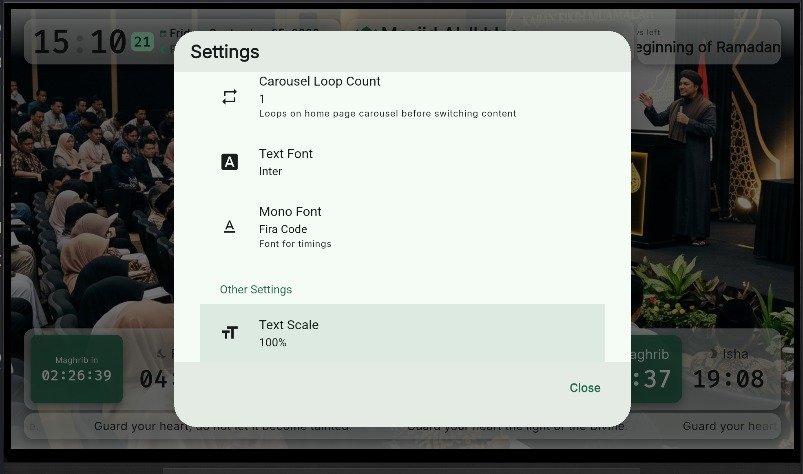
- Select text scale. Use values under 100% to shrink text, or above 100% to enlarge text.
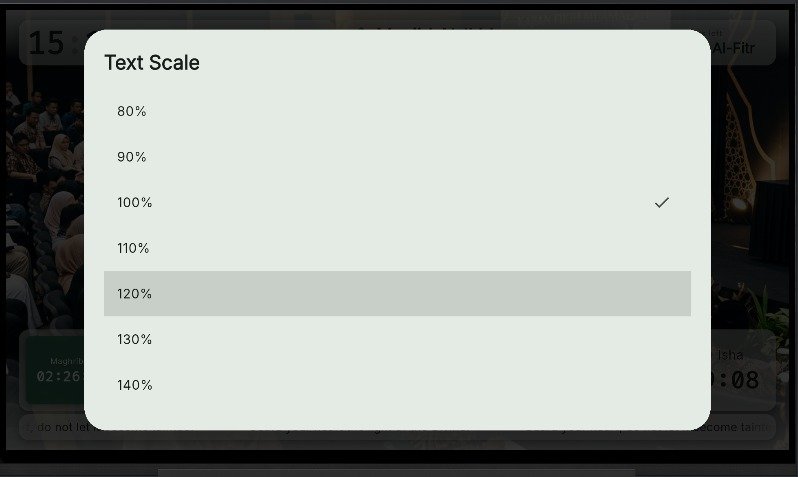
- Selecting 120% scales up elements across the screen.
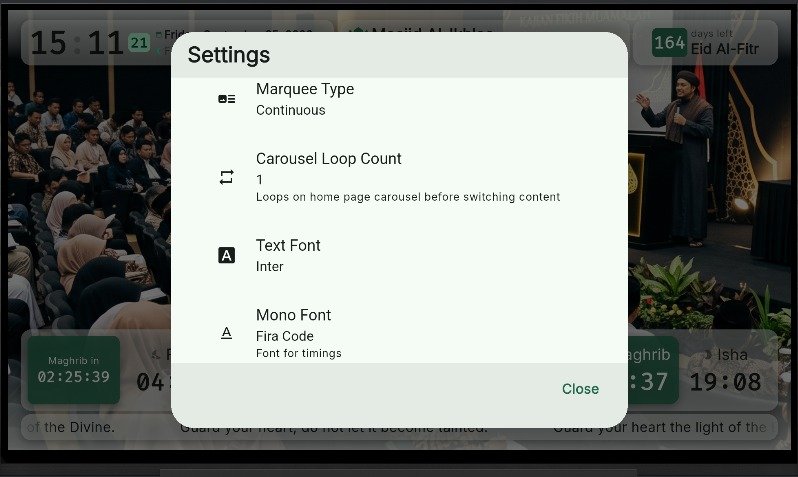
- Previous layout state: Mono Font.