
Marquee Type
Steps to change the running text marquee type:
- Press "OK" on the TV remote, then select "Marquee Type".
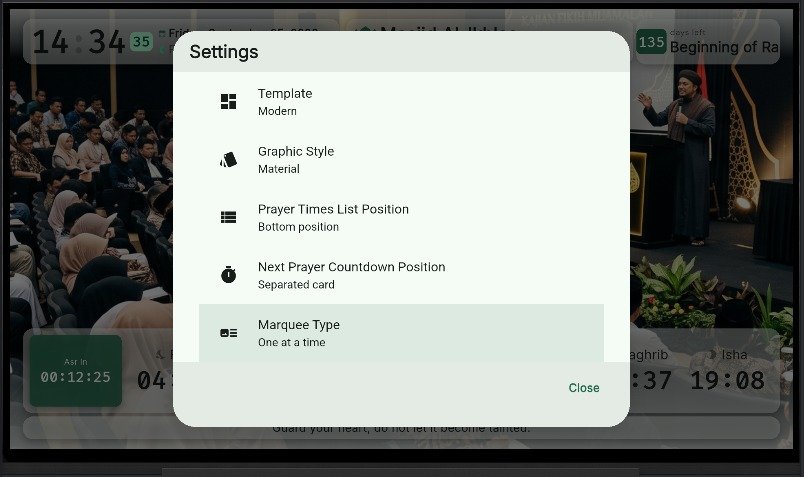
- Options available: "One by One" and "Continuous".
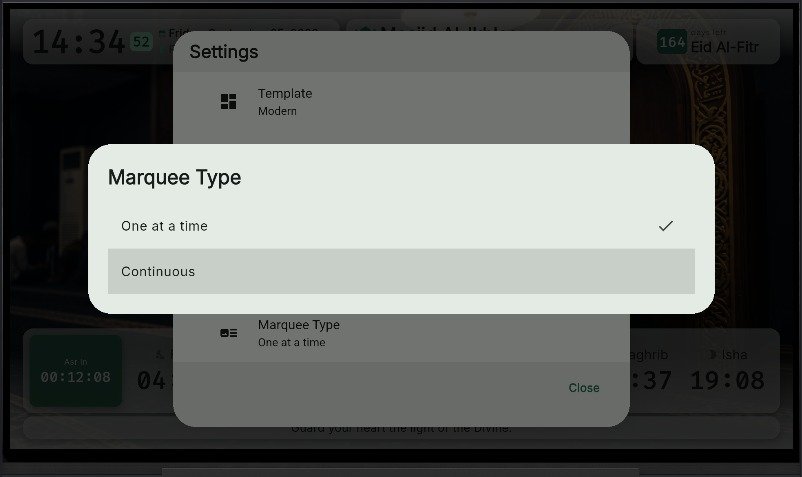
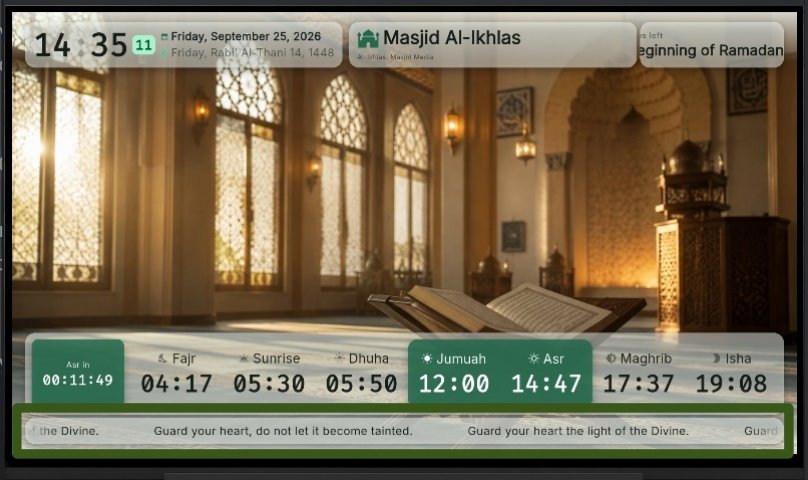
- Selecting "Continuous" scrolls the running text smoothly to the left.
- Previous layout state: Next Prayer Countdown Position.