
Graphic Style
Steps to change the graphic style in Masjid Media TV:
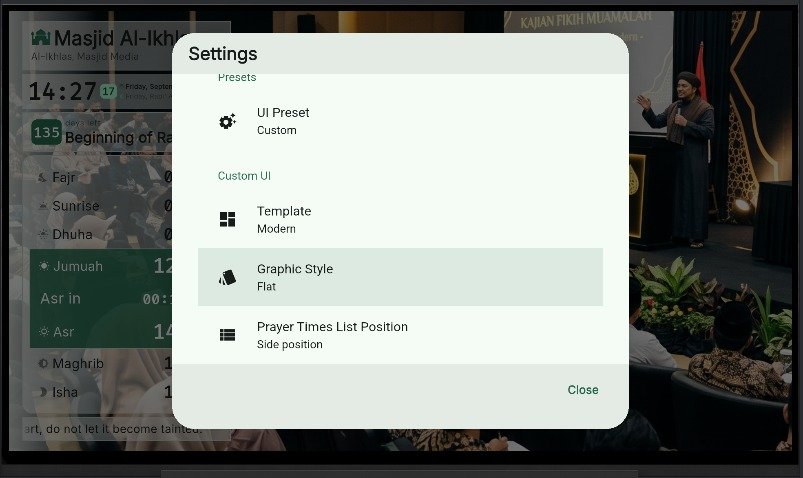
- Press "OK" on the TV remote, then select "Graphic Style" under "Settings".
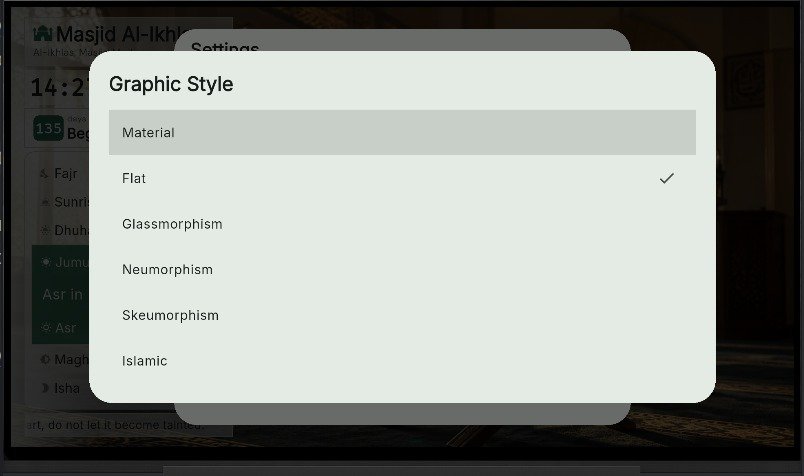
- Graphic style options include: Material, Flat, Glassmorphism, Neumorphism, Skeuomorphism, and Islamic.
- Selecting "Material" will adjust element borders and shadows as indicated by green highlight lines.
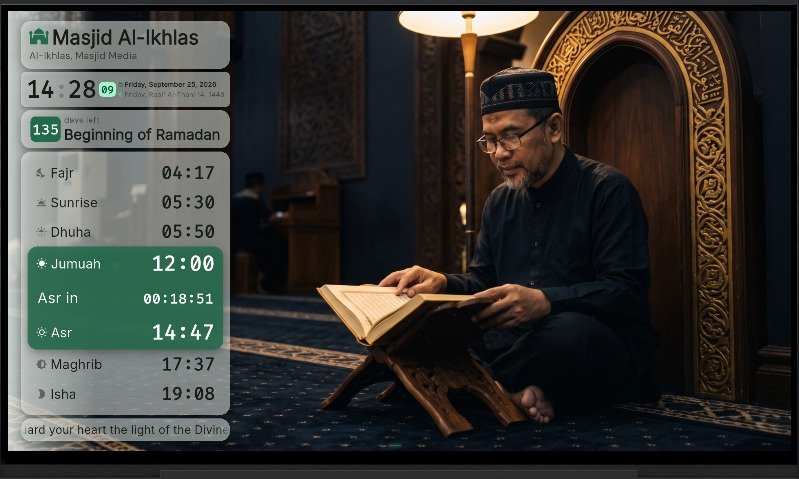
- The previous state can be referenced in Template.