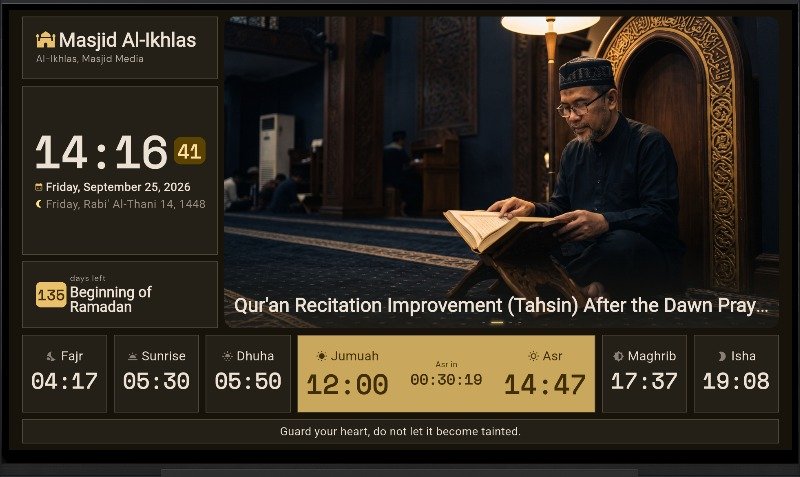
Theme Mode
Steps to change the theme mode:
- Press the "OK" button on the TV remote to open the settings menu as shown below.
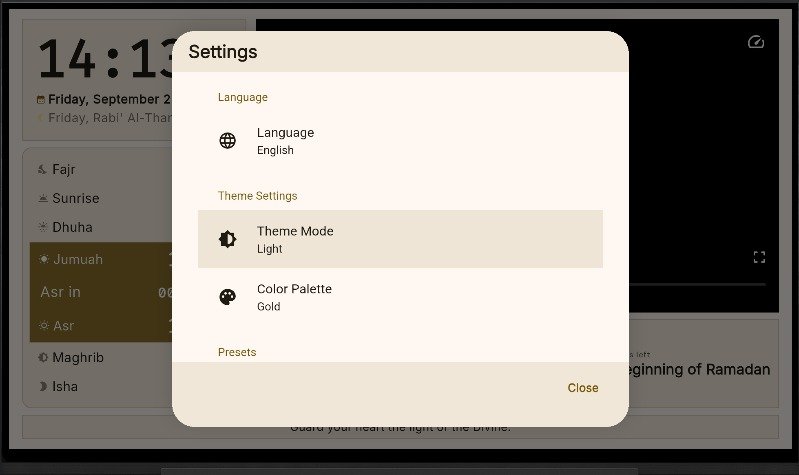
In the "Settings" menu, select "Theme Mode".
"Theme Mode" offers three options: System (default), Light, and Dark.
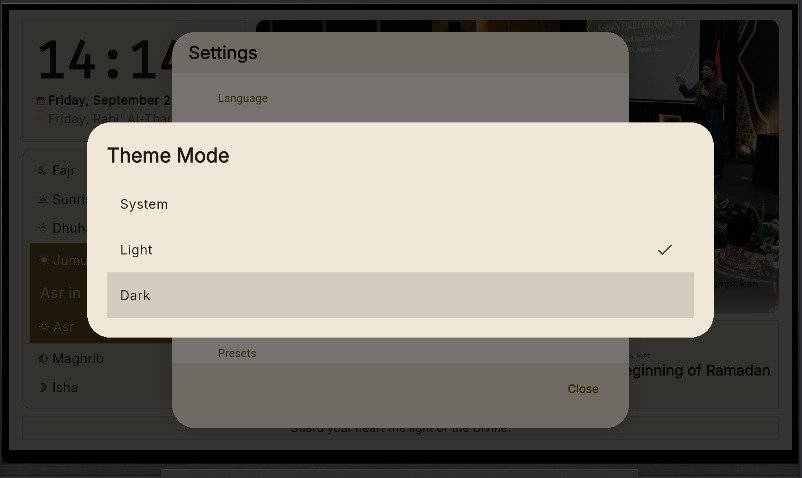
- If you select "Dark" theme mode, the app display will appear as shown below.