
Language
Steps to change the language setting:
- Press the "OK" button on the TV remote to open the settings menu as shown below.
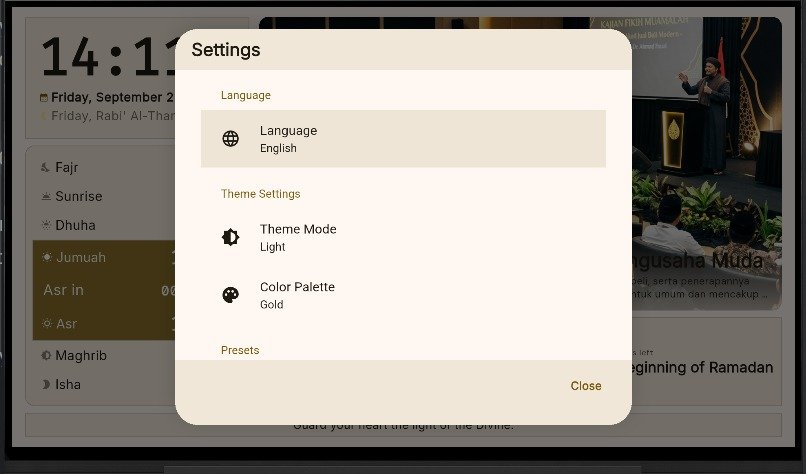
- Select "Language". Three language options will be displayed: Indonesian, English, and العربية (Arabic).
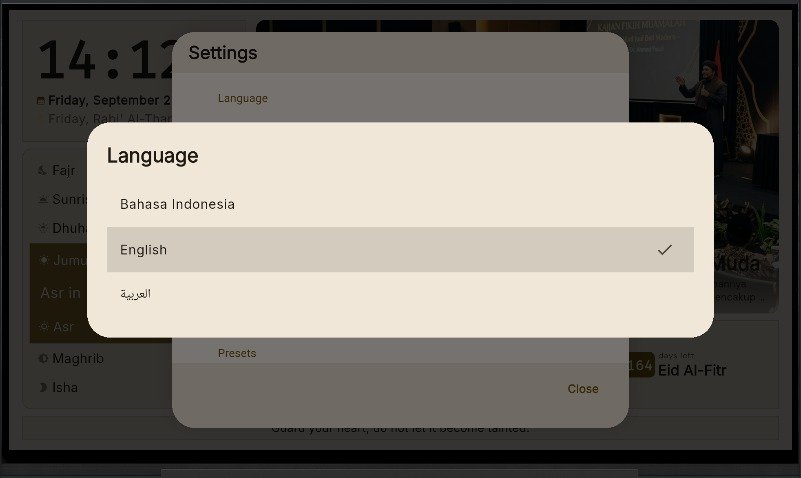
- If you select "English", all app text will be rendered in English.
- The previous state can be seen in step 1 above.